
Charging speed & compatibility: buyer questions
Slow charging, wrong wattage, devices not detected and cable or protocol mismatches.
-

 Why does a charger stop charging after 30 minutes?
Most often it is a protection feature: the charger or phone gets hot and cuts power until it cools.
-
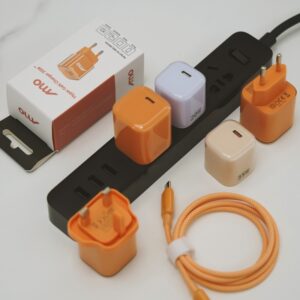 Why does a tablet say ‘charging’ but the battery percentage falls?
The power coming in is less than the power the tablet is using.
-
Why does a charger work in the office but not in a vehicle inverter or hotel socket?
The power source is different.
-
How can I make my phone charge faster?
Use a charger and cable that match your phone's fastest supported charging, plug into a wall socket and not a computer, turn the screen off or use airplane mode, keep the phone cool and take off a thick case.
-
Why does my phone only charge when the cable is held at an angle?
Usually the cable, the phone's port or the plug is worn, loose or full of lint.
-
Why do two phones charge at different speeds on the same two-port charger?
Each phone asks for the power it can use, and phones differ in the maximum power and the fast-charging method they support.
-
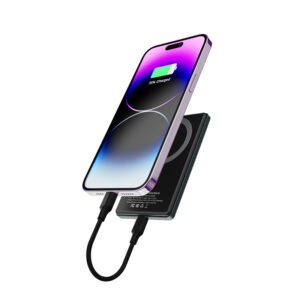 Why does a power bank not charge a phone when it is itself charging?
Not necessarily.
-
Why does a docking station reboot when the charger is plugged in?
A reboot at the moment of plugging in usually means the power supply is not able to carry the load, or the dock and charger renegotiate power and briefly drop the connection.
-
Why does a phone fast-charge on one cable and crawl on another with the same charger?
The cable carries the current, and cables differ in how much they can carry.
-
Why does a smartwatch charge on one USB port but not another?
USB ports differ in how much power they supply and how they behave.
-
Why does a phone’s charging time double when the charger is a different wattage than the box one?
The phone and the charger agree on a charging speed, and not every charger offers the same options.
-
Why does a handheld gaming PC drain while plugged into a 65W charger?
Not necessarily.
-
How can I tell whether my charger is actually fast charging?
Check three things: what the phone shows, how quickly the battery level rises and, if you want a precise answer, what a USB power meter reads.
-
Why does a laptop charge slowly even though the charger is rated higher than its brick?
The laptop decides how much power it accepts, and the charger only offers a maximum.
-
Why does a charger’s connector end run warm at 100W while the body stays cool?
Warm connector ends are common at high power.
-
Why is my phone not charging, and what can I fix myself?
Most phones that will not charge have a dirty port, a damaged cable or a wrong adapter. A short, ordered check finds the cause in minutes.
-
Why is my phone charging slowly, and what should I check first?
Slow charging usually comes from the cable, the adapter, the port or heat, not the phone itself. Check them in that order before assuming a fault.
-
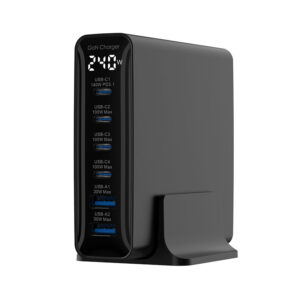 Why do customers report ‘charger not detected’ with a dock?
Docks sit between the charger and the laptop and renegotiate power. If the charger can't supply what the dock requests, the dock reserves too much for itself, or the cable is limited, the laptop may report no charger or a slow one.
-
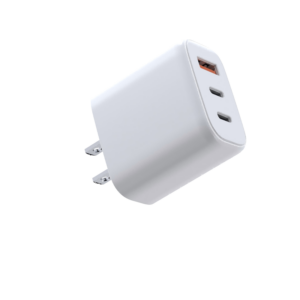 Why does a USB-A port charge slowly next to a USB-C port?
USB-A ports usually offer less power and different fast-charge protocols than USB-C PD ports. When both are used, many chargers share power and may drop fast-charge modes on the USB-A port. Slow USB-A charging is often by design.
-
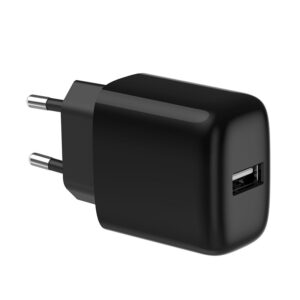 Why does an iPhone show ‘accessory not supported’ with a cable?
On Lightning iPhones, the message often points to a non-certified, damaged or dirty cable or port. On USB-C iPhones it is less common and usually means a damaged cable, debris or an unsupported accessory. The charger is rarely the cause.
-
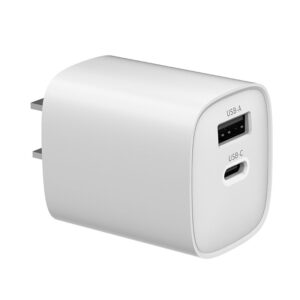 Why does a tablet charge slower than a phone on the same charger?
Tablets have much bigger batteries, so the same wattage takes longer to fill them. Some tablets also accept more power than the charger provides, or are limited by cable or port sharing. Slower isn't necessarily a fault.
-
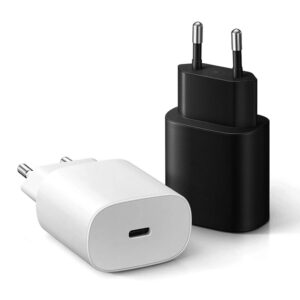 Why does a Samsung phone show ‘Fast charging’ but not ‘Super fast charging’?
Samsung's Super Fast Charging uses USB PD with PPS. A charger without PPS, a port that doesn't offer it, or the wrong cable gives standard 'Fast charging' instead. For 45W Super Fast Charging 2.0, a 5A cable is also needed.
-
 Why does a laptop charge only when it’s switched off?
The charger supplies less power than the laptop uses while running, so the battery only gains charge when the laptop is off or asleep. Causes include a low-wattage charger, a 3A cable, a shared multi-port charger or a heavy workload.
-
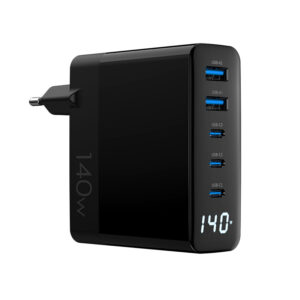 Why does a charger shut off when a second laptop connects?
Multi-port chargers share a fixed total. When a second device connects, the charger renegotiates every port, and laptops briefly stop charging. A true shutdown can mean overload, overheating or a weak power source.
-
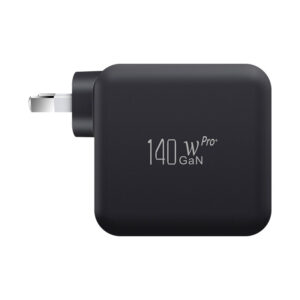 Why does a 140W charger only give 100W?
Above 100W, USB Power Delivery needs Extended Power Range (EPR): a 48V-capable 5A e-marked cable, an EPR-capable device, and a port that offers 140W. If any part is missing, charging falls back to 100W or less.
-
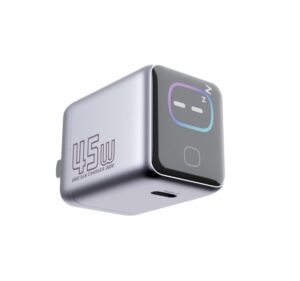
 Why does a smart-screen charger show 0W while the device seems to be charging?
Low currents may display as zero, the screen may show another port, or the device may be idle or full. A frozen screen while charging normally is a display issue, not a power issue.
-
Why does a phone stop fast charging halfway through?
Usually by design. Phones taper charging as the battery fills and slow down when warm. A drop at around 50–80% is normal for most phones.
-
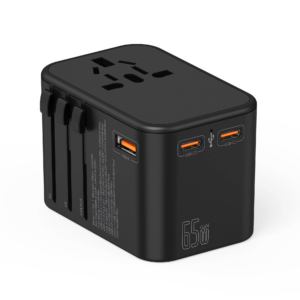 Why does a travel charger work in one country but not in another?
It is almost always the connection: a loose plug head, a poor adapter, a shaver socket or a switched socket. Mains voltage is rarely the cause with a 100–240V charger.
-
Why does a laptop say ‘plugged in, not charging’ on a USB-C charger?
Usually it's the power budget: the charger, cable or port gives less than the laptop needs under load. Battery-care settings can show the same message.