
Talk · Troubleshooting · Charging speed & compatibility
How can I tell whether my charger is actually fast charging?
Check three things: what the phone shows, how quickly the battery level rises and, if you want a precise answer, what a USB power meter reads.
 Wecent Editorial Team
Updated
3 min read
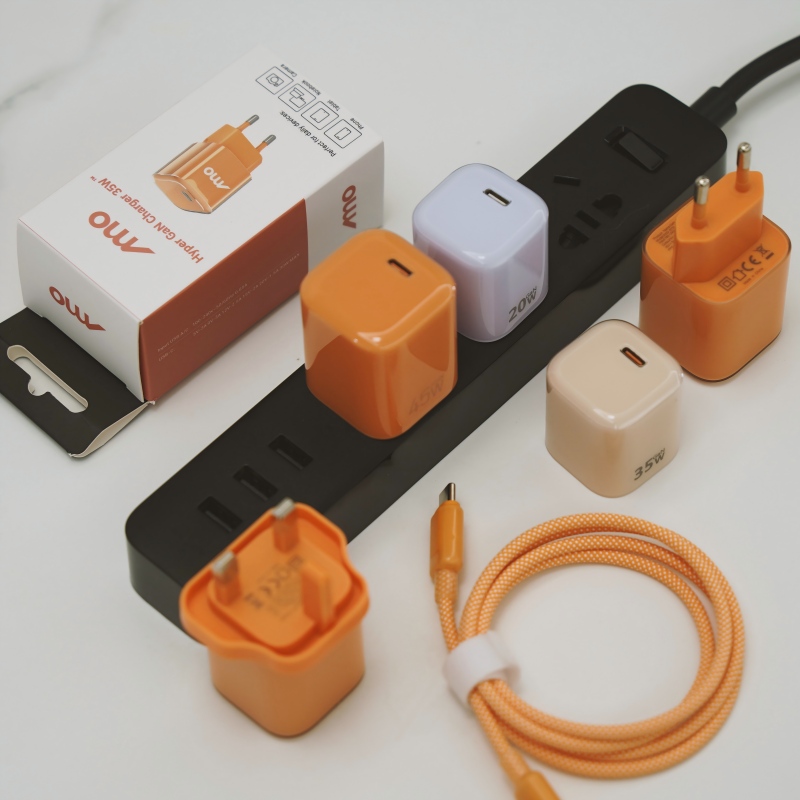
My charger says ‘fast charging’ on the box, but my phone seems slow. How can I check whether it really is fast charging?
Short answer: Check three things: what the phone shows, how quickly the battery level rises and, if you want a precise answer, what a USB power meter reads. Fast charging needs a charger, a cable and a phone that all support the same speed, and the weakest of the three sets the limit. Many phones also slow down as the battery fills.
What the phone tells you
Many phones show a message or an icon when they charge quickly, such as ‘fast charging’ or ‘charging rapidly’ on the lock screen. If your phone shows only ‘charging’, it may be using a slower mode, though some phones do not show the difference at all.
Time test
Start at a low battery level, such as 10 percent, with the screen off. Note the time, and check again after 15 and 30 minutes. A typical fast-charging phone gains a substantial share of its battery in the first half hour, then slows down. Compare with the maker’s stated figures, treating them as best-case results.
Measure with a power meter
A small USB power meter goes between the charger and the cable, or between the cable and the phone. It shows the voltage, current and watts. If the reading is well below the charger’s rating, find the limiting part. The phone only accepts what it can use.
What limits speed
- The phone. It may support lower power than the charger.
- The cable. A thin or old cable restricts the current.
- The protocol. Charger and phone must support the same fast-charge method.
- Heat. Warm phones and chargers reduce power.
- Battery level. Charging slows once the battery is mostly full.
- Use. Gaming or video while charging cuts the net gain.
Try this
- Use the original charger and cable first.
- Replace the cable with a good one rated for the power.
- Charge with the screen off and the phone cool.
- Compare times with another charger.
Do not trust the box alone
‘Fast’ is not a defined term. A charger labelled fast may be only moderately faster than an old one. Look for the actual wattage, and compare with your phone’s maximum.
Quick summary
Look for the phone message, time the first 15 minutes, use a power meter if needed and check the cable and the phone’s limits.
Where this answer says to confirm with Wecent, the detail is not published on the product page and has to come from the datasheet or the factory. General facts come from the regulators, standards bodies or device makers named in the text.
Three more perspectives
Products discussed in this thread

Related articles & topics
Have a sourcing question about your own programme?
Ask our team More Charging speed & compatibility questions