
Talk · Selection · Wired GaN chargers: wattage, ports & protocols
Will a 140W GaN charger fast-charge a 16-inch MacBook Pro over any USB-C cable?
Not over any cable. Above 60W the cable is part of the power path, and 140W needs the right cable and the right charger profile.
 Wecent Editorial Team
Updated
3 min read
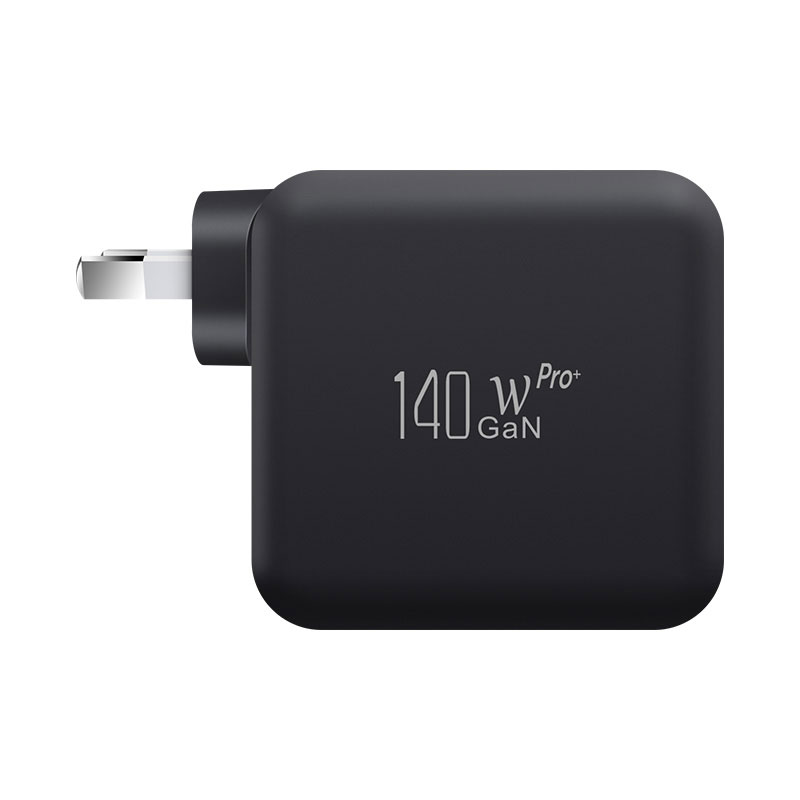
We want to bundle a 140W GaN charger (WEP-140-C) for 16-inch MacBook Pro users. Our customers will use whatever USB-C cable they already own. Will they still get 140W and fast charging?
Short answer: Usually not. A typical 3A USB-C cable limits the connection to 60W. Above that you need a 5A e-marked cable, and 140W also requires USB PD 3.1 Extended Power Range (EPR) on the charger, the cable and the laptop.
Where the limits come from
Under USB Power Delivery, the Standard Power Range (SPR) goes up to 20V. With a 3A cable that is 60W; with a 5A cable that carries an electronic marker (e-marker), it is 100W. Anything above 100W uses the Extended Power Range (EPR) added in USB PD 3.1, with fixed voltages of 28V, 36V and 48V and a maximum of 240W. 140W corresponds to 28V at 5A, which needs an EPR-capable cable (marketed as 240W) as well as an EPR-capable charger port.
The charger reads the cable’s e-marker and only offers the power the cable can safely carry. With a 3A cable, a 140W charger will offer no more than 60W.
What Apple says about the 16-inch MacBook Pro
Apple’s support pages list fast charging for the 16-inch MacBook Pro (2021 or later) with the Apple 140W USB-C Power Adapter and the USB-C to MagSafe 3 Cable, and, for the 16-inch model from November 2023 or later, with a 240W USB-C Charge Cable. Apple also says USB-C Macs can charge from any USB PD adapter, and that a lower-power setup still charges, only more slowly.
So a 140W third-party charger will charge the laptop over most USB-C cables. Whether it reaches 140W depends on the cable and on whether the charger’s port supports EPR at 28V.
What to confirm for your bundle
- Ask Wecent for the WEP-140-C datasheet and confirm the PD profiles (PDOs) of the port you will tell customers to use, including whether it offers 28V EPR. The product page gives 140W total output but does not list the per-port profiles, so check this; don’t assume it.
- If you include a cable, specify a 240W EPR, e-marked USB-C cable, and ask for its e-marker and USB-IF test evidence.
- On the packaging, tell users that full power needs a 240W-rated cable, and which port to use on multi-port models.
What this answer does not cover
We have not tested any specific charger and laptop pairing for this article. Actual charging speed also depends on battery level, temperature and macOS battery management.
Facts cited here come from the named standards bodies, regulators, Apple support documentation and Wecent product pages. Points marked “ask”, “confirm” or “check” are recommendations or open questions to settle with your supplier, not verified specifications.
Three more perspectives
Products discussed in this thread
Related articles & topics
Have a sourcing question about your own programme?
Ask our team More Wired GaN chargers: wattage, ports & protocols questions