
Wattage is usually chosen by looking at what competitors sell. The more reliable method is to start from the devices your customers actually charge, because that determines the band, the port count and the protocol – and, eventually, which SKUs in the range earn their place.
This guide is part of our Travel & Wireless Charging. Read the full topic guide for the decisions that come before and after this step.
Match the band to the devices you serve
Each band exists because of a device class, not because of a marketing decision. Phones and earbuds define the entry band; tablets and thin-and-light laptops define the middle; multi-device and desktop charging define the top. Choosing a band means choosing which customer you are equipping, and the range should cover the transitions between those classes rather than repeating one of them.
20W-45W: phones, earbuds and retail bundles
This band covers a phone at full charging rate, earbuds, and the accessory market around them. Single-port designs dominate, and the size expectation is already met by mature designs. The commercial value of the band is volume and bundling: it is the SKU that appears in retail programmes, promotional bundles and gift packs, where cost sensitivity is high and the customer is unlikely to pay a premium for a smaller enclosure.
65W-100W: tablets and thin laptops
At this level the customer is charging a laptop and, increasingly, a phone at the same time. Port layout matters: a single USB-C output that shares total power between devices behaves differently from a design that holds full output on one port. Protocol support for power delivery, including the relevant programmable-supply behaviour, determines whether the device negotiates its intended rate.
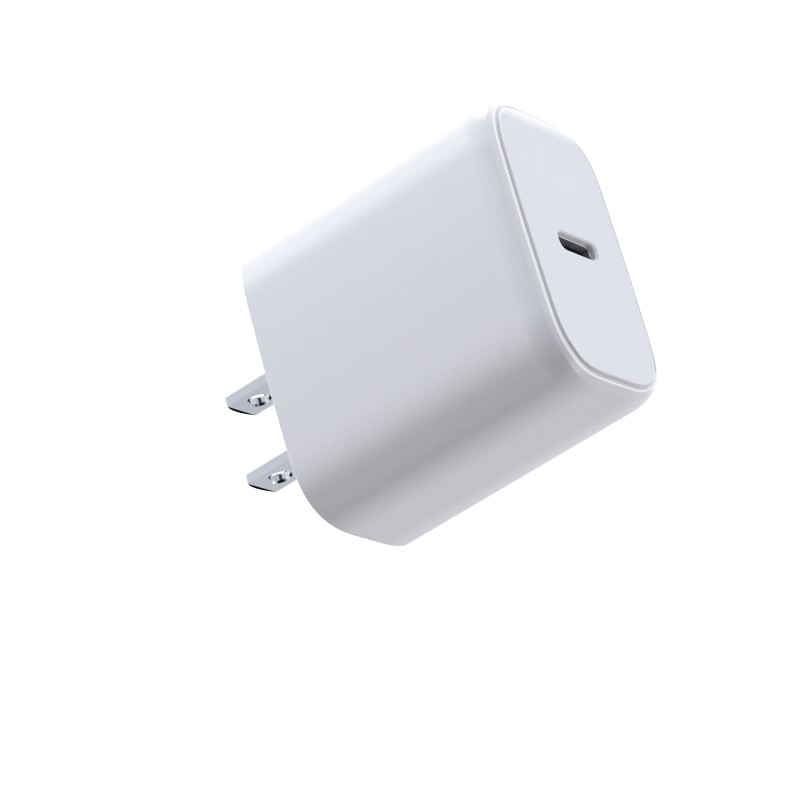
140W-240W: multi-device and desktop charging
The top band serves a desk: a laptop, a monitor accessory, a phone, a tablet. Port count rises and the enclosure becomes a desktop unit rather than a travel brick. The customer here is buying convenience and cable reduction, and the specification question is how power is distributed across ports under simultaneous load. This band is also where the thermal design has the most influence on whether the product meets its size promise.
Ports and protocols per band
| Band | Typical ports | Key protocol question |
|---|---|---|
| 20W-45W | 1C or 1A | Fast-charge support for the target phone brand |
| 65W | 1A1C or 2C | Power sharing between ports under load |
| 100W | 2C to 2A2C | Full output on one port while a second charges |
| 140W-240W | 2A3C or higher | Distribution strategy and cable rating per port |
Wattage versus cable rating
A charger is limited by the cable attached to it. A 100W charger supplied with a 60W cable will not deliver its rated output to a device that requests it, and the customer will attribute the failure to the charger. The cable’s rated current, the connector type and the presence of the correct identification chip determine what the system can negotiate. If the cable is included, its rating is part of the specification, not an accessory detail.
How the four bands fit as one range
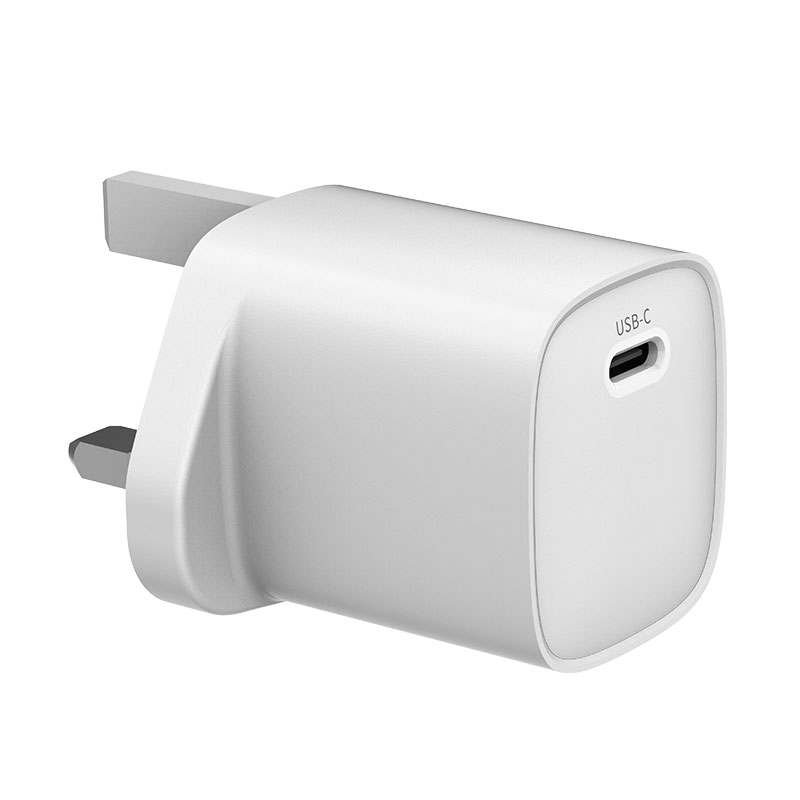
A coherent range is built so that each SKU answers a different question and the customer can move up without leaving the brand. A common structure is a bundled entry SKU, a travel-oriented 65W with interchangeable plugs, a 100W multi-port for laptop users, and a 140W desktop unit. Each tier can be built on a platform rather than as a standalone design, which keeps the range affordable to extend.
Choosing a launch SKU and follow-ons
The launch SKU should be the one with the clearest customer need and the shortest route to market – usually the 65W or 100W platform, because it is the band where customers actively search for a solution rather than buying the cheapest option. The entry band can follow as a bundle item, and the desktop tier as a premium addition once sell-through supports it.
Common specification mistakes
- Quoting total wattage without stating the output per port
- Supplying a cable below the charger’s rating
- Assuming fast-charge support without checking the protocol
- Designing a multi-port charger without a power-sharing rule
- Launching three SKUs that answer the same customer question
Range-planning worksheet
- Device classes to be served, with the largest device named
- Band per SKU and the customer question it answers
- Port count and simultaneous-load behaviour
- Protocol support required per band
- Cable rating and whether it is included
- Platform reuse across the range
- Launch sequence and quantities
FAQs
What wattage charger do most phones need?
Most current phones charge at their full advertised rate within the 20W-45W band, and many do so below 30W. The determining factor is the phone’s supported protocol, not a higher wattage rating on the charger.
Is 100W enough for a laptop?
For thin-and-light laptops it is usually sufficient, and for many it is more than required. Larger or workstation-class machines may need more, which is where the 140W-240W band applies. The charger must also support the voltage and current the laptop requests.
How many wattage tiers should a brand launch with?
Two to three tiers is usually enough to cover the main use cases at launch. Additional tiers can be added later from the same platforms as the range proves itself.
Next step
Send the device list and the markets you sell into, and Wecent Group will map them to a wattage range with the platform options, port layouts and plug kits for each tier. Start at the contact page. Related reading: GaN charger platforms, multi-SKU platforms, GaN versus silicon and wholesale chargers. External references: USB-IF documentation, EU energy-efficient products, IEC standards, FCC equipment authorisation and EU CE marking.
More on this topic: 20W GaN wall chargers, GaN chargers from 20W to 240W and wireless charging on phones, 100W GaN chargers.