
Talk · Troubleshooting · Charging speed & compatibility
Why does a tablet say ‘charging’ but the battery percentage falls?
The power coming in is less than the power the tablet is using.
 Wecent Editorial Team
Updated
3 min read
My tablet shows ‘charging’, but the battery percentage keeps going down. Why?
Short answer: The power coming in is less than the power the tablet is using. This happens with a weak charger or cable, a computer port, heavy use such as gaming or video, a hot tablet, a worn port or an ageing battery. Use the original charger and cable, close apps and charge with the screen off to see whether the percentage rises.
What ‘charging’ means
The icon only shows that the tablet detects a power source. It does not guarantee that more power comes in than goes out. If the tablet is using more power than it receives, the battery still drains, just more slowly.
Common causes
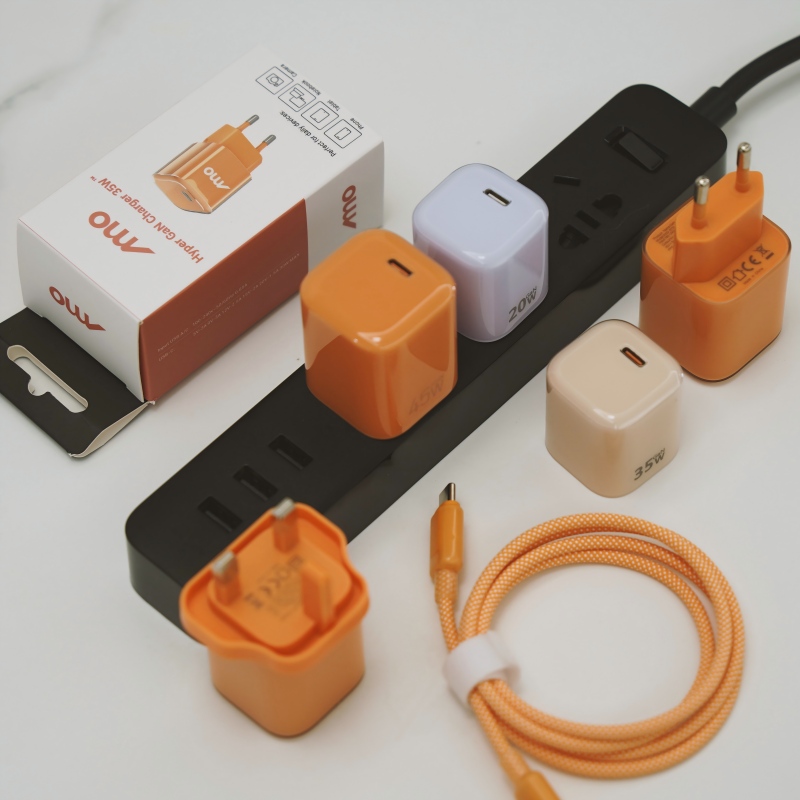
- Weak charger. A phone charger or a low-power adapter cannot keep up with a tablet.
- Poor cable. A thin, long or damaged cable limits current.
- Computer USB port. Provides low power.
- Heavy use. Games, video calls, navigation, high brightness and large downloads.
- Heat. A hot tablet slows or pauses charging.
- Dirty or worn port. Poor contact lowers current.
- Battery ageing. An old battery gives a poor and uneven reading.
- Software. An update or background task using a lot of power, or an inaccurate battery gauge.
What to check
- Use the original charger and cable, or ones with the same rating.
- Plug into a wall socket, not a computer.
- Turn off the screen and close apps, or switch to airplane mode, and watch whether the percentage rises.
- Let it cool. Remove the case if it is warm.
- Clean the port gently.
- Try another charger and cable.
- Restart the tablet and check for software updates.
- Look at battery health in the settings, if available.
How to read the result
- If it charges with the screen off but not with heavy use, the charger is too weak for that use.
- If it fails with every charger, there may be a port or battery problem.
- If it works with one charger but not another, the second is weak or faulty.
When to get service
If the battery drops while idle on a good charger, or if the tablet is hot or swollen, stop using it and contact the maker or a repair service.
For sellers
State the recommended charger power for each tablet model, and warn about slow charging with weak adapters.
Quick summary
Match the charger and cable to the tablet, reduce use while charging and check heat and the port.
Where this answer says to confirm with Wecent, the detail is not published on the product page and has to come from the datasheet or the factory. General facts come from the regulators, standards bodies or device makers named in the text.
Three more perspectives
Products discussed in this thread

Related articles & topics
Have a sourcing question about your own programme?
Ask our team More Charging speed & compatibility questions