
Talk · Troubleshooting · Charging speed & compatibility
Why does a laptop charge slowly even though the charger is rated higher than its brick?
The laptop decides how much power it accepts, and the charger only offers a maximum.
 Wecent Editorial Team
Updated
3 min read
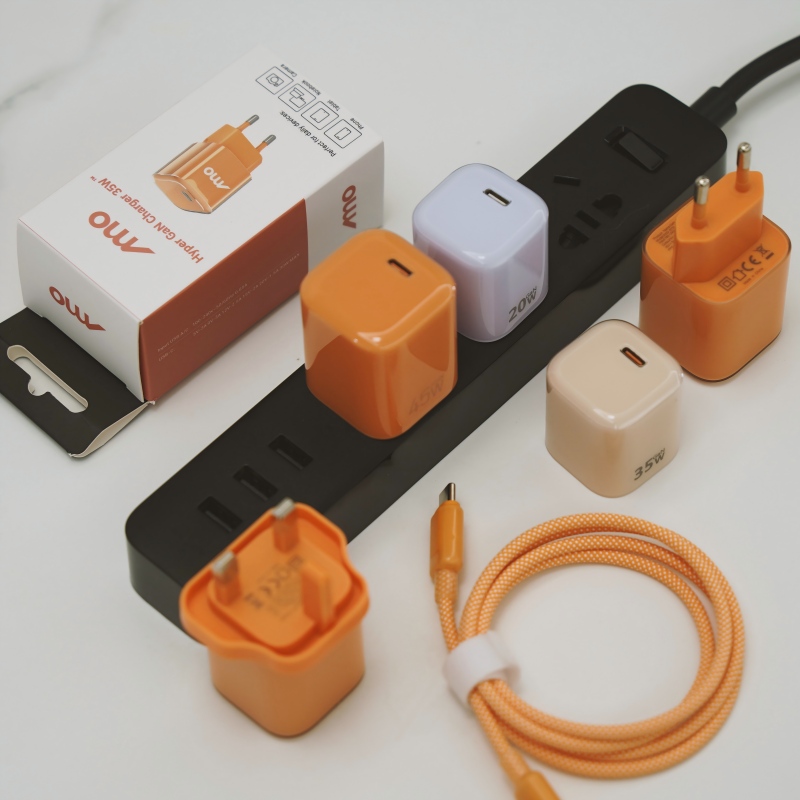
My laptop came with a 65W charger. I plugged it into a 100W charger and it still charges slowly. Why does a higher rating not mean faster charging?
Short answer: The laptop decides how much power it accepts, and the charger only offers a maximum. A higher-rated charger cannot push more than the laptop asks for. Slow charging usually comes from the cable’s rating, the charger’s real output on that port, the laptop being busy or hot or a battery that is nearly full.
How charging power is agreed
With USB-C power delivery, the charger and the laptop talk to each other. The charger lists the power levels it can offer, and the laptop picks one it can use. A 100W charger does not force 100W, and a laptop designed for 65W will not take more.
Common reasons for slow charging
- The laptop’s own limit. If the laptop is designed for 65W, a bigger charger gives no gain.
- The cable. Many cables are limited to a lower current. For higher power, a cable rated for it is needed.
- Shared ports. On a multi-port charger, power is shared when more than one device is connected.
- Heavy use. A laptop running games or video editing uses most of the incoming power, so little goes into the battery.
- Heat. A hot laptop or charger reduces power to protect itself.
- Battery level. Charging slows as the battery nears full.
- Settings. Some laptops have battery care modes that limit charge.
- Voltage mismatch. Some laptops charge best with their own charger.
What to check
- Read the laptop’s required wattage on its original charger and manual.
- Use a cable rated for the power you need.
- Charge from a single-port connection, or one with enough per-port power.
- Close demanding apps while charging.
- Cool the laptop with open airflow.
- Check the operating system’s battery settings.
Is the higher-rated charger a waste?
Not always. A 100W charger can be useful if you also charge a phone or a tablet, or if you plan to buy a more powerful laptop later. It is no faster for a 65W laptop.
For brands
Explain on the box that the device decides the power, and give a simple table of cable ratings and the speeds they allow.
Quick summary
Charging speed is set by the laptop, the cable, port sharing, heat and use, not by the charger’s maximum. Match the cable and check what else is running.
Where this answer says to confirm with Wecent, the detail is not published on the product page and has to come from the datasheet or the factory. General facts come from the regulators, standards bodies or device makers named in the text.
Three more perspectives
Products discussed in this thread

Related articles & topics
Have a sourcing question about your own programme?
Ask our team More Charging speed & compatibility questions