
Talk · Troubleshooting · Charging speed & compatibility
Why does an iPhone show ‘accessory not supported’ with a cable?
On Lightning iPhones, the message often points to a non-certified, damaged or dirty cable or port. On USB-C iPhones it is less common and usually means a damaged cable, debris or an unsupported accessory. The charger is rarely the cause.
 Wecent Editorial Team
Updated
2 min read
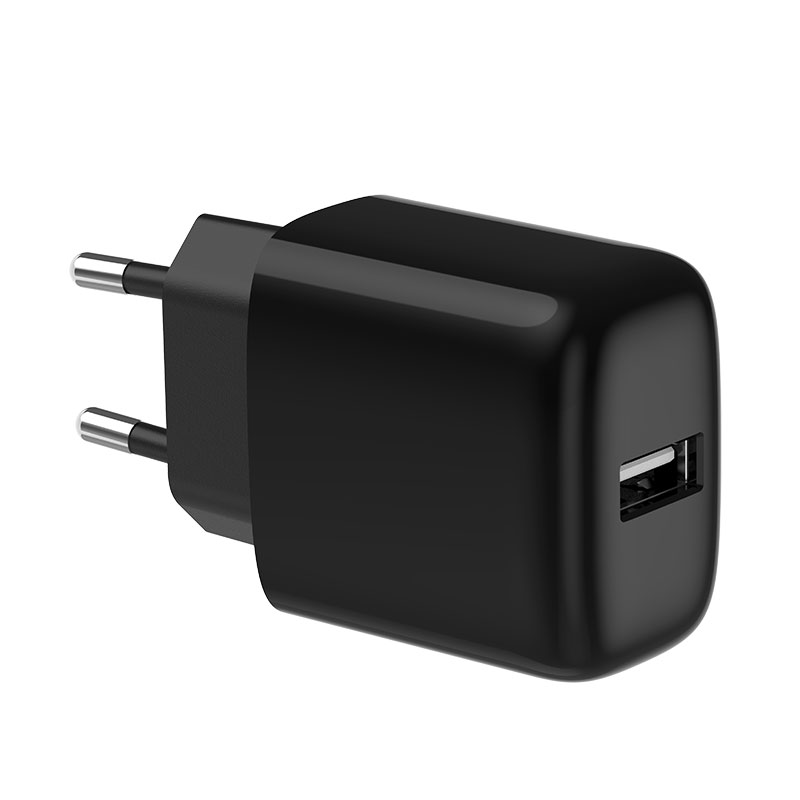
Customers using our 20W charger with a USB-C to Lightning cable sometimes see ‘This accessory may not be supported’. Is our charger the problem?
Short answer: Usually not. The message comes from the iPhone’s check of the connected accessory. On Lightning iPhones, common causes are cables without MFi certification, damaged or worn cables, and dirt or lint in the Lightning port. Try a different, certified cable, clean the port carefully, and update iOS. If the message continues with a known-good cable on our charger, report the unit.
Lightning iPhones
Lightning cables contain an authentication chip. Apple’s MFi programme certifies third-party Lightning accessories. Cables without valid chips, or with damaged chips, often trigger the message and may stop charging.
USB-C iPhones
From iPhone 15, iPhones use USB-C. The message is less common, but can appear with damaged cables, liquid or debris in the port, or accessories the iPhone doesn’t support.
Common causes
- Uncertified or counterfeit Lightning cables.
- Worn or damaged cables, especially at the connector.
- Lint or dirt in the phone’s port.
- Moisture in the port; the iPhone may show a liquid detection warning instead.
- Outdated iOS.
Steps for users
- Restart the iPhone.
- Check the port for lint with a light; remove carefully with a non-metal tool or let a repair service do it.
- Try a different, certified cable.
- Try a different charger.
- Update iOS.
Is the charger involved?
The charger provides power; the iPhone checks the cable and accessory. A charger fault more often shows as no charging or intermittent charging with all cables. If the message appears with multiple certified cables on our charger only, test the charger with another phone.
Bundled cables
If you bundle Lightning cables, use MFi-certified cables and keep the certification documentation. Uncertified Lightning cables lead directly to this complaint.
Non-Apple charging accessories
The message can also appear with docks, car adapters or hubs between the charger and the phone. Remove these and connect the cable directly to the charger to test.
Reporting
Ask for the phone model, iOS version, cable type and a photo of the message. Include the charger model and batch code.
Listing guidance
Don’t claim “MFi certified” for cables unless they are. Apple controls this term and the programme. Confirm with Wecent which cables they supply and their certification status.
Where this answer says confirm with Wecent, the detail is not published on the product page and has to come from the datasheet or the factory. General facts come from the standards bodies, regulators or device makers named in the text.
Three more perspectives
Products discussed in this thread
Related articles & topics
Have a sourcing question about your own programme?
Ask our team More Charging speed & compatibility questions