
Talk · Troubleshooting · Charging speed & compatibility
Why does a charger’s connector end run warm at 100W while the body stays cool?
Warm connector ends are common at high power.
 Wecent Editorial Team
Updated
2 min read
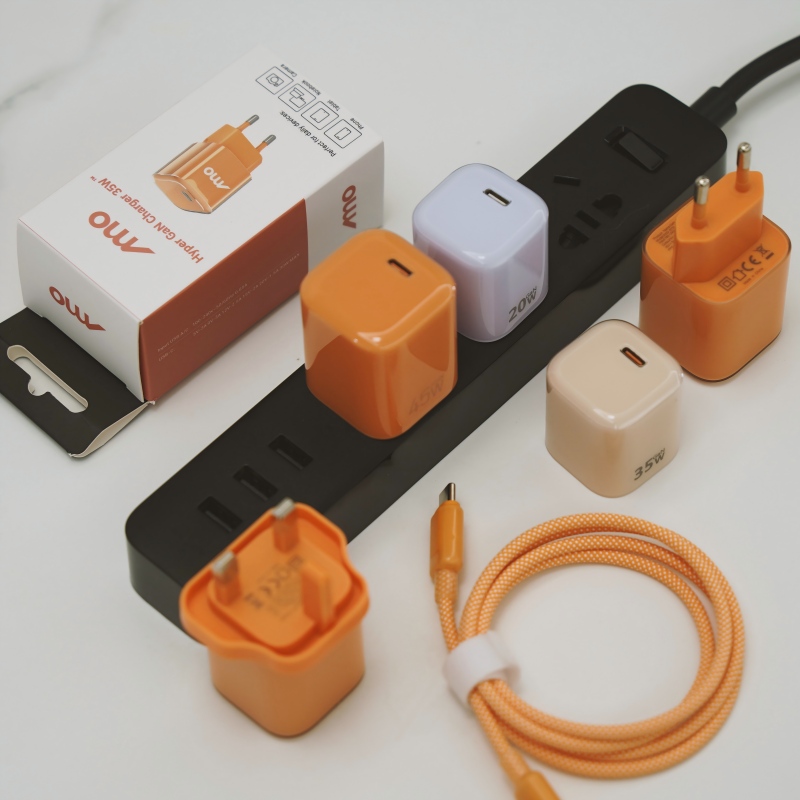
At 100 watts, the plug end of my cable feels warm but the charger itself is only slightly warm. Is the cable defective?
Short answer: Warm connector ends are common at high power. At 100 watts the current is high, and every small resistance in the plug, the contacts and the cable turns some of it into heat. The charger body spreads its heat over a large case, so it feels cooler. It is a problem only if the plug is too hot to hold, smells, or the heat is increasing over time.
Where the heat comes from
Heat in a cable equals current squared times resistance. At 100 watts the current can be several amps, so even a tiny resistance in a contact or a joint makes a noticeable amount of heat. That heat is concentrated in a small plug, which has little surface to lose it.
Why the body feels cooler
The charger’s heat is generated inside a larger case with more surface area and, in good designs, deliberate heat spreading. The same power produces less temperature rise per square centimetre.
What makes the plug end hotter
- Contact resistance. Dirty, worn or loosely seated contacts resist current.
- Thin conductors. A cable rated for lower current runs hotter.
- Poor soldering or crimping. Weak joints inside the plug add resistance.
- Marker and chip. High-power cables carry a small chip, which adds a little heat.
- Ambient heat. A cable lying in the sun or under a laptop is warmer.
- Coiled cable. A tightly coiled cable cannot lose heat.
What is acceptable
A warm plug, comfortable to hold, is usually fine. Standards set limits for the temperature of parts that people touch, and well-made cables stay within them under normal use. It is not acceptable if the plug is too hot to hold, discolours, softens or smells.
What to do
- Make sure the cable is rated for the power you are using.
- Check the plug and the port for dirt and push the connector in fully.
- Uncoil the cable and keep it in the open while charging at high power.
- Replace damaged or very hot cables.
- Try a different cable to compare temperatures.
For brands
Measure connector temperature during design validation at full power and write a limit in the specification. Include the cable’s current rating on the packaging.
Where this answer says to confirm with Wecent, the detail is not published on the product page and has to come from the datasheet or the factory. General facts come from the regulators, standards bodies or device makers named in the text.
Three more perspectives
Products discussed in this thread

Related articles & topics
Have a sourcing question about your own programme?
Ask our team More Charging speed & compatibility questions