
Talk · Selection · Wireless, magnetic & multi-device
Does wireless charging work through a phone case, and how thick is too thick?
Yes, in most cases, as long as the case is thin and made from plastic, silicone, leather or similar non-metal material.
 Wecent Editorial Team
Updated
3 min read
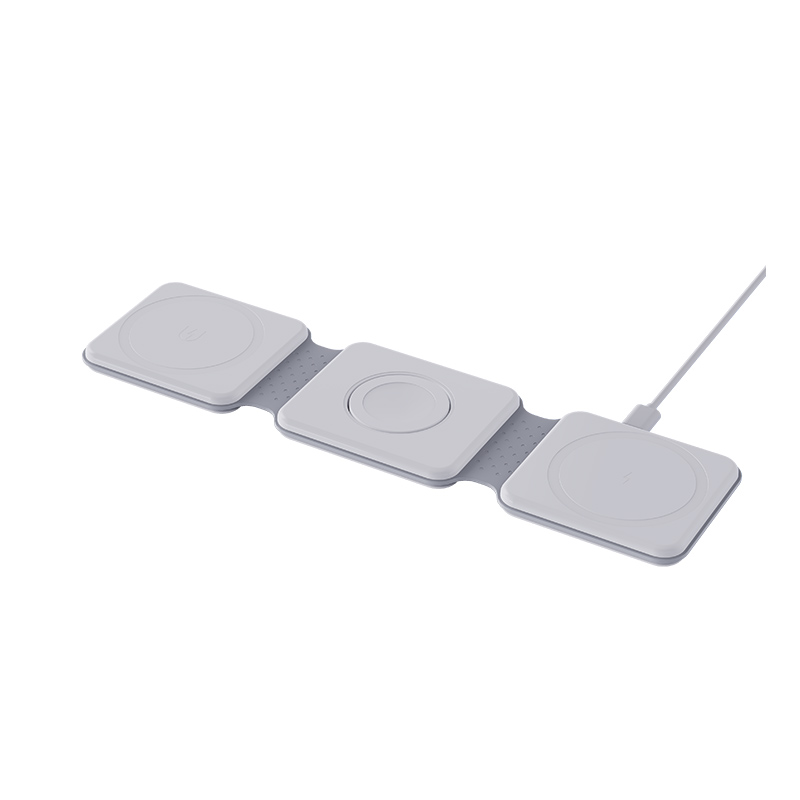
Can I charge my phone wirelessly with the case on? How thick can the case be before charging stops?
Short answer: Yes, in most cases, as long as the case is thin and made from plastic, silicone, leather or similar non-metal material. Thicker cases and anything containing metal or cards reduce or stop charging. There is no single limit, because it depends on the phone and charger, so test your own combination.
How it works through a case
Wireless charging transfers energy through a magnetic field between two coils. A case adds distance between them and the field gets weaker the further apart they are.
Case materials
- Plastic, silicone, TPU, leather. Usually fine if thin.
- Metal parts. Metal plates, rings or metallic finishes block or heat.
- Carbon fibre. Can interfere because it conducts.
- Magnetic plates. May shift alignment.
- Wallet cases. Cards inside can block charging, and certain cards can be damaged.
Thickness
Many chargers handle a few millimetres of non-metallic case. Some manufacturers specify a maximum thickness. Beyond that, charging slows or stops, particularly on lower-power chargers. Rugged, multi-layer cases are the most likely to cause problems.
Test your case
- Charge with the case on, and watch for the charging symbol.
- Move the phone slightly if it does not start.
- Remove the case and compare.
- Check temperature. If the phone or pad gets hot, remove the case.
- Use a different case or a wired charger if needed.
Tips for better results
- Choose cases labelled as wireless-charging compatible.
- Remove grips, rings and cards before charging.
- Centre the phone on the pad.
- Use a charger with a good alignment guide.
For brands
State the maximum case thickness you have tested and list the materials that may stop charging. Do not claim compatibility with all cases.
Quick summary
Thin non-metal cases generally work. Thick or metal ones may not. Test your own set-up.
A simple rule of thumb
If the case feels thin and flexible, it will usually work. If it is rugged, layered or has anything metal, test it first. When a case has a built-in stand, wallet or ring, expect problems and take those parts out before charging.
Charging speed through a case
Even when charging works, a case can slow it down. The phone may reduce its charging power if it senses a weaker connection or more heat. If you notice a big drop in speed with the case on, compare the time to reach a set battery level with and without it. That simple comparison tells you how much the case really costs you.
Where this answer says to confirm with Wecent, the detail is not published on the product page and has to come from the datasheet or the factory. General facts come from the regulators, standards bodies or device makers named in the text.
Three more perspectives
Products discussed in this thread
Related articles & topics
Have a sourcing question about your own programme?
Ask our team More Wireless, magnetic & multi-device questions