
Talk · Selection · Wireless, magnetic & multi-device
What viewing angle should a wireless stand have for video calls in landscape?
Choose an angle that puts the camera near eye level and the screen readable from a desk, and make sure the charging coil lines up with the phone in landscape as well as portrait.
 Wecent Editorial Team
Updated
2 min read
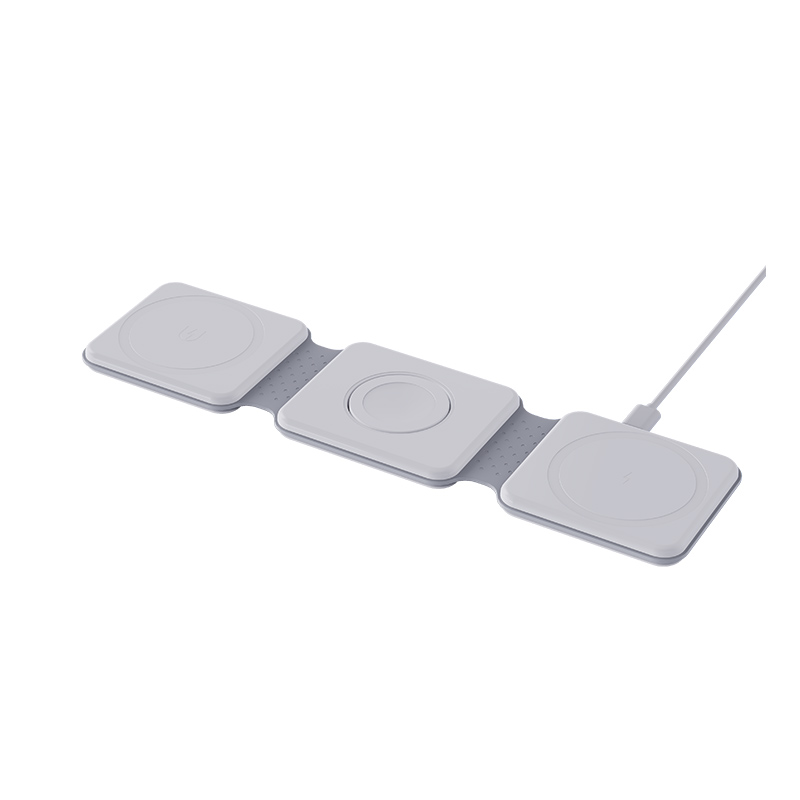
We are designing a wireless charging stand that users will also use for video calls with the phone in landscape. What angle and layout should we choose?
Short answer: Choose an angle that puts the camera near eye level and the screen readable from a desk, and make sure the charging coil lines up with the phone in landscape as well as portrait. Test with real phones and real users, because phone sizes and coil positions differ. Stability and the cable exit matter as much as the angle.
What the stand has to do
It must hold the phone steady, keep it charging and put the camera and screen where the user wants them. Video calls are the most demanding use because the stand is nudged and the phone stays on for a long time.
Angle
A stand that is too upright makes the user look down at the screen. One that is too flat makes the screen hard to see. A small range of adjustment is better than a single fixed angle. Test between a comfortable upright angle and a more reclined one.
Coil position
Phones put their charging coil in different places. A stand designed for portrait may not align in landscape. Consider a wide coil area or a coil placed to cover common positions, and check results with several popular phones.
Landscape support
- A lip or ledge that holds the phone on its long side.
- A non-slip surface that does not mark the phone.
- A cable exit that does not block the camera or ports.
Stability
- A heavy enough base so the stand does not tip.
- A wide footprint.
- A stable hinge if the angle adjusts.
Heat
A phone on a call and charging gets warm. Leave space for airflow, and test temperature over a long call.
Test plan
- Try five or six common phones.
- Check charging in portrait and landscape.
- Run a video call for an hour and record temperature.
- Ask users to rate comfort at different angles.
Quick summary
Choose a comfortable, adjustable angle, a coil that works in both orientations and a stable base, and test on real phones.
Practical tip
Mark the angle with a simple indicator or detent positions, so users can return to a setting they like. Share a short diagram in the manual showing where to place the phone for portrait and landscape use, and note that charging may differ between phone models.
Where this answer says to confirm with Wecent, the detail is not published on the product page and has to come from the datasheet or the factory. General facts come from the regulators, standards bodies or device makers named in the text.
Three more perspectives
Products discussed in this thread
Related articles & topics
Have a sourcing question about your own programme?
Ask our team More Wireless, magnetic & multi-device questions