
Talk · Use · Everyday home & office use
Can users charge a phone in a wallet case on a wireless charger?
Usually not with cards inside. Cards and metal can be damaged or trigger protection, and thick wallet cases increase coil distance. Remove cards or use a case built for wireless charging.
 Wecent Editorial Team
Updated
3 min read
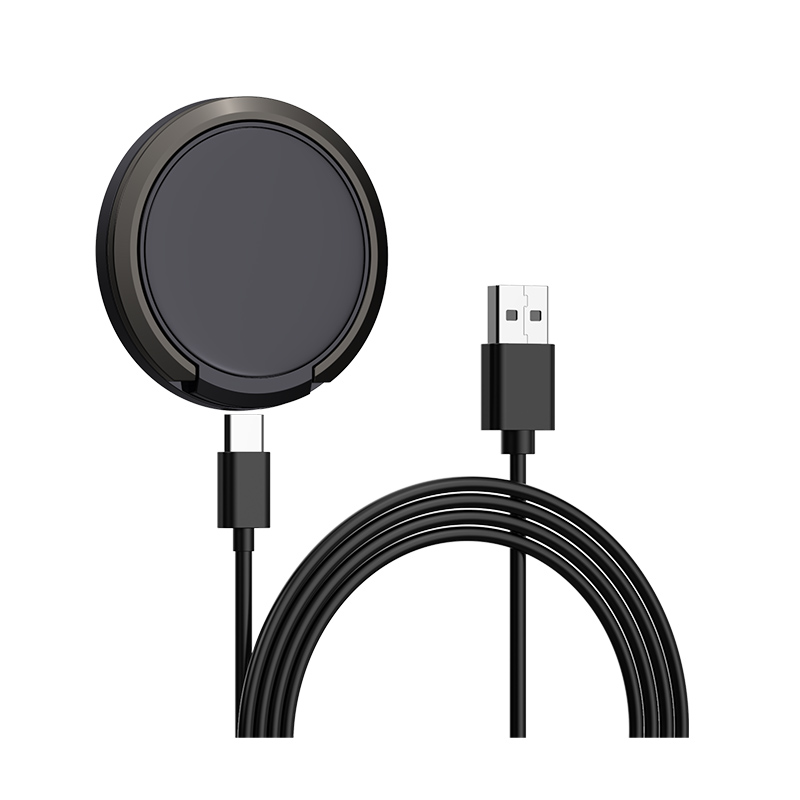
Hotel guests and staff often use wallet-style phone cases with cards inside. They try to charge on our wireless pads and complain it doesn’t work. What should we advise?
Short answer: Advise removing cards before charging, or using wired charging. Apple’s support pages say not to place credit cards, security badges, passports or key fobs between an iPhone and a MagSafe charger, because they can be damaged. Thick wallet cases also increase the distance between coils and can stop charging altogether.
Why wallet cases cause problems
- Cards can be damaged: magnetic stripes and RFID chips can be affected by magnets and the charging field. Apple states this in its guidance for MagSafe and wireless charging.
- Distance: wallet cases are thicker than normal cases, and wireless charging efficiency drops with distance.
- Metal and chips: some cards contain metal layers or electronics that the charger’s foreign object detection reacts to, stopping charging.
- Magnetic alignment: a wallet case may block the magnetic ring, so the phone doesn’t hold or align.
What guests can do
- Take cards out of the case before placing the phone on the charger.
- If the case is thick, take the phone out of it.
- If neither is practical, use the USB-C charger in the room instead.
For hotels and offices
- Put a small card next to the wireless pad: “Remove cards and keys from your case before charging.”
- Offer a wired charger too, so guests who don’t want to remove their case have an option.
- Room keycards sometimes end up on the pad. They can be damaged or stop the charger, so advise guests not to leave keycards there.
MagSafe wallets
Apple’s MagSafe wallets attach to the back of the phone. Apple’s guidance is to remove them before placing the phone on a MagSafe charger. Third-party magnetic wallets usually need the same handling.
Android phones
The same physics applies to Android phones on Qi pads: cards and thick cases add distance and interference. Android phones without magnets also have no magnetic hold, so a heavy wallet case can make the phone slide off the coil on an upright stand.
What this answer doesn’t cover
We haven’t tested specific wallet cases. Some cases advertise wireless-charging compatibility with a card slot positioned away from the coil. Users should follow the case maker’s guidance, and we can’t confirm such claims.
Where this answer says confirm with Wecent, the detail is not published on the product page and has to come from the datasheet or the factory. General facts come from the standards bodies, regulators or device makers named in the text.
Three more perspectives
Products discussed in this thread
Related articles & topics
Have a sourcing question about your own programme?
Ask our team More Everyday home & office use questions