
Talk · Use · Everyday home & office use
Is it okay to charge a phone while gaming on a wireless pad?
It works, but gaming and wireless charging both produce heat. The phone will slow or pause charging to protect itself, and the battery may barely gain charge. For long sessions, a cable is cooler and faster.
 Wecent Editorial Team
Updated
3 min read
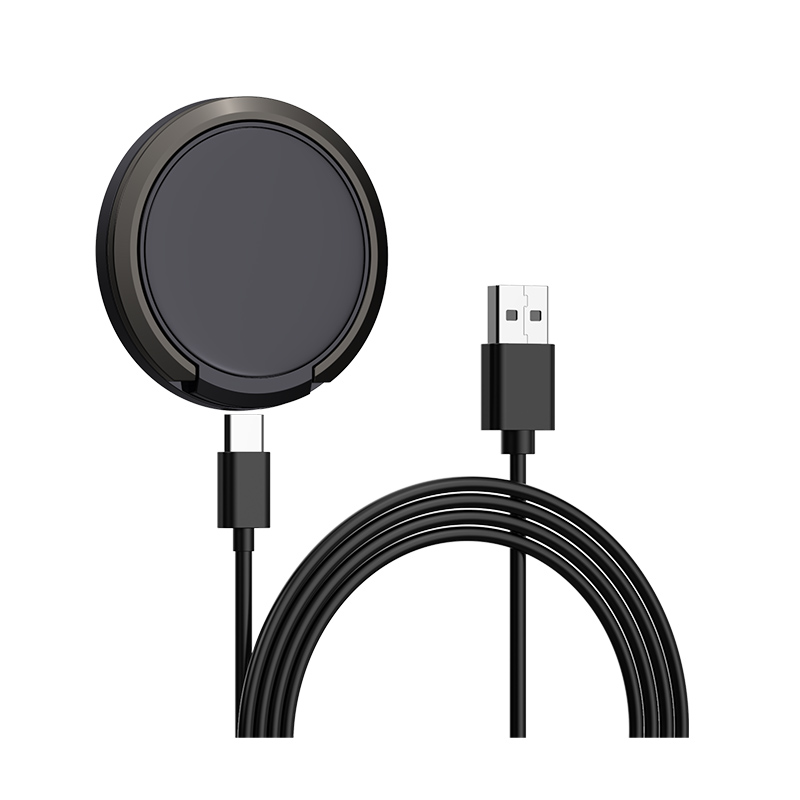
Customers ask whether they can keep their phone on our wireless stand while playing games. Is that a good idea?
Short answer: It’s safe in normal use but not ideal. Games make the processor and screen work hard and generate heat; wireless charging adds more. The phone will reduce charging speed or pause charging when warm, and may also reduce game performance. For long gaming sessions, use a USB-C cable, which is more efficient and runs cooler. Remove thick cases and avoid soft surfaces.
Two heat sources at once
Demanding games keep the processor and graphics busy and the screen bright. That alone warms the phone. Wireless charging converts some energy into heat in the coils, which adds to it. With both, the phone can become noticeably warm.
What the phone does
Phones monitor battery and internal temperatures. When warm, they reduce charging current or pause charging, and may reduce processor speed. Users see slower charging, a “charging on hold” message, or lower frame rates in games.
Battery health
Heat is the main factor in battery ageing. Regular long gaming sessions while charging wirelessly add more heat than occasional use. A cable reduces the extra heat from charging.
Better options
- Cable charging: a USB-C cable is more efficient and cooler.
- Charge before playing: top up beforehand and play on battery.
- Breaks: let the phone cool between sessions.
- Remove cases: thick cases trap heat.
Stands and alignment
On a stand, the phone stays aligned while users watch content, but for games, they usually hold the phone, which moves it off the coil. Charging stops and restarts, which is less efficient. Magnetic chargers keep alignment better.
What to tell customers
“You can charge while gaming, but the phone will get warm and charge slowly. For long sessions, use a USB-C cable instead.”
When to stop
If the phone shows a temperature warning, becomes too hot to hold, or the charger gets very hot, stop charging and let both cool down.
Streaming and video calls
Watching videos or taking video calls on a wireless stand is less demanding than gaming, and usually works well. The phone stays aligned on the stand, and heat is moderate. Long video calls can still warm the phone, so the same advice about cases and hard surfaces applies.
Listing advice
Don’t present wireless chargers as gaming accessories. Position them for desk, bedside and everyday top-ups, and recommend wired charging for gaming.
Where this answer says confirm with Wecent, the detail is not published on the product page and has to come from the datasheet or the factory. General facts come from the standards bodies, regulators or device makers named in the text.
Three more perspectives
Products discussed in this thread
Related articles & topics
Have a sourcing question about your own programme?
Ask our team More Everyday home & office use questions