
Talk · Troubleshooting · Wireless & magnetic faults
Why does my phone screen flicker or buzz on a wireless charger?
A faint buzz is often coil or component noise and can be normal, but flicker or loud buzzing points to interference or an unstable link.
 Wecent Editorial Team
Updated
2 min read
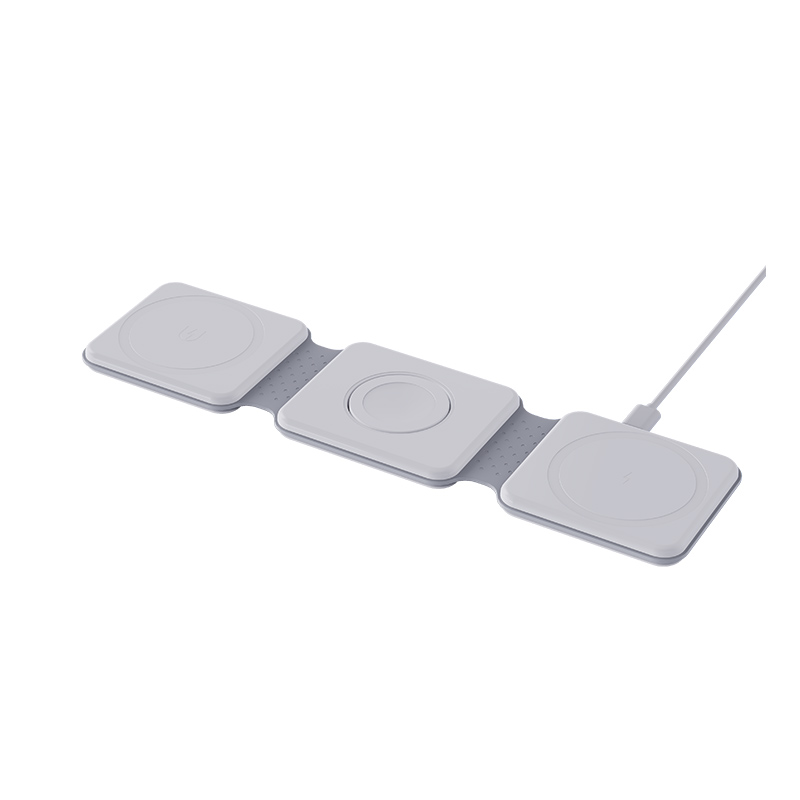
My phone screen flickers or buzzes when it sits on the wireless charger. Is something wrong?
Short answer: A faint buzz is often coil or component noise and can be normal, but flicker or loud buzzing points to interference or an unstable link. Common causes are a weak or noisy adapter, a thick or metal case, misalignment, a loose surface or a faulty pad. Try the recommended adapter, remove the case, re-centre the phone and test another pad.
Why it happens
A wireless charger sends power through a coil using a rapidly changing field. The coil, the magnets and some parts may vibrate slightly and make a faint buzz. The field can also interfere with the touch layer of some phone screens, causing flicker or ghost touches.
Common causes
- Weak or noisy adapter. A poor adapter makes the pad unstable and increases noise.
- Misalignment. The coils are not lined up, and power fluctuates.
- Case or accessories. A thick case, metal plate or card adds distance and interference.
- Pad design or quality. Poor shielding, loose parts or cheap components.
- Surface. A pad on a hollow table or glass can amplify the sound.
- Vibration alerts. Notifications can move the phone and cause on-and-off charging.
- Screen on. Flicker is more often seen when the screen is on while charging.
- Fault. A damaged pad or phone.
What to try
- Use the recommended adapter and cable.
- Remove the case and any accessories.
- Re-centre the phone on the pad.
- Turn the screen off and check if the noise stops.
- Try another surface, such as a soft mat under the pad.
- Try another pad and another phone.
- Update the phone software in case of known issues.
When it is normal and when it is not
A faint, steady hum with no flicker and normal charging is usually fine. A loud buzz, crackling, flicker, heat or repeated stops are not. In that case, stop using the pad and ask the seller for help.
Safety
If the pad gets hot or smells, unplug it.
For brands
Test with several phone models, with the screen on and off, and with common cases. Provide a note about normal charging sounds.
Quick summary
A faint hum can be normal. Flicker or loud buzz needs a closer look at the adapter, case and alignment.
Where this answer says to confirm with Wecent, the detail is not published on the product page and has to come from the datasheet or the factory. General facts come from the regulators, standards bodies or device makers named in the text.
Three more perspectives
Products discussed in this thread

Related articles & topics
Have a sourcing question about your own programme?
Ask our team More Wireless & magnetic faults questions