
Talk · Troubleshooting · Wireless & magnetic faults
Why did wireless charging stop after I added a magnetic ring or card holder?
The ring or card holder is probably blocking or heating the charging field.
 Wecent Editorial Team
Updated
3 min read
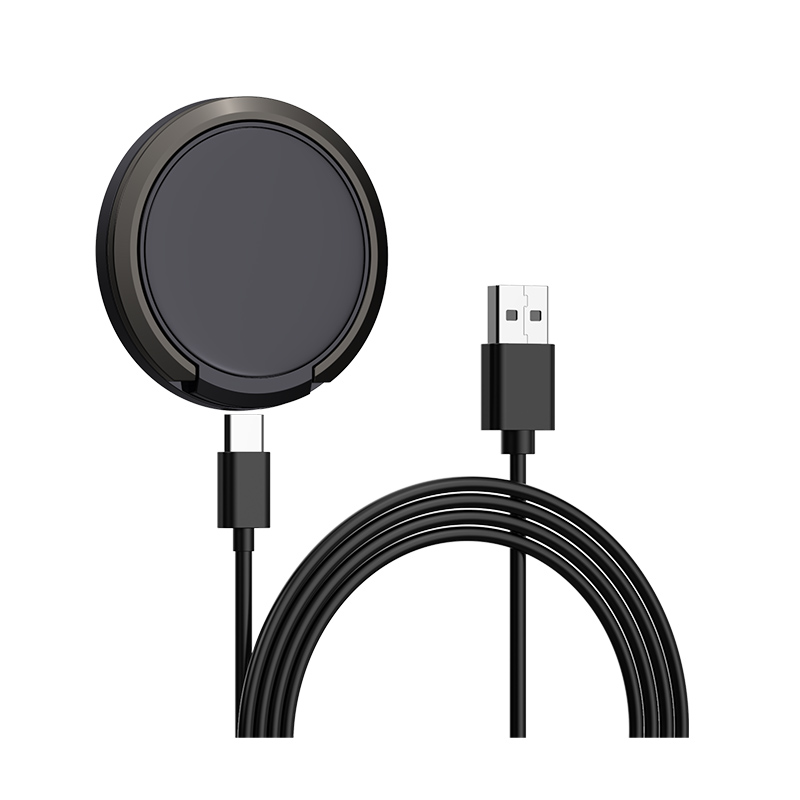
My wireless charger worked fine until I stuck a magnetic ring or a card holder on my phone. Now it will not charge. What happened?
Short answer: The ring or card holder is probably blocking or heating the charging field. Metal plates in rings and holders absorb the magnetic energy, and a thick accessory adds distance. Cards inside a holder can also interfere. Remove the accessory and try again. If it works, choose a thinner accessory or one designed for wireless charging, or charge with a cable.
What the accessory does
A wireless charger sends energy through a magnetic field. Metal in the way absorbs that energy. Many magnetic rings and card holders contain a metal plate to stick to magnets. That plate sits right over the charging coil, which is exactly where the field has to pass.
What can go wrong
- Charging stops. The charger detects metal and shuts off to protect itself.
- Slow charging. Part of the energy is lost.
- Heat. The metal plate warms up, and can heat the phone and the accessory.
- Misalignment. A thick ring can lift the phone off the pad or tilt it.
- Card damage. Cards with chips or magnetic strips can be affected.
Find out which part is the problem
- Remove the accessory and test charging.
- Add the accessory back and test again.
- Take cards out of the holder.
- Try a thinner ring, or one designed to work with wireless charging.
- Test with another charger.
Solutions
- Use accessories marked as wireless charging compatible, with a plate that leaves the coil area clear.
- Position a ring away from the centre of the coil, if your phone allows it.
- Remove the accessory and cards before charging.
- Use a cable for overnight charging.
Safety
If the phone or accessory gets hot, remove it from the pad and let it cool. Do not keep using an accessory that heats up.
For brands
Tell customers in the manual that metal plates and cards can block charging, and list the accessories you have tested. Include an alignment guide.
Quick summary
A metal plate or thick holder can stop charging and make heat. Remove it, or use a thin, compatible one.
Quick test with a thin card
If you are not sure whether metal is the cause, place a plain card or a thin plastic spacer between the pad and the phone. If charging improves with more distance but still fails with the ring, the plate is the cause. Replace the accessory with a thinner or compatible one.
Where this answer says to confirm with Wecent, the detail is not published on the product page and has to come from the datasheet or the factory. General facts come from the regulators, standards bodies or device makers named in the text.
Three more perspectives
Products discussed in this thread
Related articles & topics
Have a sourcing question about your own programme?
Ask our team More Wireless & magnetic faults questions