
Talk · Troubleshooting · Wireless & magnetic faults
Why does my wireless charger feel hot to the touch?
Some warmth is normal because wireless charging loses part of the energy as heat.
 Wecent Editorial Team
Updated
3 min read
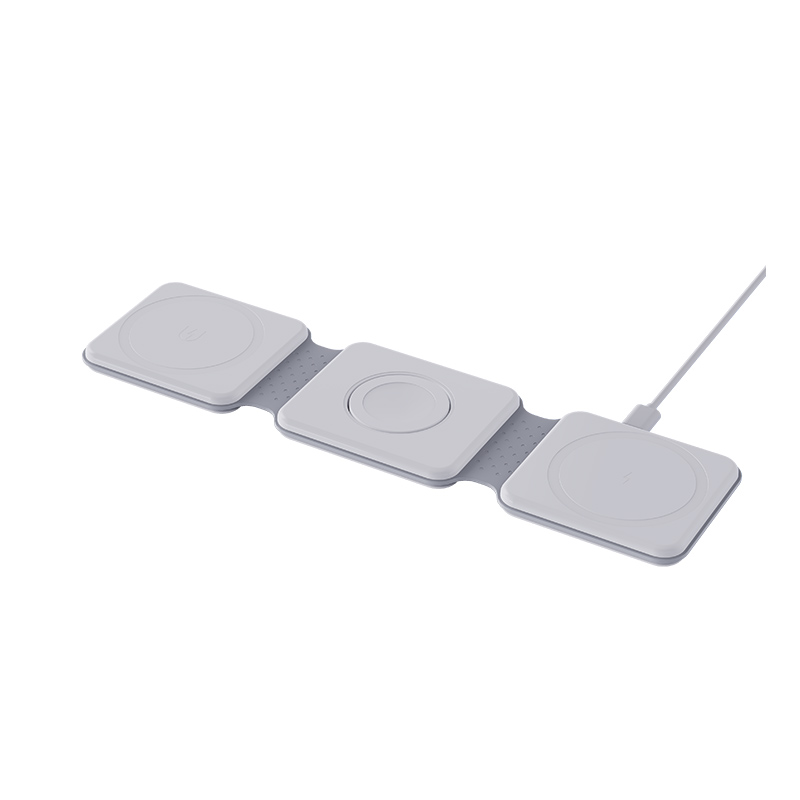
My wireless charging pad gets hot while charging my phone. Is that normal or dangerous?
Short answer: Some warmth is normal because wireless charging loses part of the energy as heat. It is a warning if the pad is too hot to touch, or if you also notice a smell, buzzing, a swollen phone or a damaged pad. Poor alignment, thick cases, metal objects and covered pads make it worse. Fix those, and stop using the pad if the heat persists.
Why wireless chargers warm up
Energy passes from the pad to the phone through a magnetic field, and not all of it arrives. The lost part becomes heat in the coils, the circuit and the phone. The faster the charge, the more heat.
What makes it hotter
- Misalignment. The coils work harder when they are offset.
- Thick or metal cases. More distance, more loss, or metal that absorbs the field.
- Metal objects. Cards, coins or rings between phone and pad.
- Weak or wrong adapter. The pad runs inefficiently.
- Covering. Bedding, a book or a cloth traps heat.
- A warm room or sun. Less margin for cooling.
- A fault. Failing parts may run hotter than designed.
What is normal
Gentle warmth in the pad and phone. Charging may slow down when it gets warm, which is a protection.
When to stop
- The pad is too hot to hold.
- Smell of hot plastic or burning.
- Discolouration or warping.
- The phone shows a temperature warning.
- Buzzing or clicking.
- The pad or cable is damaged.
How to reduce heat
- Centre the phone on the pad.
- Remove the case if it is thick, or any metal items.
- Use the adapter specified for the pad.
- Charge on a hard surface in open air.
- Use a cable overnight if the pad runs warm.
For brands
Test temperature of the surface with a standard receiver and a real phone, and include over-temperature protection.
Quick summary
Warm is normal, hot is not. Alignment, case, objects and ventilation are the main fixes.
Example scenario
You place the phone off-centre on the pad with a thick case on. The pad runs warm within twenty minutes. Centring the phone and removing the case brings the temperature down noticeably and speeds up charging. Many cases of a pad that feels hot are solved by one of those two simple changes.
Keep the pad healthy
Dust, liquids and bending cables shorten the life of a pad. Wipe it with a dry cloth, keep drinks away and do not wrap the cable tightly. Replace the pad if the surface cracks or the cable is damaged.
Where this answer says to confirm with Wecent, the detail is not published on the product page and has to come from the datasheet or the factory. General facts come from the regulators, standards bodies or device makers named in the text.
Three more perspectives
Products discussed in this thread
Related articles & topics
Have a sourcing question about your own programme?
Ask our team More Wireless & magnetic faults questions