
Talk · Troubleshooting · Wireless & magnetic faults
Why does my phone vibrate every time it touches the wireless charger?
Many phones vibrate once to confirm that charging has started, which is normal.
 Wecent Editorial Team
Updated
3 min read
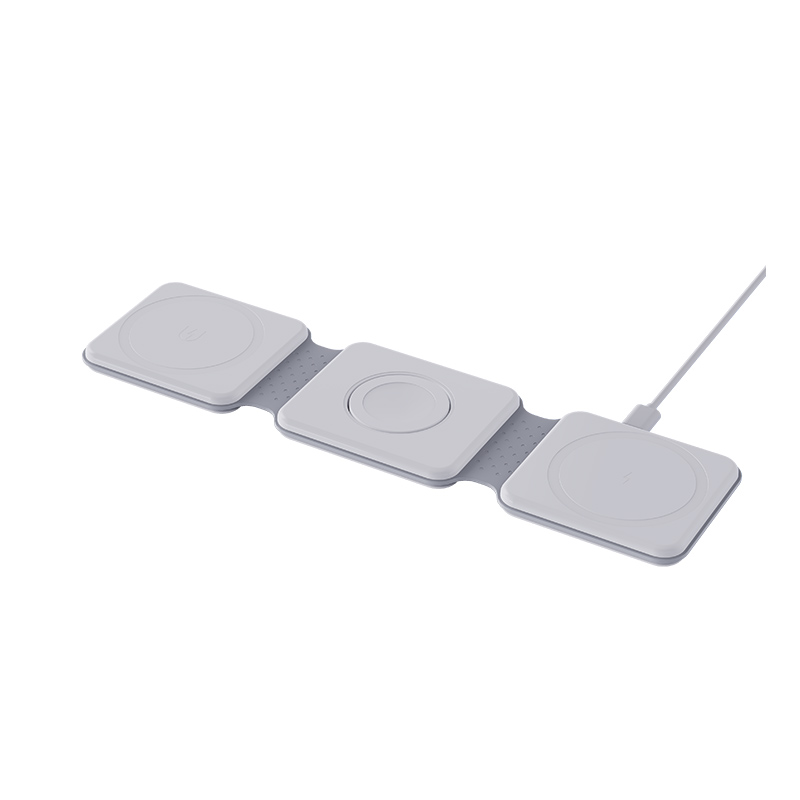
My phone vibrates each time I put it on the wireless charger, and sometimes keeps vibrating. Why?
Short answer: Many phones vibrate once to confirm that charging has started, which is normal. Repeated vibration means the connection keeps breaking and restarting, because of misalignment, a case or metal object, a weak adapter, heat or a pad that is faulty. Re-centre the phone, remove the case, use the recommended adapter and, if you prefer, switch off the charging vibration in the settings.
One vibration is normal
Many phones give a short vibration or sound when they detect a wireless charger. It confirms that charging has begun. If it happens once, there is nothing wrong. Some phones allow you to turn it off.
Repeated vibration
If the phone vibrates again and again, it is connecting, losing the link and reconnecting. Each time the link breaks and returns, the phone signals it.
Likely causes
- Misalignment. The phone sits slightly off the coil, or slips.
- A thick or metal case, or a metal plate, ring or card.
- A coin, key or metal object nearby.
- A weak adapter or cable, so the pad is unstable.
- Heat. The phone or pad pauses charging.
- A vibrating surface, such as a car mount or a table with other vibrations.
- Notifications. Vibrating alerts shift the phone.
- A faulty or poor pad.
- Phone settings or software.
What to try
- Remove the case and any accessories.
- Centre the phone on the pad, and watch for the steady charging indicator.
- Use the recommended adapter and cable.
- Move the pad to a stable surface, away from metal.
- Turn on do-not-disturb or silent mode for night use.
- Let it cool if it is warm.
- Check your phone’s settings for charging sounds and vibrations.
- Try another pad, and another phone on this pad.
What the results mean
- If the problem disappears without the case, the case is the issue.
- If another pad works, replace the first pad.
- If another phone also does it, check the adapter and the pad.
For brands
Use alignment aids, non-slip surfaces and sensible power sources. State that a single vibration at the start of charging is normal.
Quick summary
One vibration is normal. Repeating means an unstable link, so check alignment, case, adapter and heat.
Quick test
Place the phone on the pad and count the vibrations over one minute without touching it. One vibration at the start is normal. More than one means the link is breaking. Then repeat with the case off and the phone centred, and compare the count.
Where this answer says to confirm with Wecent, the detail is not published on the product page and has to come from the datasheet or the factory. General facts come from the regulators, standards bodies or device makers named in the text.
Three more perspectives
Products discussed in this thread


Related articles & topics
Have a sourcing question about your own programme?
Ask our team More Wireless & magnetic faults questions