
Talk · Troubleshooting · Wireless & magnetic faults
Why does my wireless charger work for a minute and then stop?
A charger that starts and then stops is usually protecting itself or losing its connection.
 Wecent Editorial Team
Updated
3 min read
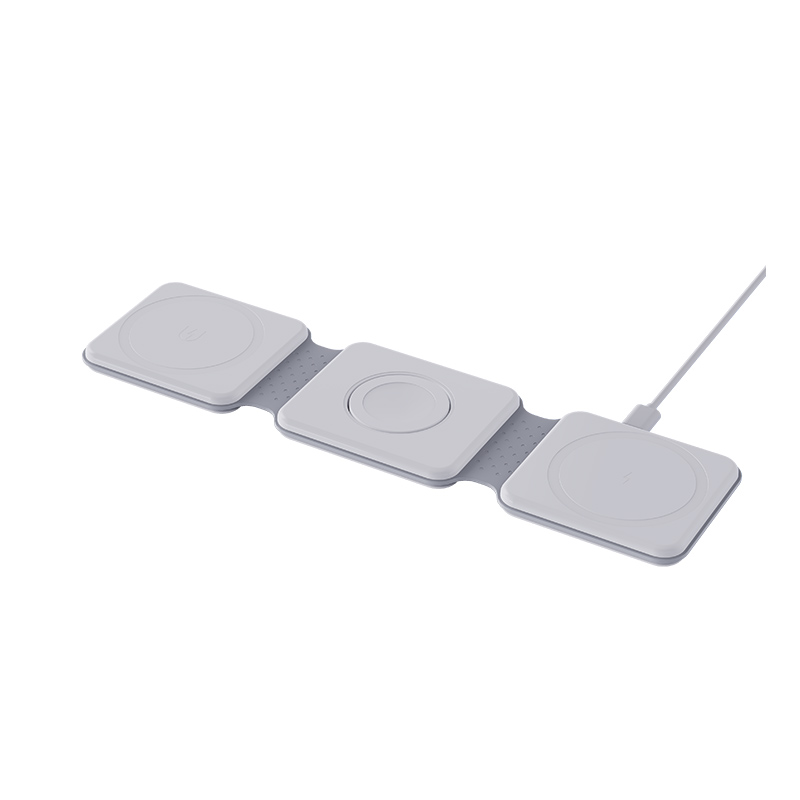
My phone starts charging on the wireless pad, then stops after a minute or so. What is going on?
Short answer: A charger that starts and then stops is usually protecting itself or losing its connection. The most common reasons are the phone slipping out of alignment, a metal object or thick case, a weak or wrong power adapter, or heat that makes the phone or the pad pause. Check each of these in turn, starting with the case and the adapter.
Why it starts, then stops
At the start, the pad and phone connect and begin charging. If something changes, the pad cuts the power, or the phone asks to stop. Common triggers are movement, heat, metal and a drop in supply power.
Common causes
- Alignment. The phone drifts slightly, and the coils no longer line up.
- Case or objects. A metal plate, card or ring is detected as a foreign object.
- Weak adapter or cable. Power dips when charging starts and the pad resets.
- Heat. Charging pauses when the phone or pad is warm.
- Phone settings. Battery protection modes may pause charging.
- Sleeping phone behaviour. Some phones stop a charge when certain apps run.
- A faulty pad. The electronics may be failing.
Steps to try
- Remove the case and any objects, and place the phone centred.
- Use the original adapter, or one with the rated power, and a good cable.
- Put the pad on a hard surface, in a cool room.
- Do not touch or move the phone for a few minutes.
- Restart the phone and reconnect the pad.
- Test with another phone and another pad.
What the results mean
If it works with the case off, the case was the problem. If another adapter fixes it, the first was too weak. If it fails with every phone, the pad is the problem.
Safety
If the pad gets very hot, makes noise, smells or looks damaged, stop using it.
For brands
Use clear indicator signals for charging, paused and error states, and explain them in the manual.
Quick summary
Alignment, case, adapter, heat and the pad itself are the five things to check, in that order.
A short log helps
Write down the time it takes to stop, what the light does, which phone and case you used and where the pad sits. After a few tries, patterns appear: stops sooner when the phone is warm, stops when the case is on or stops only at one socket. These notes help the seller diagnose the fault quickly.
Where this answer says to confirm with Wecent, the detail is not published on the product page and has to come from the datasheet or the factory. General facts come from the regulators, standards bodies or device makers named in the text.
Three more perspectives
Products discussed in this thread

Related articles & topics
Have a sourcing question about your own programme?
Ask our team More Wireless & magnetic faults questions