
Talk · Troubleshooting · Wireless & magnetic faults
Why does a wireless charger stop when a coin or key is nearby?
No, that is usually a safety feature.
 Wecent Editorial Team
Updated
3 min read
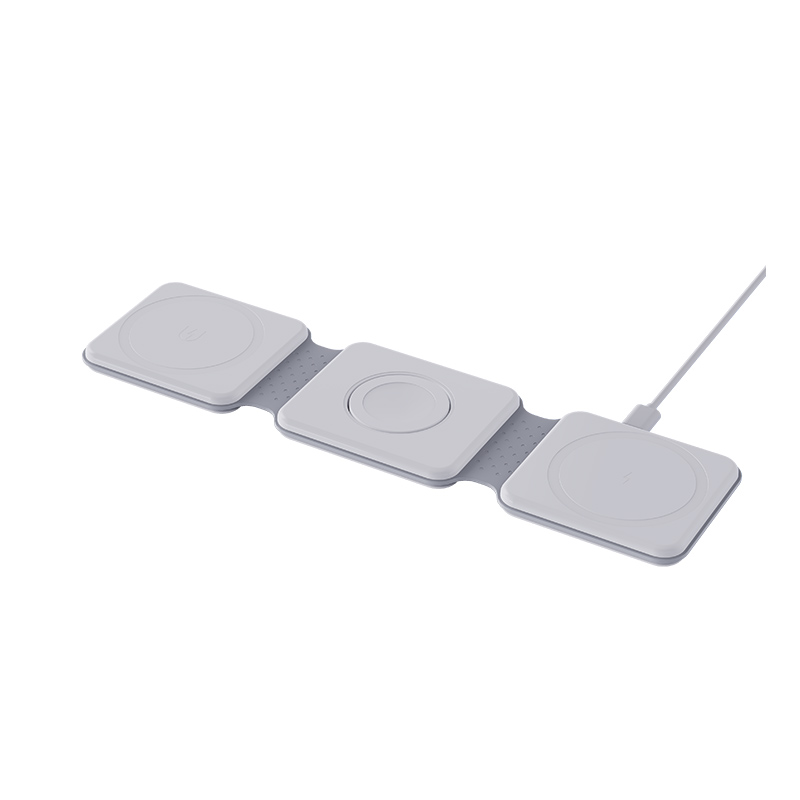
My wireless charger stops charging when a coin or key is near the phone. Is it broken?
Short answer: No, that is usually a safety feature. A wireless charger creates a magnetic field, and metal objects in that field can heat up. Foreign object detection notices the metal and stops or reduces charging. Remove the coin, key or metal part, including thin metal plates in cases, and try again. If it stops with nothing there, the detection may be too sensitive or the pad faulty.
What happens
The coil in the charger makes an alternating magnetic field. If metal is in it, such as a coin, key, a ring or a card with metal, the field can heat the metal. A key or coin can become hot enough to cause burns or damage the pad.
Foreign object detection
Many chargers measure the power they send and compare it with what the phone receives. If much of the power seems to disappear, the charger assumes there is metal in the field and stops or lowers power. This protects the user and the pad.
Typical causes of stops
- A coin, key or other metal on or near the pad.
- A metal plate in a phone case, such as for a car mount.
- A metal ring, sticker or card holder on the back of the phone.
- A magnetic wallet with metal parts.
- A dirty pad with metal dust.
- Poor alignment, which looks like a loss of power to the detector.
What to do
- Remove everything from the pad and the phone back, including the case if needed.
- Place the phone in the centre of the pad.
- Clean the surface with a dry cloth.
- Try again with no accessories.
- Add one item at a time to find the cause.
What not to do
Do not try to bypass the protection, and do not leave metal on a charging pad. Do not charge on a surface that holds keys and coins.
If it still stops
If the pad stops with nothing nearby, or on different phones, check the adapter, the temperature and the alignment. Then contact the seller. The detection may be too sensitive, or the pad may have a fault.
For brands
Explain this protection in the manual so that customers do not take it for a defect. List accessories that may interfere, and test with common cases and metal items.
Quick summary
The charger is protecting you. Clear metal from the field and try again.
Where this answer says to confirm with Wecent, the detail is not published on the product page and has to come from the datasheet or the factory. General facts come from the regulators, standards bodies or device makers named in the text.
Three more perspectives
Products discussed in this thread

Related articles & topics
Have a sourcing question about your own programme?
Ask our team More Wireless & magnetic faults questions