
Talk · Troubleshooting · Wireless & magnetic faults
Why does a wireless charger make a ticking or clicking noise?
Ticking or clicking is often the charger repeatedly starting and stopping because it cannot hold a steady connection.
 Wecent Editorial Team
Updated
3 min read
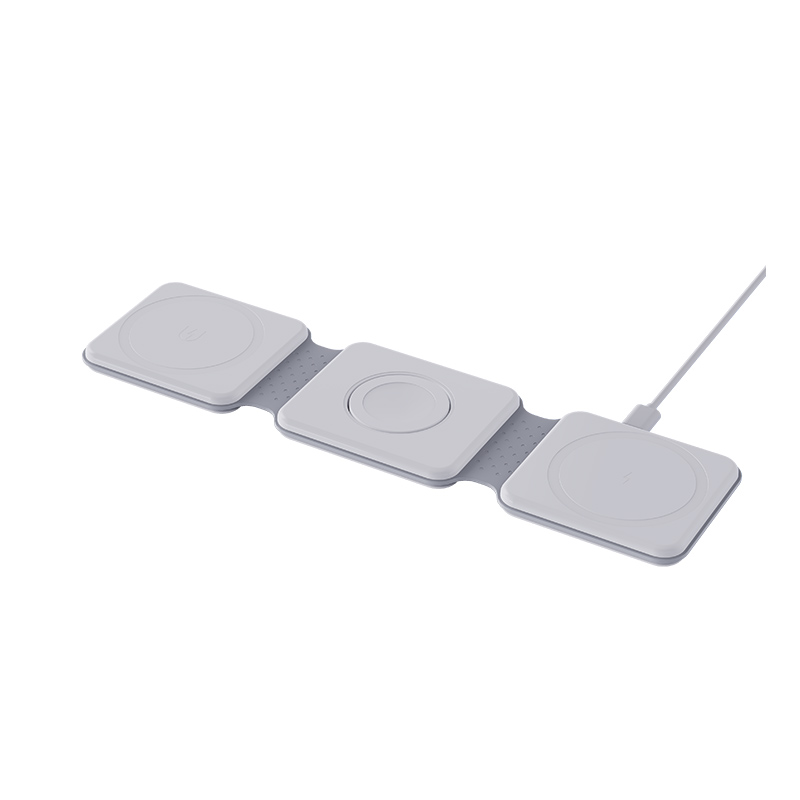
My wireless charger clicks or ticks every few seconds, especially at night. Is it faulty, and how do I stop it?
Short answer: Ticking or clicking is often the charger repeatedly starting and stopping because it cannot hold a steady connection. The cause may be a misaligned phone, a metal object, a thick case, a weak power adapter or a protection mode triggering. Fix the alignment, remove objects and use the right adapter. If the noise continues with nothing on the pad, the charger may be faulty.
What the sound can mean
Wireless chargers switch electronics at high frequency, and the parts can make faint sounds. A regular tick or click usually means the charger is retrying: it detects something, tries to power the phone, fails and tries again.
Common causes
- Misaligned phone. The coils do not line up, so the connection drops.
- Foreign object. A card, coin or metal plate triggers the protection.
- Thick or metal case. The connection is weak.
- Weak adapter. The charger cannot hold its output and resets.
- Phone too warm. Charging pauses and restarts.
- No phone on the pad. Some chargers send brief pings to look for a device, which can click.
- Loose parts or coil whine. A buzzing or whine from vibrating parts.
Troubleshooting
- Remove the phone and listen. If it still ticks with nothing on the pad, note how often.
- Place the phone centred and bare, without a case.
- Remove cards, coins and rings.
- Use the original adapter and cable, or a rated replacement.
- Move the pad to another socket and surface.
- Try another phone.
What is acceptable
A very faint sound in a silent room may be normal in some designs. A loud, regular click or one that wakes you is a problem.
When to replace
If the noise persists with a good adapter and nothing on the pad, or comes with heat or smell, stop using the charger and ask the seller.
For brands
Test chargers in a quiet room at night conditions and set a noise limit. Make sure ping behaviour is not audible.
Quick summary
Clicking is usually a retry cycle. Fix alignment, objects and the adapter, and replace the charger if it continues.
Quick night test
Set the charger in a quiet room, place the phone in the usual way and listen for ten minutes. Note any ticks, the interval between them and whether they stop when the phone is full. Repeat with the phone removed. A written note makes it easy for the seller to see which situation causes the sound.
Where this answer says to confirm with Wecent, the detail is not published on the product page and has to come from the datasheet or the factory. General facts come from the regulators, standards bodies or device makers named in the text.
Three more perspectives
Products discussed in this thread

Related articles & topics
Have a sourcing question about your own programme?
Ask our team More Wireless & magnetic faults questions