
Talk · Troubleshooting · Wireless & magnetic faults
Why does a wireless charger’s light stay on but the phone does not charge?
A lit indicator only shows that the pad has power, not that it is transferring energy.
 Wecent Editorial Team
Updated
2 min read
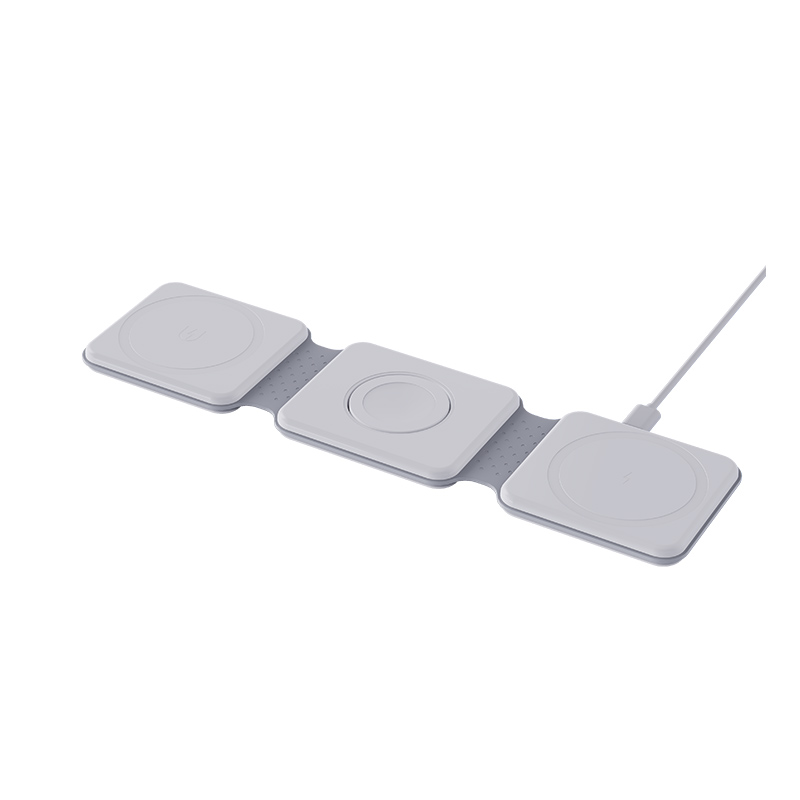
The light on my wireless pad is on, but my phone does not charge. What should I check?
Short answer: A lit indicator only shows that the pad has power, not that it is transferring energy. Common causes are a phone that is not aligned with the coil, a thick or metal case, a card or metal object between the phone and the pad, a weak power adapter or a phone that has paused charging because it is warm. Work through these in order.
What the light means
The light usually shows the pad is powered. It does not prove that the phone is charging. Some pads show a different colour or blink when charging or when an object is detected, so check the manual.
Checks in order
- Alignment. Move the phone until the charging symbol appears, then leave it still. The coil is not always where you expect.
- Case. Remove the case and try again. Thick, metal or magnetic cases can stop charging.
- Objects. Remove cards, coins, rings, grips and metal plates from the back of the phone and from the pad.
- Adapter and cable. Use the adapter and cable that came with the pad, or one with the required power rating. A weak adapter may light the pad but not power it enough.
- Phone temperature. A hot phone pauses charging. Let it cool.
- Other pad. Try the phone on another wireless charger. Try the pad with another phone.
- Restart. Restart the phone and unplug the pad for a minute.
- Software. Check that the phone’s wireless charging is enabled and up to date.
Foreign object detection
Many pads sense metal objects and stop transferring energy to avoid heating them. This protects you, but it may trigger by a ring-shaped case plate or a card. Removing the object usually fixes it.
When the pad may be faulty
If the pad does not charge several phones, even bare and well aligned, with a good adapter, the coil or electronics may be faulty. Stop using it if it gets hot or smells, and contact the seller.
For brands
Use a different indicator pattern for ‘powered’, ‘charging’ and ‘object detected’, and explain them in a small table in the manual. It reduces many returns.
Where this answer says to confirm with Wecent, the detail is not published on the product page and has to come from the datasheet or the factory. General facts come from the regulators, standards bodies or device makers named in the text.
Three more perspectives
Products discussed in this thread
Related articles & topics
Have a sourcing question about your own programme?
Ask our team More Wireless & magnetic faults questions