
Talk · Troubleshooting · Heat, noise & safety signs
Why does a speaker charger crackle when charging?
Crackling during wireless charging can come from interference between the charging circuit and the audio path, a weak adapter, Bluetooth congestion or a fault. Try another adapter and socket, test audio with charging off, and report persistent crackle.
 Wecent Editorial Team
Updated
3 min read
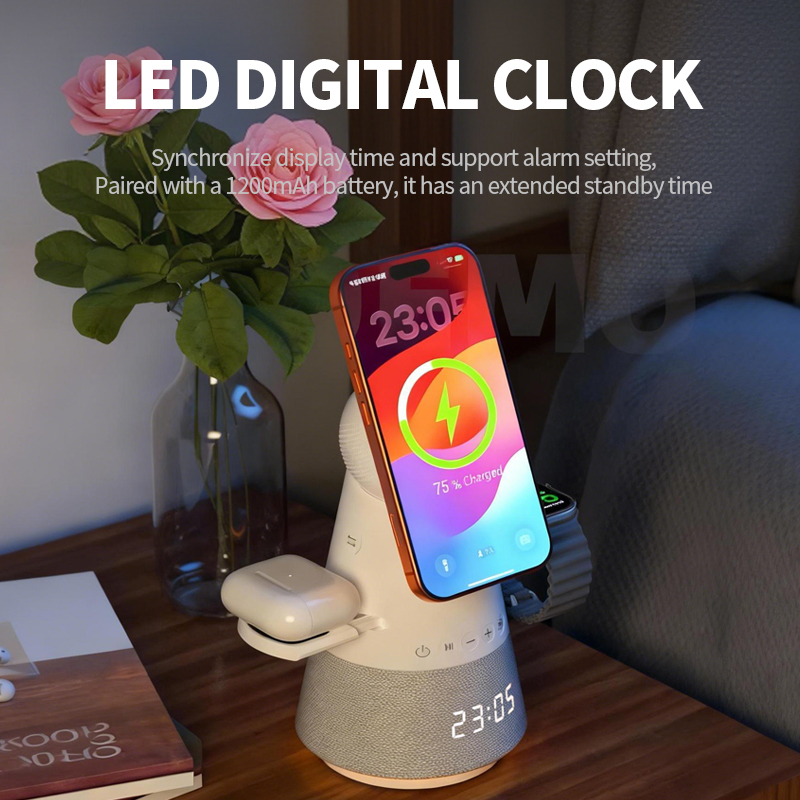
Customers say our speaker charger crackles or hisses when a phone is charging on it, but sounds fine otherwise. What’s happening?
Short answer: When wireless charging and audio run together, electrical noise from the charging circuit or the power adapter can leak into the audio path if filtering is marginal, especially with a weak or noisy adapter. Bluetooth dropouts can also sound like crackling. Try the recommended adapter, a different socket, and check whether the noise stops when the phone is removed from the pad. If the crackle continues with the right adapter, the unit may be faulty.
Possible causes
- Adapter: a low-quality or underpowered adapter can produce noise or voltage dips when the charger draws power.
- Interference: the wireless charging circuit switches at high frequencies; if filtering is insufficient, noise can reach the amplifier.
- Bluetooth: dropouts from interference, distance or many devices nearby sound like crackles.
- Ground loops: if the speaker is also connected by cable to another powered device, hum or noise can appear.
- Fault: a damaged speaker or loose internal connection.
Tests for users
- Remove the phone from the pad while playing music. Does the noise stop?
- Use the adapter recommended in the manual.
- Try a different socket without a power strip.
- Move the phone closer and check Bluetooth signal.
- Play from a different phone.
Interpreting results
If noise stops when charging stops and the right adapter doesn’t help, the unit’s design or a component may be the cause. If noise persists without charging, it’s likely Bluetooth or the speaker.
Heat and smell
Crackling together with heat or a smell is a safety concern. Stop using the device and report it.
Volume and source
Noise is often more audible at low volume or with quiet music, and during calls. Some apps also add their own processing. Try a different audio source to check whether the crackle is in the content or the device.
Charging speed trade-off
Some designs reduce charging power while audio plays loudly to keep total power within the adapter’s limit. That’s normal and may be described in the manual.
Support approach
Ask for a recording, the adapter used and the results of the tests. Replace units with persistent noise under correct conditions.
Feedback to the factory
Track crackle complaints by batch and adapter used. If many occur with recommended adapters, share recordings with Wecent.
Prevention
Include or specify a suitable adapter. Many complaints come from users plugging into old phone adapters.
Where this answer says confirm with Wecent, the detail is not published on the product page and has to come from the datasheet or the factory. General facts come from the standards bodies, regulators or device makers named in the text.
Three more perspectives
Products discussed in this thread
Related articles & topics
Have a sourcing question about your own programme?
Ask our team More Heat, noise & safety signs questions