
Talk · Troubleshooting · Heat, noise & safety signs
Why does a 3-in-1 stand feel warm in the stand column?
Often yes.
 Wecent Editorial Team
Updated
3 min read
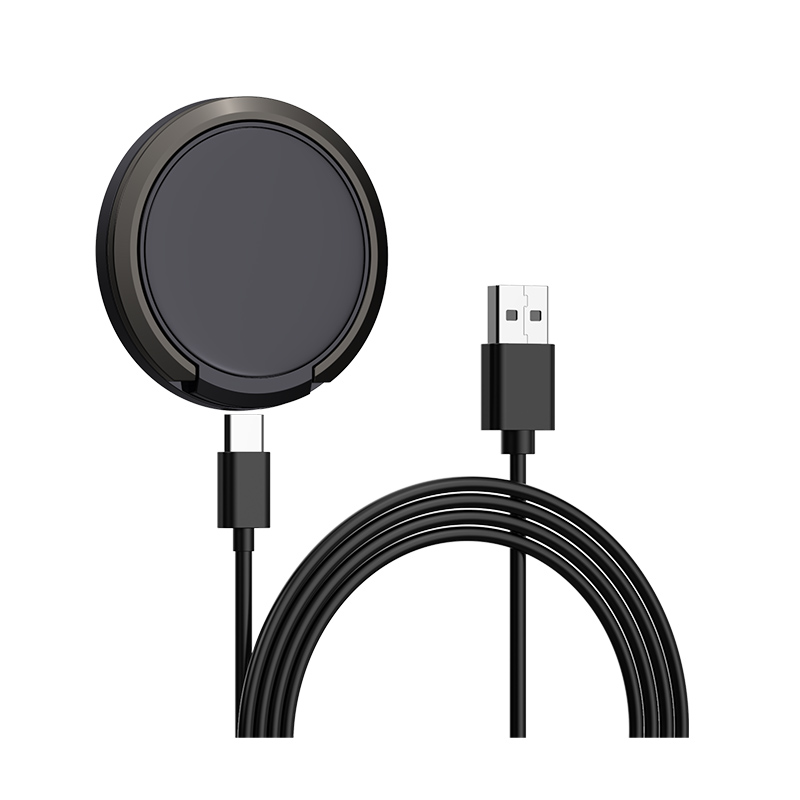
The upright column of my 3-in-1 charging stand feels warm even when only one device is charging. Is that normal?
Short answer: Often yes. In many 3-in-1 stands the column holds the power electronics and one of the coils, so it is where heat is made and where it escapes to the outside. A mild warmth is normal under load. If the column is too hot to touch comfortably, smells, changes colour or gets hotter over time, unplug it and stop using it.
What is in the column
A 3-in-1 stand charges a phone, a watch and earbuds. The base, the column and the arms hold coils, circuit boards and sometimes a controller that shares power between the positions. Designers often put the main electronics in the column or the base, because they need room.
Why the column warms
- Electronics inside. The power-conversion parts produce heat.
- Coil losses. Wireless charging is not fully efficient, so heat appears near the coils.
- Standby or idle power. Some controllers use a little power even with one device charging.
- Limited airflow. The column is closed to look neat, so heat leaves through the surface.
- Warm surroundings. A sunny window or a thick case on the phone adds to it.
What is normal
Gentle warmth, similar to a warm cup, under load, is expected. The surface temperature of products is limited by safety standards for parts that people touch, and well-made stands stay within them in normal use.
When to be concerned
- It is too hot to hold.
- There is a burning smell or discolouration.
- Warmth increases from week to week.
- The stand buzzes, clicks or shuts down.
- The adapter is also very hot.
If any apply, unplug the stand and stop using it.
What helps
- Keep it uncovered on a hard surface, away from sun.
- Remove thick cases that make coils work harder.
- Use the adapter specified for the stand.
- Do not charge under bedding.
For brands
Take thermal photos with all three positions loaded, record the hottest surface and keep touch surfaces away from hot spots.
Quick summary
Mild warmth in the column is normal. Hot, smelly or worsening heat is a reason to stop.
A check you can repeat
Charge only the phone for an hour, touch the column and note how warm it is. Then charge all three devices for an hour and repeat. Write down both impressions. If the second is much hotter, the design shares power poorly, or the room is too warm, and you can tell the seller exactly what you observed.
Where this answer says to confirm with Wecent, the detail is not published on the product page and has to come from the datasheet or the factory. General facts come from the regulators, standards bodies or device makers named in the text.
Three more perspectives
Products discussed in this thread
Related articles & topics
Have a sourcing question about your own programme?
Ask our team More Heat, noise & safety signs questions