
Talk · Troubleshooting · Heat, noise & safety signs
Why does a charger feel warm when nothing is connected?
A slight warmth can be normal, especially for models with a display, or after recent use. Real heat with no load, a smell or a buzz is not normal; stop using the unit.
 Wecent Editorial Team
Updated
3 min read
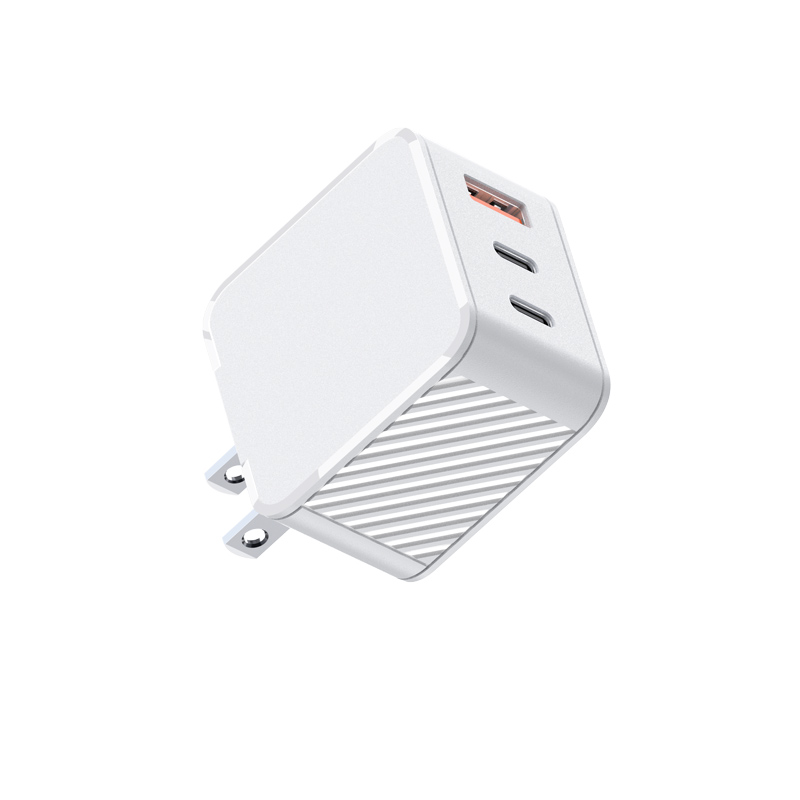
A customer says their 65W charger is warm even when nothing is plugged into it. They’re worried. Is that normal?
Short answer: A very slight warmth can be normal, especially just after use or on models with an always-on display. A charger at no load uses very little power. In the EU, Ecodesign rules cap no-load power at 0.10W or 0.21W for most external power supplies, which isn’t enough to make a charger clearly hot. If it’s distinctly hot, smells or buzzes with nothing connected, unplug it and stop using it.
Why a little warmth can be normal
- Residual heat: after charging a laptop, a charger takes time to cool.
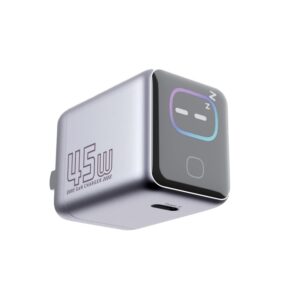
- Displays: smart-screen chargers keep a display and controller powered.
- Environment: a charger in a warm room or behind furniture feels warmer.
What the numbers say
EU Regulation 2019/1782 limits no-load power of standard AC-DC external power supplies to 0.10W up to 49W output and 0.21W above. A fraction of a watt spread over a charger housing produces very little temperature rise. Models with displays or other features may fall into different categories; ask for the declared no-load value.
When warmth isn’t normal
- Clearly hot with no load, after it has had time to cool.
- A smell of hot plastic or burning.
- Buzzing or crackling with nothing connected.
- Discoloration near the pins or seams.
- Heat at the plug pins, which may point to a poor socket connection.
In these cases, unplug the charger, stop using it, and report it with the batch code.
Check the socket
Warm pins can be caused by a loose or worn socket rather than the charger. Try a different socket. If the pins stay warm in a good socket, retire the charger.
What to tell customers
- “Slight warmth after use or on display models is normal.”
- “If it’s hot with nothing connected, smells or buzzes, unplug it and contact us.”
Should chargers stay plugged in?
Leaving a charger plugged in with no load is generally fine for a product designed and tested for it. For energy and safety reasons, many users still prefer to unplug when away for long periods.
For support teams
Ask for the model, batch code and a photo of the pins and housing. A returned unit can be checked for no-load power on a bench meter. Ask Wecent for the declared no-load value to compare with.
Where this answer says confirm with Wecent, the detail is not published on the product page and has to come from the datasheet or the factory. General facts come from the standards bodies, regulators or device makers named in the text.
Three more perspectives
Products discussed in this thread


Related articles & topics
Have a sourcing question about your own programme?
Ask our team More Heat, noise & safety signs questions