
Talk · Use · Everyday home & office use
Can a charger be shared between USB-C iPhones and Lightning devices?
Yes. The same USB-C PD charger charges both; only the cable differs. Use USB-C to USB-C for iPhone 15 and later, and USB-C to Lightning for earlier models and Lightning accessories. A multi-port charger can do both at once.
 Wecent Editorial Team
Updated
3 min read
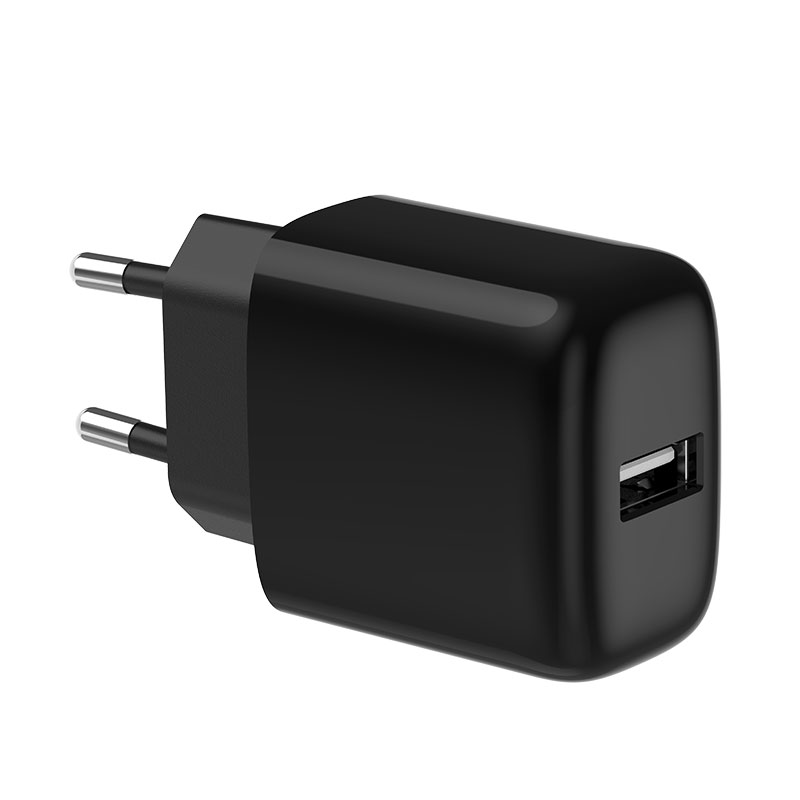
Families with a mix of new USB-C iPhones and older Lightning iPhones ask whether they need two different chargers. Do they?
Short answer: No. A USB-C Power Delivery charger works for both; the difference is the cable. iPhone 15 and later use USB-C to USB-C cables. Earlier iPhones and Lightning accessories use USB-C to Lightning cables, which also support fast charging on supported models with a 20W or higher USB PD charger. A two-port USB-C charger lets one USB-C iPhone and one Lightning iPhone charge at the same time.
One charger, two cables
The charger side of both cables is USB-C. The charger negotiates power with the phone regardless of which connector the phone uses. iPhones from the iPhone 8 onwards support fast charging via USB PD, using USB-C to Lightning cables for Lightning models and USB-C cables for iPhone 15 and later.
Fast charging
Apple states that a 20W or higher USB-C power adapter can fast-charge supported iPhones to around 50% in about 30 minutes, with exact figures varying by model. Both Lightning and USB-C iPhones benefit from the same charger.
Multi-port chargers
A charger with two USB-C ports lets both phones charge together. Check the per-port output when both are used; 35W–45W two-port chargers often give each phone enough for fast or near-fast charging.
Cables
- USB-C to USB-C for iPhone 15 and later, iPads with USB-C, and AirPods with USB-C cases.
- USB-C to Lightning for earlier iPhones and Lightning accessories. Use MFi-certified Lightning cables to avoid “accessory not supported” messages.
- Label or colour-code cables in shared spaces to avoid confusion.
Older USB-A cables
USB-A to Lightning cables work with USB-A ports but charge at standard speed. For fast charging, switch to USB-C to Lightning cables.
Accessories
AirPods and other accessories with Lightning or USB-C connectors also charge from the same charger. They draw little power.
iPads and other devices
The same charger also suits USB-C iPads, AirPods and many Android phones. One family charger with two or three USB-C ports and a small set of cables replaces a drawer full of old adapters.
Transition planning
Households and offices moving to USB-C iPhones can keep their USB-C chargers and only add USB-C cables. Keeping a few USB-C to Lightning cables serves older devices until they are replaced.
What to tell customers
“You don’t need two chargers. Use our USB-C charger with a USB-C cable for newer iPhones and a USB-C to Lightning cable for older ones.”
Where this answer says confirm with Wecent, the detail is not published on the product page and has to come from the datasheet or the factory. General facts come from the standards bodies, regulators or device makers named in the text.
Three more perspectives
Products discussed in this thread
Related articles & topics
Have a sourcing question about your own programme?
Ask our team More Everyday home & office use questions