
Talk · Use · Business & shared deployment
How should a hospital or clinic choose wireless chargers for waiting areas?
Pick chargers that are easy to clean, robust and clearly marked, and place them away from clinical equipment unless the clinical engineering team approves.
 Wecent Editorial Team
Updated
2 min read
Our clinic wants to offer wireless phone charging in the waiting room. What should we look for, and what should we check first?
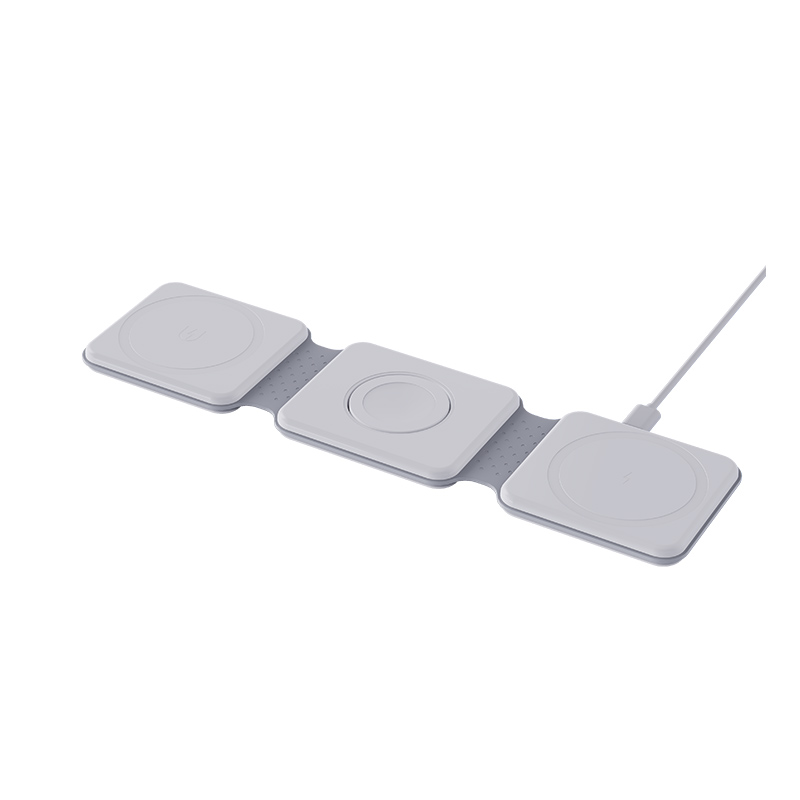
Short answer: Pick chargers that are easy to clean, robust and clearly marked, and place them away from clinical equipment unless the clinical engineering team approves. Involve infection control and facilities before buying. A built-in surface charger or a sturdy stand suits public use better than a thin standalone pad that gets lost.
Start with the right people
In a clinical building, charging stations are not just a furniture decision. Ask facilities, infection control and clinical or biomedical engineering to review the plan. They know the local rules and which areas are sensitive.
Placement
- Keep chargers in public waiting areas, away from patient treatment zones and equipment rooms unless approved.
- Place them where staff can see them, so damage or misuse is noticed.
- Avoid locations that block an exit or a walkway.
What to look for in the product
- Cleanable surface. A smooth, sealed surface that tolerates the disinfectant your site uses. Check the supplier’s cleaning guidance.
- Durability. Public use is rough. Look for strong housings and strain relief.
- Fixed installation. Charging surfaces built into tables or fixed to furniture are harder to steal or unplug.
- Clear markings. A simple sign showing where to place the phone.
- Safety approval. The product should carry the safety and radio markings for the market, with documentation you can see.
- Case compatibility. Tell users that thick or metal cases may stop charging.
Operation
- Add chargers to the cleaning routine.
- Check them weekly for damage, heat and loose cables.
- Remove any unit that overheats or fails.
- Keep a spare and a contact at the supplier.
What to tell visitors
A short sign can say how to place the phone and that charging may be slow. Avoid claims about speed or compatibility you have not tested.
Consider the alternatives
Some clinics prefer wired USB ports, because they are simple and work with every phone. A mix of both is common.
Budget and ownership
Decide who owns the chargers, who pays for replacements and who handles complaints. A charger without a named owner tends to stay broken. Add the units to the asset list, give each a number and check that number during routine rounds.
Where this answer says to confirm with Wecent, the detail is not published on the product page and has to come from the datasheet or the factory. General facts come from the regulators, standards bodies or device makers named in the text.
Three more perspectives
Products discussed in this thread
Related articles & topics
Have a sourcing question about your own programme?
Ask our team More Business & shared deployment questions