
Talk · Use · Business & shared deployment
What charger setup works best for a reception desk shared by three staff?
Give each staff member a dedicated charger and cable and keep them at fixed positions on the desk.
 Wecent Editorial Team
Updated
3 min read
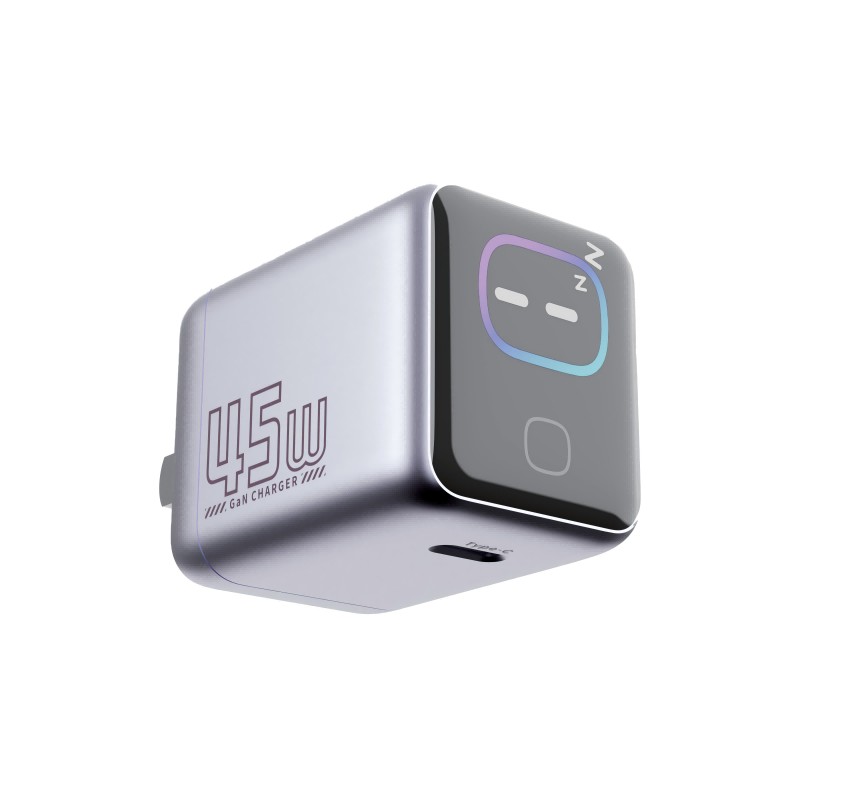
Three people share a reception desk, plus visitors who sometimes need a quick charge. What is a tidy and practical setup?
Short answer: Give each staff member a dedicated charger and cable and keep them at fixed positions on the desk. Add one multi-port charger for visitors, with USB-C and USB-A, positioned where staff can see it. Use cable clips or a tray to avoid clutter, and keep the setup easy to clean and safe to use.
What each person needs
Each staff member probably has a phone, maybe a laptop or tablet and perhaps a headset. A fixed charger and cable at each position means no sharing, hunting or swapping.
Staff positions
- A multi-port wall charger or a desk-mounted power unit at each seat.
- One USB-C cable per phone and a spare in the drawer.
- A laptop charger with a proper socket.
- A cable clip or channel to hold cables in place.
Visitor charging
- One multi-port charger on the counter with a few ports, sited where staff can see it.
- A short sign saying that charging is available.
- A small stock of common cables, or a loan system.
- Avoid leaving valuable devices unattended.
Layout tips
- Keep sockets within reach and cables off the floor.
- Use cable ties, trays or under-desk holders.
- Label chargers by position.
- Place visitor charging at the edge of the desk, not in the middle.
Safety
- Do not chain power strips.
- Use chargers with recognised safety marks.
- Keep liquids away from power points.
- Check cables for damage weekly.
Cleaning
Choose smooth, wipe-friendly surfaces and keep cables tidy so that the desk can be cleaned.
Review
Ask staff what is working and what is not after a month, and adjust.
Quick summary
A charger per person, one for visitors, tidy cables and safe placement.
Example layout
Place each person’s power unit under the desk edge nearest their seat, with a short cable clipped to the desk top. Put the visitor charger on the counter’s left corner, close to the main screen so that staff see who uses it. Keep spare cables in one labelled drawer. A layout like this takes an afternoon to build and stays tidy for years.
Plan for change
Staff change, devices change and a desk that was tidy last year may not suit the phones in use now. Review the setup once a year, replace worn cables and update the label list. If a new device needs a different connector, add the right cable rather than letting people bring loose cables from home.
Where this answer says to confirm with Wecent, the detail is not published on the product page and has to come from the datasheet or the factory. General facts come from the regulators, standards bodies or device makers named in the text.
Three more perspectives
Products discussed in this thread
Related articles & topics
Have a sourcing question about your own programme?
Ask our team More Business & shared deployment questions