
Talk · Use · Business & shared deployment
How should a hotel suite’s bedside charging be arranged for two guests?
Provide charging on both sides of the bed, within easy reach of the pillow: at least one USB-C port and one standard socket per side, plus an optional wireless pad on the nightstand.
 Wecent Editorial Team
Updated
2 min read
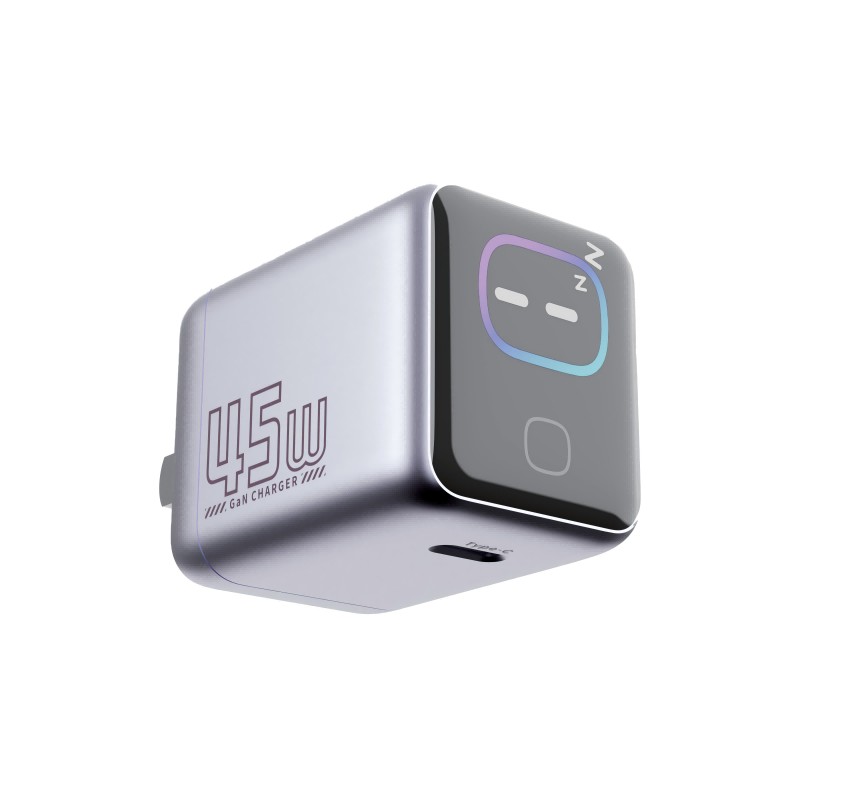
We are refurbishing hotel suites. How do we set up bedside charging so that two guests are well served?
Short answer: Provide charging on both sides of the bed, within easy reach of the pillow: at least one USB-C port and one standard socket per side, plus an optional wireless pad on the nightstand. Use rated, marked, hard-wearing fittings, label them and keep the layout tidy. Test every position with real devices before finishing the room.
What guests need
Guests arrive with phones, watches and perhaps tablets or laptops. They want to charge overnight without moving furniture or pulling plugs out of the wall.
Per side of the bed
- USB-C port. For modern phones and tablets, with sensible power.
- USB-A port. For older devices and accessories.
- Standard socket. For laptops and other chargers.
- Wireless pad (optional). For guests who like it, with a note about cases.
- Shelf or tray. A place to put the phone while charging.
Placement
Put ports at nightstand height, within arm’s reach from the bed, and not hidden behind the headboard. Avoid placing sockets low behind furniture.
Safety and quality
- Use hardware with recognised safety marks.
- Do not use extension leads or loose power strips.
- Follow the building’s electrical code.
- Make sure fittings are robust, since guests plug in and out constantly.
Signage and help
A small label can show what each port supports. Provide a card or a QR code with simple instructions, and offer a lending cable at reception.
Cleaning and maintenance
Choose smooth, easy-to-clean surfaces. Housekeeping should report damaged ports. Check a sample of rooms regularly.
Test before you finish
Plug in a laptop, phone and watch on each side and check the reach, speed and heat. Fix problems before the refit is complete.
Quick summary
Ports on both sides, within reach, mixed types, safe hardware and simple labels.
Budget view
Built-in USB-C ports cost little compared with the total refit, yet guests mention charging in reviews. Plan the budget for the ports per room, plus a small allowance for replacements each year, and place orders in one batch so that the fittings match throughout the building.
Accessibility
Place at least one port at a height and position that a guest with limited reach can use from the bed, and make labels large and clear. Consider offering a long lending cable at reception, so that guests with mobility needs can charge comfortably.
Where this answer says to confirm with Wecent, the detail is not published on the product page and has to come from the datasheet or the factory. General facts come from the regulators, standards bodies or device makers named in the text.
Three more perspectives
Products discussed in this thread
Related articles & topics
Have a sourcing question about your own programme?
Ask our team More Business & shared deployment questions