
Talk · Use · Business & shared deployment
How do airport lounges and airlines use charging stations without queues?
Put power where people sit, not in one corner.
 Wecent Editorial Team
Updated
2 min read
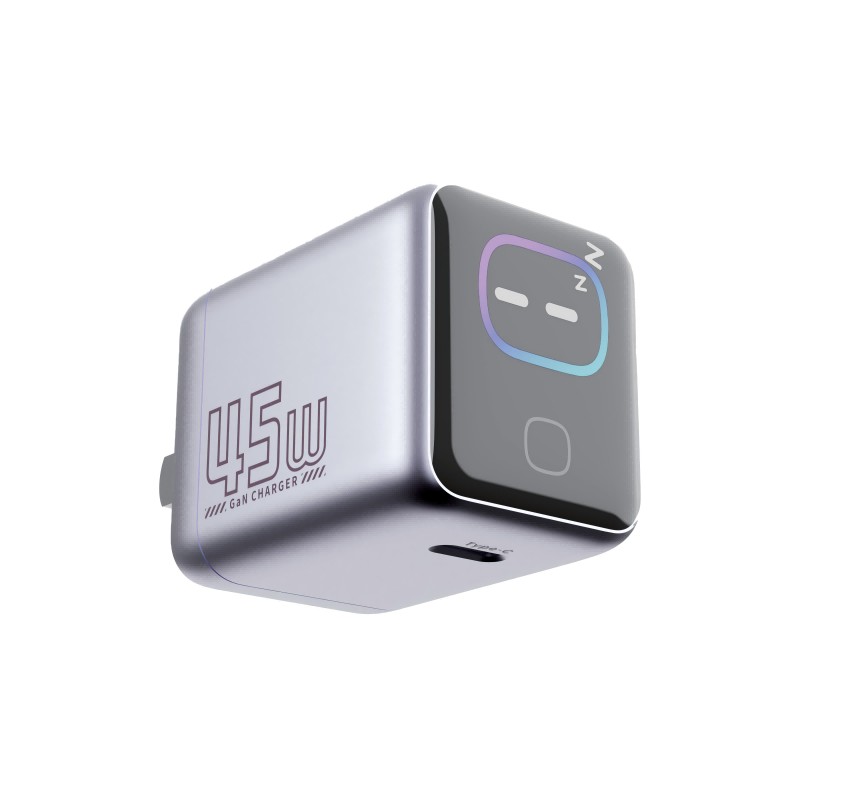
Our lounge has a few charging points, and travellers queue for them. How do we serve more people without constant crowding?
Short answer: Put power where people sit, not in one corner. Use many multi-port points with USB-C and standard sockets, mark them clearly, add charging lockers for those who leave for a while and check them often. Count seats, estimate peak demand and design so that most seats have a nearby port.
Why queues form
Charging is a limited resource placed in a few spots. Travellers cluster around them, block walkways and stay a long time, because they cannot leave the phone unattended.
Design principles
- Power at the seat. Add ports to tables, armrests and seat banks, so people charge where they already sit.
- More ports per point. Multi-port units serve several people at once.
- Mixed outputs. Offer USB-C power delivery and USB-A, plus a standard socket for laptops.
- Clear signage. Show where ports are and what they support.
- Charging lockers. Let travellers lock a phone while charging, so they can get food or walk.
- Spread the load. Distribute points across the space so no area is crowded.
Plan the numbers
Estimate peak passengers, the share who want to charge and the average charging time. Add margin for growth. Check the electrical capacity and safety with the facilities team.
Keep things working
- Inspect ports and cables regularly.
- Replace damaged units quickly.
- Clean surfaces, especially high-touch ones.
- Record which units fail often.
Safety
Use products with recognised safety marks, avoid daisy-chained strips and follow the airport’s rules for fixed installations.
Guide passengers
A short sign reading ‘USB-C fast charge here’ and a QR link to tips can reduce staff questions. Show typical charging times honestly.
Review after changes
Walk the space at peak times, watch where queues form and adjust.
Quick summary
Spread many multi-port points through the seating, label them, add charging lockers and inspect them often. Design for peak demand, not average demand.
A sample peak-hour check
Visit at the busiest hour, count the people waiting or standing next to ports and note how long each stays. If more than a handful wait at once, add seat-level ports in the nearest seating block rather than another point in the same corner. Repeat the count after each change, so you can see which change helped and which did not.
Where this answer says to confirm with Wecent, the detail is not published on the product page and has to come from the datasheet or the factory. General facts come from the regulators, standards bodies or device makers named in the text.
Three more perspectives
Products discussed in this thread
Related articles & topics
Have a sourcing question about your own programme?
Ask our team More Business & shared deployment questions