
Talk · Use · Everyday home & office use
How do we explain optimised or adaptive charging to customers?
Phones and watches deliberately pause or slow charging, often around 80%, to reduce battery ageing. It looks like a charger fault but is a device feature, and it can be checked or switched off in the device settings.
 Wecent Editorial Team
Updated
3 min read
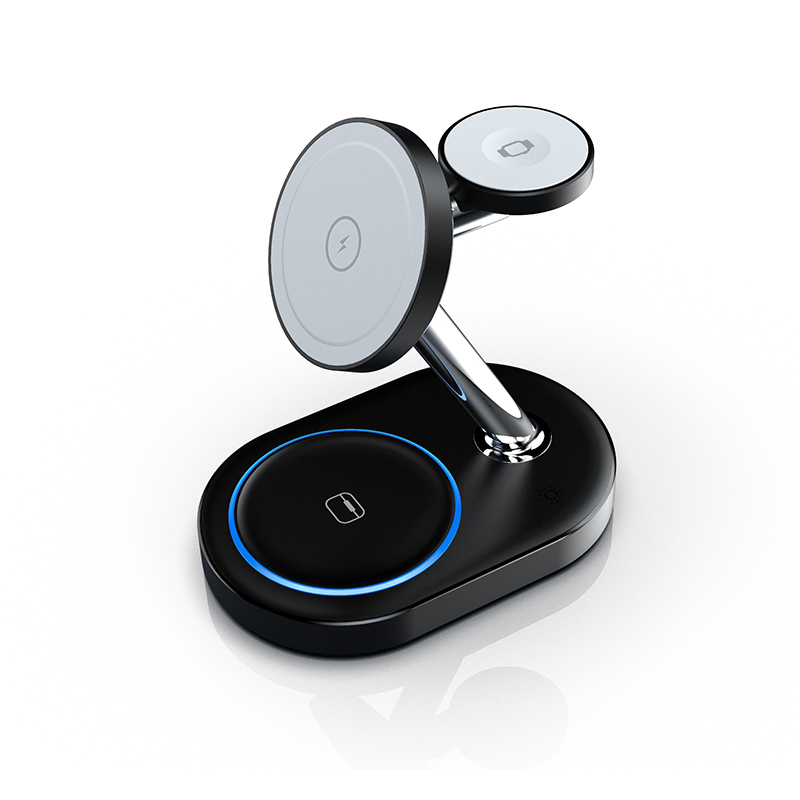
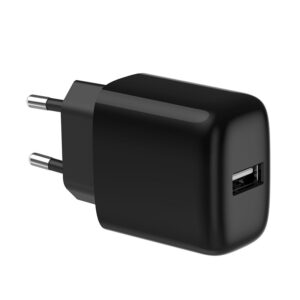
We get tickets saying ‘your charger stops at 80% overnight’ for both our wireless stand and our 20W wall charger. How do we explain optimised charging without sounding like we’re making excuses?
Short answer: Explain that the phone, not the charger, decides to pause. iPhone’s Optimised Battery Charging, Android adaptive charging features and Apple Watch optimised charging learn the user’s routine and hold the battery at around 80% until shortly before it’s usually needed, to reduce battery ageing. Users can see the message on the lock screen or in battery settings and can switch it off if they prefer. If charging stops at a low level or never resumes, that is worth investigating.
What the feature does
Lithium-ion batteries age faster when kept at 100% for long periods, especially when warm. To reduce this, phones and watches learn when a user usually unplugs and delay the final part of the charge. The battery sits at around 80% for part of the night and reaches full shortly before the expected unplug time.
Where users can see it
- iPhone: a notification on the lock screen and a setting under Battery. Newer iPhones also offer a fixed charge limit option.
- Android: names vary by brand, such as adaptive charging on Pixel or battery protection options on Samsung. Look in the battery settings.
- Apple Watch: optimised charge limit or optimised battery charging in the watch’s battery settings.
How to say it
Avoid blaming the user. A clear support line works better: “Your phone is protecting its battery by pausing at 80% and finishing before you usually wake up. The charger is still connected and working. You can turn this off in Battery settings if you’d prefer it to charge straight to 100%.”
How to tell a real fault
- Charging stops well below 80% and doesn’t resume.
- The device shows “not charging” rather than a paused or optimised message.
- The same happens with the feature switched off.
- Other devices also fail to charge on the same charger.
In those cases, follow the usual checks: different cable, different socket, different device, and ask for the model and batch code.
Wireless chargers specifically
On wireless stands, a phone that has moved slightly off the coil can also stop charging overnight. Ask whether the phone was still centred in the morning and whether a thick case or accessory was attached.
Put it in your materials
Add a short line to listings and care cards: “Many phones pause around 80% overnight to protect the battery. This is normal.” It prevents a large share of these tickets before they start.
Where this answer says confirm with Wecent, the detail is not published on the product page and has to come from the datasheet or the factory. General facts come from the standards bodies, regulators or device makers named in the text.
Three more perspectives
Products discussed in this thread

Related articles & topics
Have a sourcing question about your own programme?
Ask our team More Everyday home & office use questions