
Talk · Troubleshooting · Charging speed & compatibility
Why does a laptop charge only when it’s switched off?
The charger supplies less power than the laptop uses while running, so the battery only gains charge when the laptop is off or asleep. Causes include a low-wattage charger, a 3A cable, a shared multi-port charger or a heavy workload.
 Wecent Editorial Team
Updated
3 min read
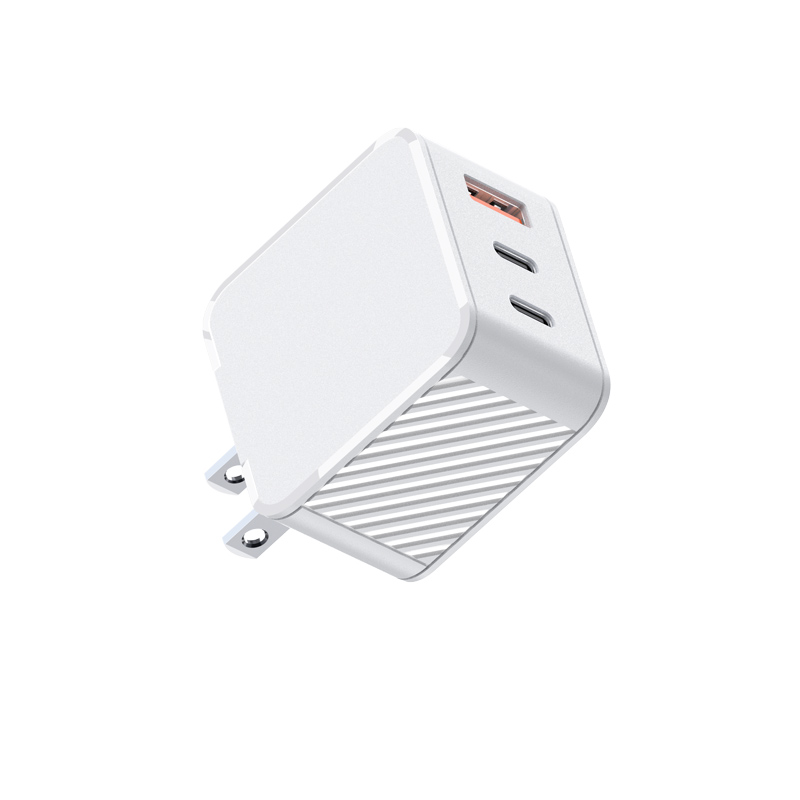
A customer’s laptop shows ‘plugged in, not charging’ while working, but charges fine when shut down. They use our 65W charger. What’s happening?
Short answer: While working, the laptop is using about as much power as the charger supplies, or more, so there’s nothing left for the battery. When off, all the power goes to the battery. Check the laptop’s original adapter wattage, the cable rating (a 3A cable limits power to about 60W), whether other devices share the charger, and whether the laptop is under heavy load. A charger at or above the laptop’s original wattage on a single port usually fixes it.
Why it happens
A laptop’s power use while running includes the screen, processor, graphics and accessories. If the charger provides less than that, the laptop draws the difference from the battery or holds it level. When switched off, the same charger power goes entirely into the battery, so it charges normally.
Common causes
- Charger wattage too low: e.g. a 65W charger on a laptop that shipped with a 90W or 100W adapter.
- Cable limit: a 3A cable caps a USB PD charger at about 60W (20V 3A).
- Shared ports: a phone or second device on the same multi-port charger reduces the laptop’s share.
- Heavy workload: gaming, video export or compilation can exceed the adapter’s power briefly.
- Battery settings: some laptops limit charge to a set level to protect the battery, showing “not charging” at e.g. 80%. That’s a setting, not a fault.
How to check
- Compare the charger wattage with the laptop’s original adapter.
- Check the cable’s rating; try a 5A e-marked cable.
- Disconnect other devices from the charger.
- Check battery or power settings for charge limits.
- Close heavy applications and see whether the battery starts charging.
- Use the laptop maker’s tools to see the adapter wattage detected.
Which port
Use the highest-power port on a multi-port charger and the laptop’s charging-capable USB-C port. Some laptops only accept full power on specific ports.
When it’s not expected
If a correctly rated charger on a single port with a 5A cable still doesn’t charge a lightly loaded laptop, test with another charger. If the other works and ours doesn’t, report it with the model and batch code.
Advice for listings
Show which laptops a charger is suitable for in terms of wattage, such as “for USB-C laptops up to 65W”, and note that a 5A cable is needed above 60W.
Confirm with Wecent the per-port output with several devices connected for each model before publishing port-sharing guidance.
Where this answer says confirm with Wecent, the detail is not published on the product page and has to come from the datasheet or the factory. General facts come from the standards bodies, regulators or device makers named in the text.
Three more perspectives
Products discussed in this thread


Related articles & topics
Have a sourcing question about your own programme?
Ask our team More Charging speed & compatibility questions