
Talk · Use · Everyday home & office use
Why does a phone show ‘charging slowly’ with a brand-new charger?
It's usually the cable, the port, or the phone's own heat and battery logic, not a fault in the new charger. A few checks tell you which.
 Wecent Editorial Team
Updated
3 min read
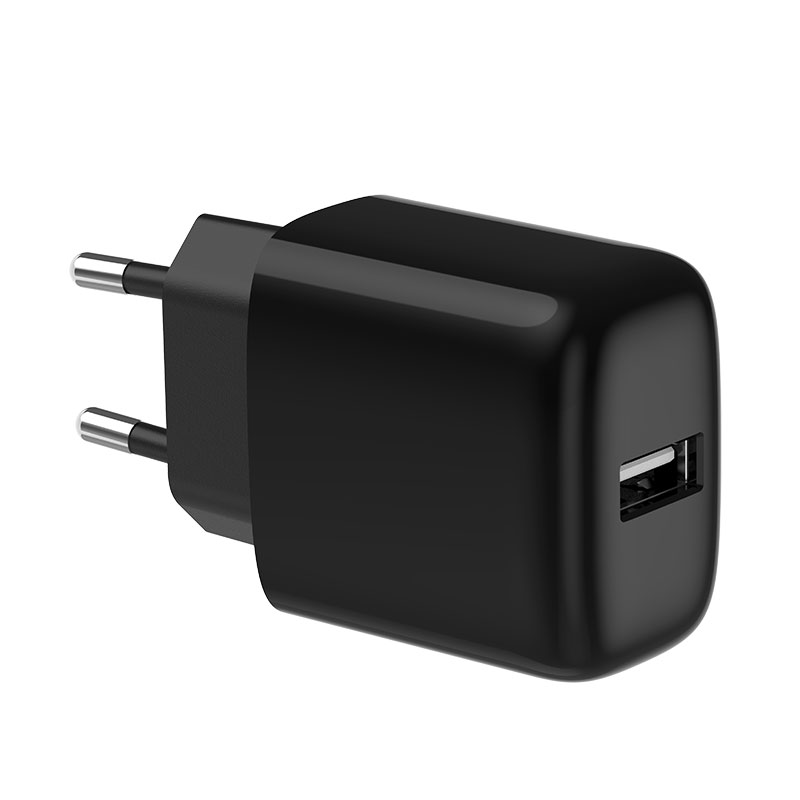
Customers using our 20W charger sometimes say their phone shows ‘charging slowly’ or doesn’t show fast charging. The charger is new. What should we tell them?
Short answer: Check the cable and port first. A USB-A to USB-C cable or an old cable can’t carry USB PD fast charging. Then check whether another device is sharing the charger, whether the phone is warm, and the battery level. Phones slow down near full charge and when warm, whatever charger is used.
Common reasons
- Wrong cable: USB PD fast charging needs USB-C at both ends, or USB-C to Lightning for older iPhones. A USB-A cable falls back to slower charging.
- Worn cable: a damaged or low-quality cable can limit current or interrupt charging.
- Wrong port: on 1A1C chargers, the USB-A port charges more slowly than the USB-C port.
- Power sharing: another device on the same charger reduces what the phone gets.
- Heat: phones limit charging when warm, for example in a case, in the sun, or while gaming.
- Battery level: fast charging is strongest at low charge and tapers as the battery fills.
- Protocol: some phones use their own protocols or need PPS for top speeds. A standard PD charger charges them, but they may not show their top fast-charging message.
A short checklist for users
- Use a USB-C to USB-C cable in the USB-C port.
- Unplug other devices from the charger.
- Take the phone out of a thick case if it’s warm.
- Test from a low battery level, not at 80% or more.
- Try another cable before deciding it’s the charger.
How the phone decides it’s “slow”
Phones show messages based on what they negotiate with the charger. Exact wording differs by brand and software. iPhones, for example, don’t show a “fast charging” label, while Samsung phones do. That’s why users of different phones report the same charger differently.
When it’s the charger
If the phone charges slowly with a good USB-C cable, nothing else connected, from a low battery, in a cool room, and another charger of the same rating is faster, then the unit may be faulty. Ask for the batch code and test the returned unit.
For the profiles the 20W charger supports, such as PD voltage levels and PPS, confirm with Wecent; the product page doesn’t list them.
Where this answer says confirm with Wecent, the detail is not published on the product page and has to come from the datasheet or the factory. General facts come from the standards bodies, regulators or device makers named in the text.
Three more perspectives
Products discussed in this thread
Related articles & topics
Have a sourcing question about your own programme?
Ask our team More Everyday home & office use questions