
Talk · Troubleshooting · Wireless & magnetic faults
Why is my wireless charger not working?
Most wireless charger problems come from simple causes: no power or a weak adapter, a bad cable, a phone that is not centred, a case or object in the way, or a phone that is too hot.
 Wecent Editorial Team
Updated
3 min read
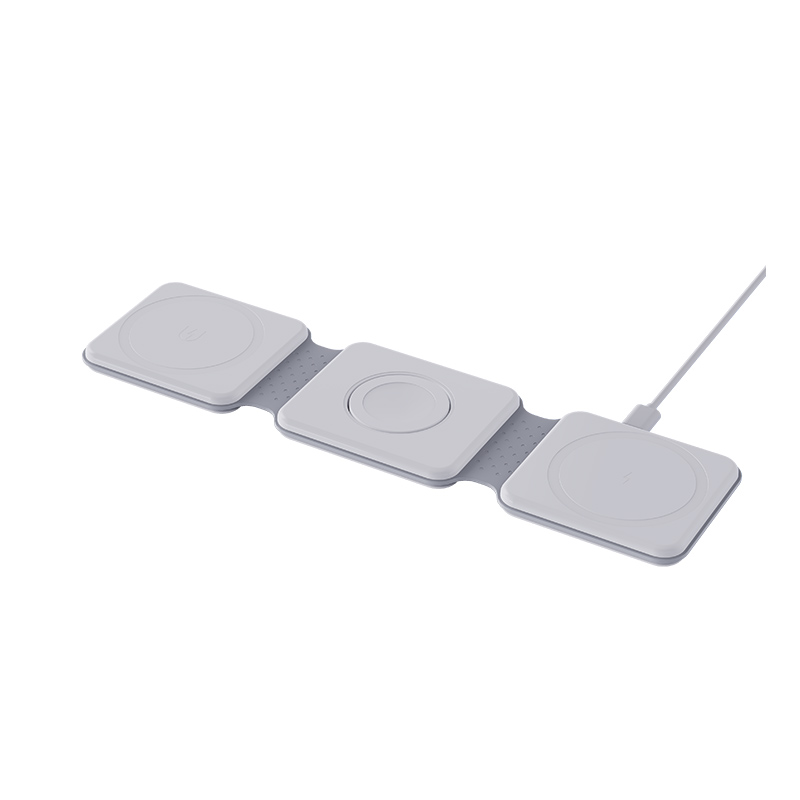
My wireless charger has stopped working. What should I check before I decide it is broken?
Short answer: Most wireless charger problems come from simple causes: no power or a weak adapter, a bad cable, a phone that is not centred, a case or object in the way, or a phone that is too hot. Work through the checks below in order. If a bare, centred phone still does not charge on a good adapter, the charger may be faulty.
Step 1: power
Check that the cable is firmly plugged in at both ends and that the wall socket works. Look at the indicator light. If it is off, the pad has no power.
Step 2: adapter and cable
Use the adapter and cable that came with the charger, or ones with the same or higher power rating. A weak adapter may power the light but not the charging. Try another cable.
Step 3: alignment
Place the phone in the centre of the pad. Move it slightly until the charging symbol shows. Then leave it still.
Step 4: case and objects
Remove the case and anything stuck to the phone. Take cards, coins, rings and metal plates off the phone and the pad.
Step 5: temperature
If the phone or the pad is hot, charging may pause. Let both cool in open air.
Step 6: phone settings
Check that wireless charging is switched on if your phone has the option. Restart the phone and install updates.
Step 7: try another charger or phone
Test the pad with another phone, and the phone with another pad. This tells you which one is faulty.
Step 8: look for damage
Check the pad and cable for cracks, burn marks or a bent connector. Do not use a damaged charger.
When to contact support
If you have tried all the steps, note the model, the adapter and the phone, and contact the seller. Include a short video if you can.
Quick summary
Power, adapter, alignment, case, heat, settings and another device: seven quick tests that solve most cases.
Common mistakes
Many people use a phone adapter with too little power, leave the case on, or place the phone at the edge of the pad. Some use a cable that carries data but very little power. Others place the pad on a metal surface, which can interfere with it. Moving the pad to a wooden or plastic surface sometimes fixes the problem at once.
What support will ask
Be ready with the product model, where you bought it, the phone model, whether it ever worked, what the light does and what you have already tried. Having this ready speeds up the answer and the replacement if one is needed.
Where this answer says to confirm with Wecent, the detail is not published on the product page and has to come from the datasheet or the factory. General facts come from the regulators, standards bodies or device makers named in the text.
Three more perspectives
Products discussed in this thread
Related articles & topics
Have a sourcing question about your own programme?
Ask our team More Wireless & magnetic faults questions