
Talk · Troubleshooting · Heat, noise & safety signs
Why does a GaN charger whine or buzz?
A faint high-pitched whine under certain loads can come from components vibrating at switching frequencies, known as coil whine. It's often harmless. Loud buzzing, crackling, or noise with heat or smell is not normal; stop using the charger.
 Wecent Editorial Team
Updated
3 min read
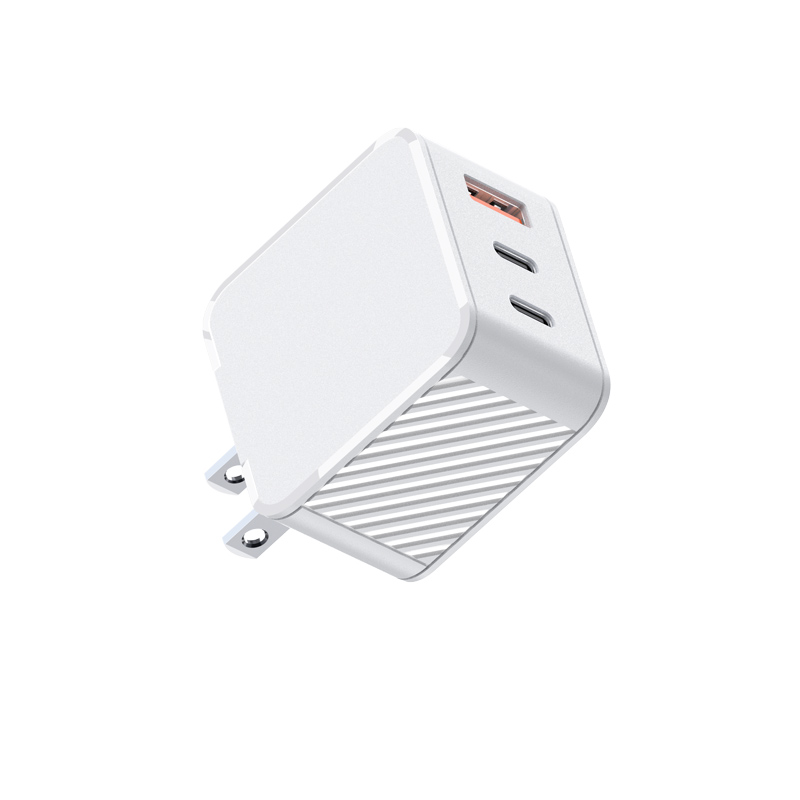
Customers say our 65W GaN charger makes a faint high-pitched noise, especially when a phone is almost full or nothing is connected. Is it faulty?
Short answer: A faint whine at light load is common in switching chargers and usually harmless. Magnetic components and capacitors can vibrate slightly at the switching frequency, and at light loads many chargers switch in bursts that fall into the audible range. It may change with the device connected or its charge level. Loud buzzing, crackling or popping, or any noise with heat, smell or flickering, is not normal: unplug and stop using the charger.
Why chargers make noise
Chargers convert power by switching at high frequencies. Transformers, inductors and some capacitors can vibrate mechanically as a result. Normally the switching frequency is far above human hearing, but at light loads many designs use burst or skip modes to save energy, and the bursts can produce audible tones. GaN chargers switch fast, but the same effect can occur.
When it’s usually normal
- Faint whine audible only up close in a quiet room.
- Changes with load, such as near full charge or with nothing connected.
- No heat beyond normal warmth, no smell, no flicker.
When it isn’t
- Loud buzzing audible across the room.
- Crackling, popping or sizzling sounds.
- Noise combined with heat, smell, or devices charging erratically.
- Sudden new noise after a drop or liquid exposure.
In these cases, unplug the charger, stop using it, and report the model and batch code.
Factors that change the noise
- The device and its charge level.
- Socket and mains voltage.
- Temperature.
- Individual unit variation in components.
Bedrooms
Users sensitive to sound may notice a faint whine at night. Unplugging the charger when not charging, or placing it further from the bed, helps.
Support approach
Ask the customer for a short recording, where the charger is, what’s connected, and whether there’s heat or smell. Replace units with loud or unusual noise. For faint whine, explain it and offer an exchange if it bothers them; another unit may be quieter.
Noise from the device, not the charger
Sometimes the noise comes from the laptop or phone’s own power circuitry while charging. Unplugging the cable from the device while leaving the charger in the wall, or trying another device, helps identify the source.
Feedback to the factory
Track noise complaints by batch. Design and component choices can reduce audible noise. Share recordings with Wecent if complaints cluster.
Where this answer says confirm with Wecent, the detail is not published on the product page and has to come from the datasheet or the factory. General facts come from the standards bodies, regulators or device makers named in the text.
Three more perspectives
Products discussed in this thread


Related articles & topics
Have a sourcing question about your own programme?
Ask our team More Heat, noise & safety signs questions