
Talk · Maintenance · Stock, warehouse & retail handling
How should travel retail staff check display-model chargers?
Display chargers are handled all day. A daily check of housings, pins, plug heads, cables and security tethers, a quick function test where the display is powered, and prompt removal of damaged units keep displays safe and sellable.
 Wecent Editorial Team
Updated
3 min read
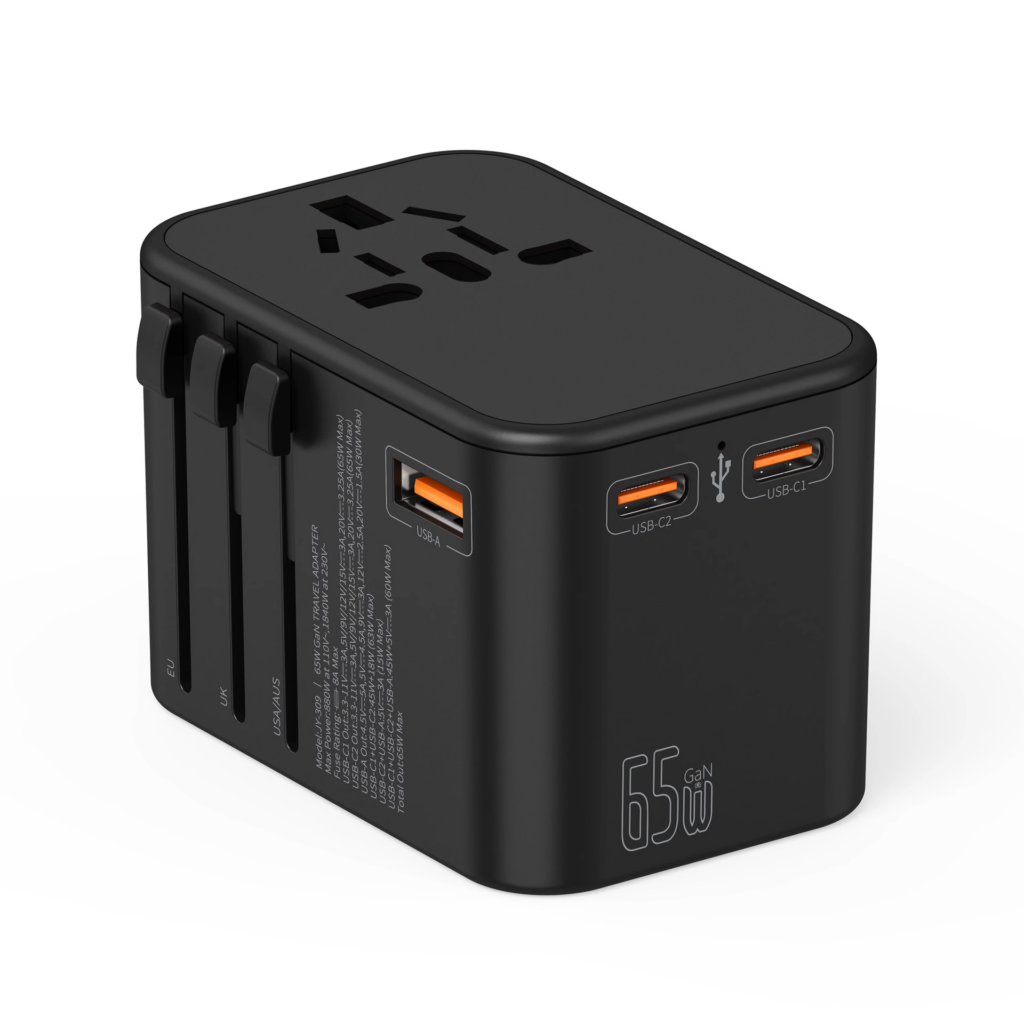
An airport retailer displays our travel chargers with plug heads for customers to handle. What should their staff check each day?
Short answer: At opening: count units and heads, check housings for cracks, pins for bends and heads for secure locking, check security tethers, and clean surfaces. If displays are powered, test that indicators and demo devices work. Remove any unit with damage, loose heads or missing parts immediately, and never sell display units as new. Log issues and report repeated problems to the supplier.
Why display units need checks
Customers fold pins, swap plug heads, pull cables and drop units. Over a day, display units see more handling than a normal charger sees in months. Small damage, such as a bent pin or a cracked head, can make a unit unsafe if someone later plugs it in.
Daily opening check
- Count units and plug heads against the display list.
- Inspect housings for cracks and dents.
- Check pins are straight and foldable pins lock.
- Check plug heads click in and stay locked.
- Check cables and tethers for damage.
- Clean surfaces with a dry cloth.
Powered displays
If units are powered for demonstrations, power them through the display’s own supply, not by plugging a handled unit into a wall socket. Check indicators work and that demo devices charge. Unplug at closing.
Removal rule
Remove any unit with cracks, bent pins, loose heads, damaged cables or missing parts. Replace it with a fresh display unit. Damaged display units should be returned or recycled, not sold.
Don’t sell display units as new
Display units are handled and may be damaged invisibly. Sell them only as clearly marked display units after inspection, or not at all, depending on store policy.
Plug heads
Plug heads are the most lost item. Use tethers or locked display mounts for heads. Count them daily.
Cleaning
Many hands touch display units. Wipe them with a dry or slightly damp cloth at least daily, never while connected to power, and keep cleaning liquids away from pins and ports.
Customer questions
Staff should know the basic facts: input range, which heads fit which countries, power per port. A small staff card helps.
Logging and feedback
Log damage and losses by model. Repeated issues with one design, for example loose heads, are useful feedback for the supplier and may change display methods.
Confirm with Wecent which display materials or dummy units are available for each model.
Where this answer says confirm with Wecent, the detail is not published on the product page and has to come from the datasheet or the factory. General facts come from the standards bodies, regulators or device makers named in the text.
Three more perspectives
Products discussed in this thread
Related articles & topics
Have a sourcing question about your own programme?
Ask our team More Stock, warehouse & retail handling questions