
Talk · Selection · Wireless, magnetic & multi-device
What alarm and brightness defaults should a clock wireless charger ship with?
Start from how people use it: in a dark bedroom, half asleep.
 Wecent Editorial Team
Updated
2 min read
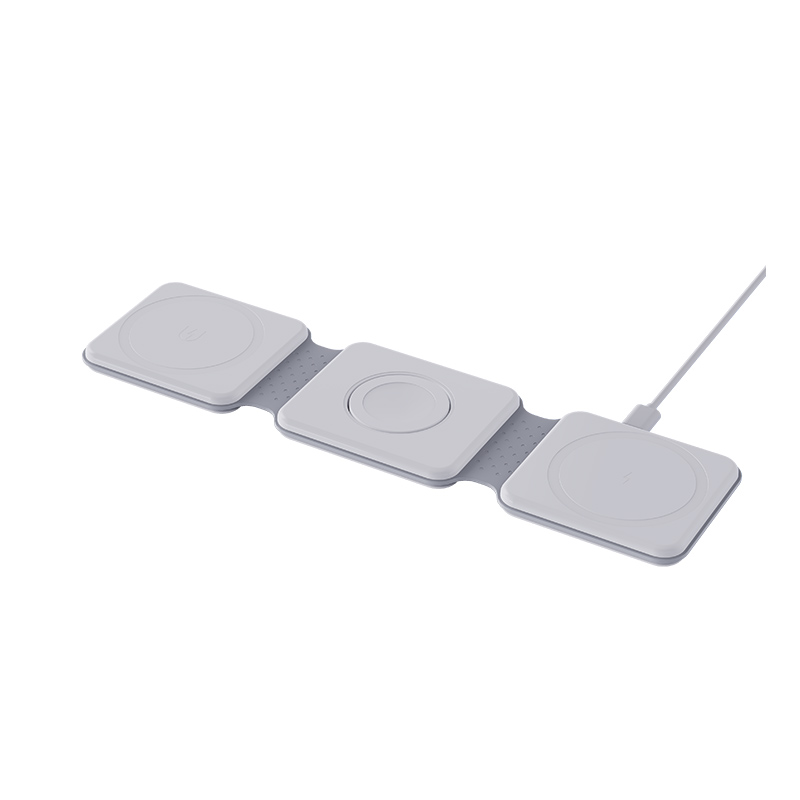
We are making a wireless charger with a built-in alarm clock for bedside use. What default alarm and brightness settings are sensible?
Short answer: Start from how people use it: in a dark bedroom, half asleep. Ship with a dim display that does not light the room, a gentle alarm volume that still wakes someone, an easy way to set the time and a clear power-cut behaviour. Defaults should work out of the box, with an obvious way to adjust them.
Think about the bedroom
The product sits next to a bed. A bright display keeps people awake and an alarm that is too loud or too quiet causes complaints. The customer will usually open the box and place it on the nightstand without reading the manual.
Brightness defaults
- Night default. A low brightness level that is readable but does not light the room.
- Auto-dimming. If there is a light sensor, dim in the dark and brighten in daylight.
- Easy control. A simple button or touch area with a few clear levels, including off.
- Charging indicator. A small, dim light that does not shine at the bed.
Alarm defaults
- Volume. Start at a medium-low level that wakes most people, with a gradual rise if possible.
- Snooze. A standard snooze interval, easy to find and stop.
- Sound. A simple tone, not harsh.
- Weekdays. A sensible default pattern and a clear display of which days are set.
- Time format. Allow 12 and 24 hour display.
Time and power
- Set the time easily, with a display that shows seconds only if it helps.
- Include a battery backup or a quick recovery after a power cut, and say what happens to the alarm.
- Do not let charging pause or restart the clock.
Safety and sleep
Keep the charger cool, ensure that the display and any lights do not become a hazard in the dark and explain not to cover the unit.
In the manual
Explain how to set the time, the alarm and the brightness in a few pictures. Add a note about phone cases and placement.
Test in a real room
Put the product in a dark bedroom for a week and watch for light spill, loud tones and clock drift.
Quick summary
Dim by default, wake gently, set the time easily and handle power cuts well. Test in a real dark room for a week before approving the settings.
Where this answer says to confirm with Wecent, the detail is not published on the product page and has to come from the datasheet or the factory. General facts come from the regulators, standards bodies or device makers named in the text.
Three more perspectives
Products discussed in this thread
Related articles & topics
Have a sourcing question about your own programme?
Ask our team More Wireless, magnetic & multi-device questions