
Talk · Troubleshooting · Heat, noise & safety signs
Why does a charger make a phone touchscreen jumpy?
Electrical noise from a charger, cable or ungrounded setup can disturb capacitive touchscreens, causing ghost touches or erratic response while charging. Try a different charger, cable or socket; persistent issues with one charger point to a poor-quality or faulty unit.
 Wecent Editorial Team
Updated
3 min read
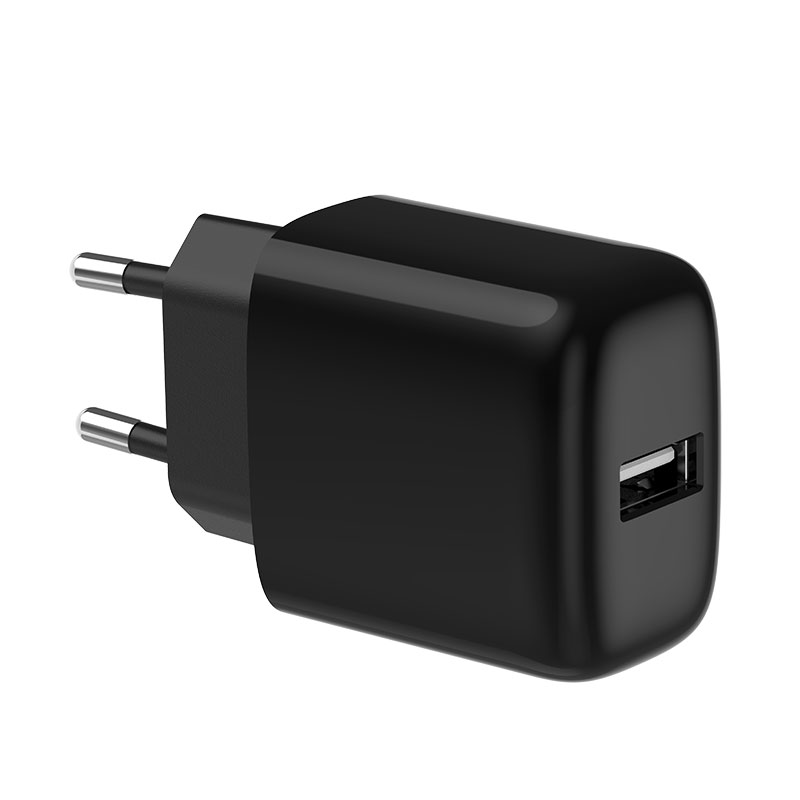
A customer says their phone’s touchscreen jumps or registers false touches only when connected to our 20W charger. What causes that?
Short answer: Capacitive touchscreens measure tiny changes in electrical charge. Switching chargers produce some electrical noise, especially common-mode noise relative to earth. Good designs keep it low; some combinations of charger, cable, socket and phone still show touch problems. Test with a different cable, a different socket and a different charger. If the problem happens only with one charger unit or model, report it with the details so the design and batch can be checked.
How touchscreens can be affected
Touchscreens detect your finger by sensing small changes in capacitance. When a phone is connected to a charger, the phone’s electrical reference can carry noise from the charger. If that noise is at frequencies the touch controller is sensitive to, the screen may register false touches, miss touches or behave erratically.
Common factors
- Charger design: filtering and transformer design affect how much noise reaches the cable.
- Cable: poor-quality cables can make things worse.
- Socket and wiring: unearthed sockets, travel adapters and power strips can change noise levels.
- Phone model: some touch controllers are more sensitive than others.
- Holding the phone: the user’s body becomes part of the path; holding vs lying flat can change behaviour.
How to test
- Charge with a different, good-quality cable.
- Use a different wall socket, without extension leads or adapters.
- Try another charger of the same model, then a different charger.
- Remove the phone case and screen protector to rule them out.
- Check whether the issue occurs with the phone lying on a table.
Interpreting results
If the problem follows the socket or adapter, the setup is the cause. If it follows one charger unit only, that unit may be faulty. If it happens with every unit of the model on several phones, the design may need attention; collect details for the factory.
Is it a safety issue?
Touch noise is usually a usability problem rather than a safety problem. But if it comes with tingling sensations, heat or other abnormal behaviour, stop using the charger and report it as a safety concern.
Reporting
Ask for the phone model, charger model and batch, cable, socket type and a short video. Share patterns with Wecent; EMC design improvements can reduce noise.
What to tell customers
“Some combinations of charger, cable and socket can affect touchscreens. Try a different cable and socket. If it only happens with this charger, we’ll replace it.”
Where this answer says confirm with Wecent, the detail is not published on the product page and has to come from the datasheet or the factory. General facts come from the standards bodies, regulators or device makers named in the text.
Three more perspectives
Products discussed in this thread
Related articles & topics
Have a sourcing question about your own programme?
Ask our team More Heat, noise & safety signs questions