
Talk · Selection · Wired GaN chargers: wattage, ports & protocols
What is the real difference between the USB-A and USB-C ports on the same charger?
USB-C carries USB Power Delivery for phones, tablets and laptops. USB-A uses older, lower-power methods and suits accessories and older cables.
 Wecent Editorial Team
Updated
3 min read
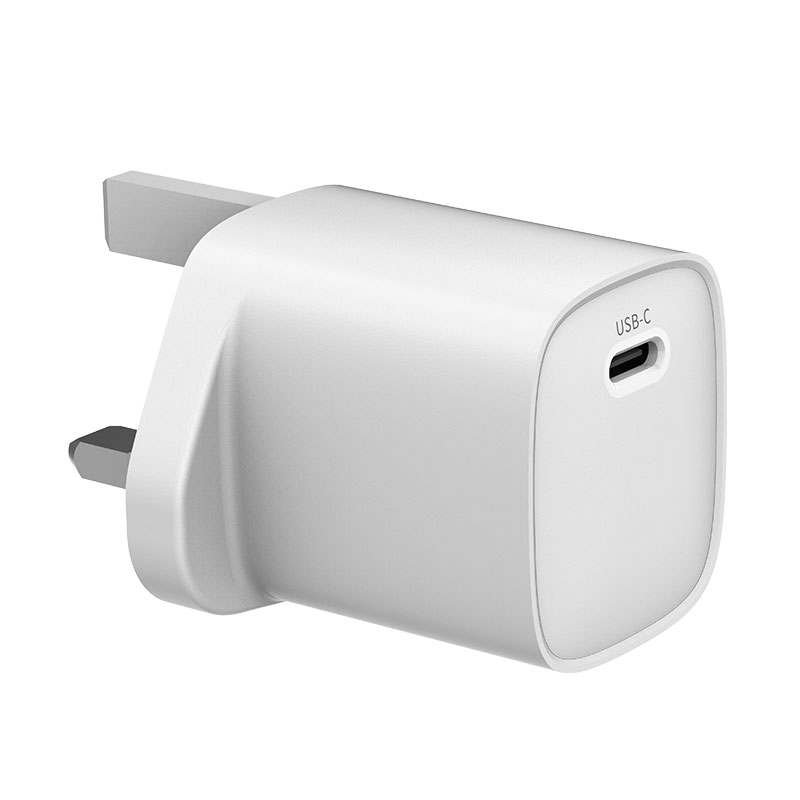
Our 33W charger (WEG-33W-1A) and our 65W charger (WET-67-ACC) both have USB-A and USB-C ports. Customers ask why their phone charges faster on the C port. What’s the honest explanation?
Short answer: The USB-C port supports USB Power Delivery, the standard that lets phones, tablets and laptops negotiate higher voltages for fast charging. A USB-A port can’t carry USB PD. It uses 5V basic charging or older proprietary fast-charge methods, depending on the charger. Use USB-C for main devices and USB-A for accessories and older cables.
What each port can do
- USB-C with USB PD: the device and charger agree on a voltage and current, such as 9V or 20V, and on newer chargers PPS with a variable voltage. This is how laptops charge and how most current phones fast-charge.
- USB-A: basic USB charging at 5V. Some chargers also support older fast-charge protocols over USB-A, used by some Android phones. Which protocols a specific port supports is in the datasheet.
Why a phone is faster on USB-C
A current iPhone or Samsung phone uses USB PD (and Samsung also PPS) for its fast-charging modes. On the USB-A port, these phones fall back to slower charging, because USB PD isn’t available there.
Why keep USB-A at all
- Many users still have USB-A cables for earbuds, watches, power banks and older devices.
- Hotels, offices and travellers benefit from a fallback port for whatever cable a guest has.
- For low-power accessories, USB-A is perfectly adequate.
Sharing between the ports
On many combined designs, using the USB-A port at the same time changes the USB-C port’s available profiles. Check the port table for the exact model and confirm it with Wecent. It’s common for the C port to drop to a lower maximum when A is in use.
How to describe the ports
- Label the USB-C port with its PD maximum, for example “USB-C PD up to 65W”.
- Label the USB-A port with its maximum and any supported protocols, as listed in the datasheet.
- Recommend “phones, tablets and laptops on USB-C; accessories on USB-A”.
Laptops and USB-A
Laptops that charge over USB-C need USB PD at 15V or 20V, so they can’t charge from a USB-A port.
Cables
USB-A to USB-C cables can charge USB-C phones, but only slowly by comparison. If customers want fast charging, they need a USB-C to USB-C cable (or USB-C to Lightning for older iPhones) in the USB-C port.
Where this answer says confirm with Wecent, the detail is not published on the product page and has to come from the datasheet or the factory. General facts come from the standards bodies, regulators or device makers named in the text.
Three more perspectives
Products discussed in this thread
Related articles & topics
Have a sourcing question about your own programme?
Ask our team More Wired GaN chargers: wattage, ports & protocols questions