
Talk · Selection · Wired GaN chargers: wattage, ports & protocols
Why does a multi-port GaN charger lower the power when we plug in a second device?
The rated wattage is a total. When a second device connects, the charger shares it between ports, and the split follows the model's power-allocation table.
 Wecent Editorial Team
Updated
3 min read
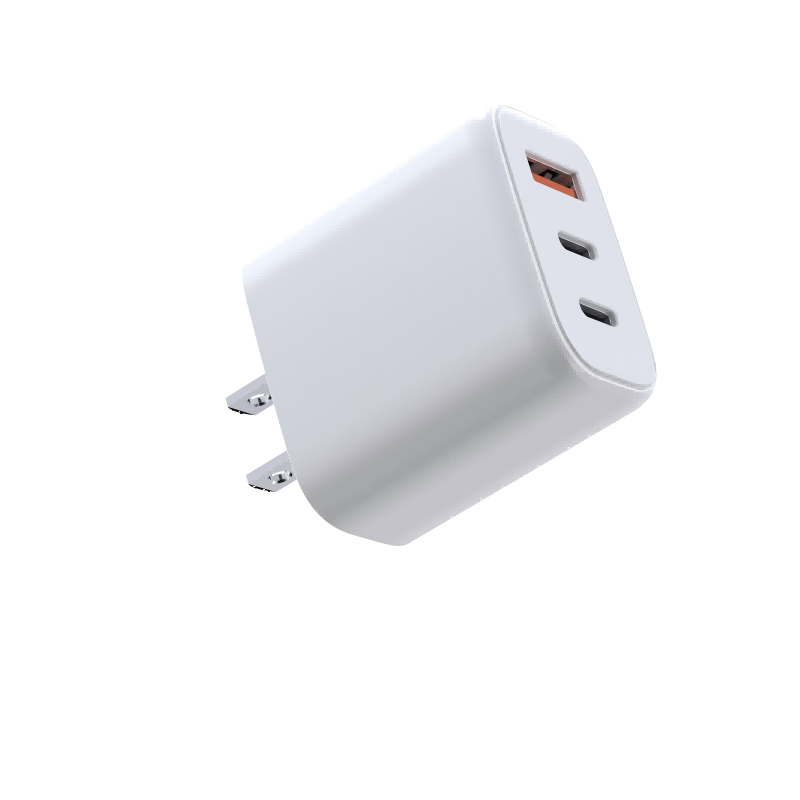
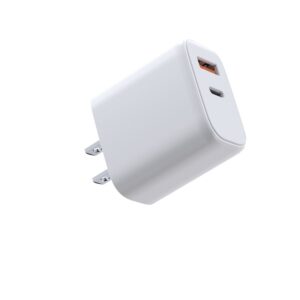
Our customers bought a 65W 2C1A charger (WET-67-ACC). A laptop charges at full speed on its own, but when a phone goes into the second USB-C port, the laptop slows down and sometimes stops for a second. Is the charger faulty?
Short answer: Probably not. On multi-port chargers the rated wattage is the total for all ports. When a second device connects, the charger reallocates power between the ports, and the laptop is often renegotiated, sometimes after a brief interruption. The model’s power-allocation table tells you what to expect.
How the power gets shared
A 65W 2C1A charger has 65W in total to share. Used on its own, one USB-C port can usually offer the full rating. When a second port is in use, the charger runs a fixed set of splits, for example one higher-power C port plus a smaller second output. The exact values differ between models, which is why there is no general rule; the datasheet’s port-combination table is the reference.
USB-A ports and USB-C ports also often share one converter stage. On some designs, using A and C together lowers both to a basic profile.
Why the laptop pauses
A USB PD sink only takes the power profiles the source has offered. When the charger needs to change the budget for a port, it sends new offers, and the device has to negotiate again. Depending on the charger design and the device, this happens smoothly or as a short drop-out where the laptop briefly stops charging. Some designs renegotiate every port when anything is plugged in. A brief, one-off interruption at the moment of plugging in is usually normal.
When it is not normal
- Charging keeps cutting in and out while nothing is being plugged or unplugged.
- Power stays below the table’s value for that combination, with a cable rated for it.
- The charger gets very hot, smells, or makes a loud noise.
These cases call for a test with known-good cables and, if they persist, a return through warranty.
Practical steps for your listing and support
- Ask Wecent for the power-allocation table of the exact model and port layout (2C1A, 2C2A, 3C2A) and check it on a sample with a USB-C power meter.
- Publish the table on your product page and in the manual, including which port to use for a laptop.
- Advise customers to plug in the laptop last or first, consistently, if pauses bother them.
- For 140W multi-port models such as the WEG-140W-2A3C or WEP-140-CCAA, check separately what the laptop port offers once phones are connected.
Facts cited here come from the named standards bodies, regulators, Apple support documentation and Wecent product pages. Points marked “ask”, “confirm” or “check” are recommendations or open questions to settle with your supplier, not verified specifications.
Three more perspectives
Products discussed in this thread
Related articles & topics
Have a sourcing question about your own programme?
Ask our team More Wired GaN chargers: wattage, ports & protocols questions