
Talk · Troubleshooting · Factory & QC failure analysis
Why does a firmware version mismatch appear within one carton of smart chargers?
Firmware mix-ups come from programming stations that were not updated, leftover boards from older runs, rework units flashed with a different version or labels that do not match the contents.
 Wecent Editorial Team
Updated
3 min read
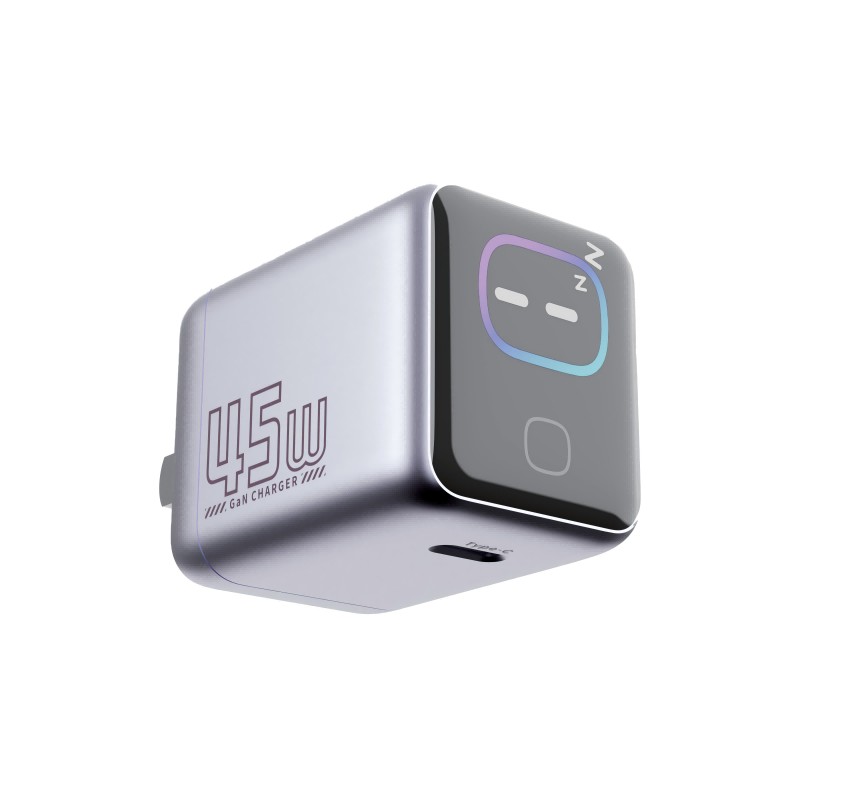
We found different firmware versions inside one carton of smart-screen chargers. How can this happen, and how do we stop it?
Short answer: Firmware mix-ups come from programming stations that were not updated, leftover boards from older runs, rework units flashed with a different version or labels that do not match the contents. Prevent them with a locked firmware release, a version check at the end of the line, separated stock and a log that links each unit to its version.
Where mix-ups start
Smart chargers have a small controller that runs software. During production, each unit is programmed, either on the bare board or after assembly. If more than one version exists in the building, units can end up with the wrong one.
Typical causes
- Programming station not updated. One station still carries the old file.
- Old boards in stock. Boards programmed earlier are used in a newer run.
- Rework. Repaired units are reflashed with whatever file is on hand.
- Manual file selection. An operator picks the wrong file from a list.
- Late updates. A new version is released mid-run without a clear cut-over point.
- Packing errors. Units of different versions are packed together.
Controls that work
- One released file. Keep a single approved firmware file, with a version number and a checksum.
- Lock the station. Operators should not choose files freely.
- Version readback. The test station reads the version from each unit and rejects mismatches.
- Cut-over rules. Define exactly when a new version starts and scrap or reflash old stock.
- Separate stock. Mark and store older boards apart.
- Traceability. Record each unit’s serial number and version.
- Label. Print the version on the carton or unit if it matters to the customer.
What to do when you find a mismatch
- Quarantine the carton and check more units.
- Ask the factory for the cause.
- Agree on a re-flash for all affected units.
- Add the failed control to the inspection plan.
Why it matters
Different versions can show different text, charging behaviour or bugs, and support teams cannot help customers if they do not know which version they have.
Quick summary
Lock the release, check the version at test, separate old stock and keep a log by serial number.
Test the control
Ask the factory to demonstrate the control: deliberately load an old file on a station or place an older board in the line and show that the test station rejects it. A control that has never been challenged cannot be trusted. Keep the record of the demonstration in the supplier file.
Where this answer says to confirm with Wecent, the detail is not published on the product page and has to come from the datasheet or the factory. General facts come from the regulators, standards bodies or device makers named in the text.
Three more perspectives
Products discussed in this thread

Related articles & topics
Have a sourcing question about your own programme?
Ask our team More Factory & QC failure analysis questions