
Talk · Purchasing · Samples, tooling & launch
What should we ask before ordering a 200W charger as a premium desk SKU?
Ask how the 200W is shared across ports, what each port delivers alone and together, input and heat behaviour, cable requirements, test reports and support plans. Total wattage alone doesn't tell you what customers will get.
 Wecent Editorial Team
Updated
3 min read
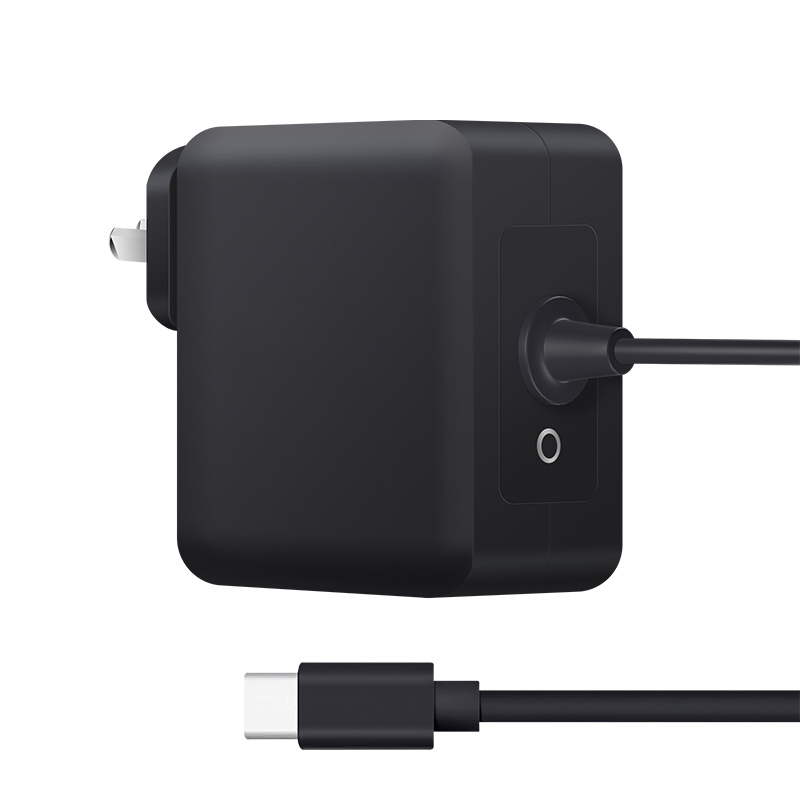
We’re considering Wecent’s 200W desktop charger as a premium SKU for creators and developers with two laptops. What should we ask before ordering?
Short answer: Ask for the full port allocation table, the maximum on one port alone (100W or 140W), whether it supports USB PD EPR above 100W, how output drops when warm, what cables are included, and which test reports cover it. Make sure the target customers really use two high-power laptops. A 200W charger is attractive, but users judge it by what their own devices receive.
Port allocation
- What does each port deliver alone?
- What is the split with two laptops connected?
- What happens when phones and tablets are added?
- Does the charger re-negotiate all ports when one device connects?
Single-port maximum and EPR
Many 200W chargers cap one port at 100W (SPR). Some offer 140W on one port with EPR. If customers have laptops that support 140W charging, check EPR support and include an EPR-rated cable.
Heat and sustained output
High-power desktop chargers can reduce output when hot. Ask how output behaves after an hour at high load in a warm room. Ask for temperature data if available.
Input and safety
- Input voltage range and mains cable type.
- Power factor correction requirements may apply at this power level in some markets; ask Wecent how the design addresses this.
- Test reports covering the model: safety, EMC, energy efficiency where applicable.
Cables
Two 5A cables, or one EPR cable, should come with a premium SKU. Customers using 3A cables will get far less than expected.
Target customers
Two-laptop users, desk setups with tablet and phone, and small teams sharing a desk benefit. Single-laptop users rarely need 200W.
Listing and support
- Show the allocation table in listings.
- State cable requirements.
- Prepare support answers for “only 100W” and “pause when connecting”.
Noise
Larger desktop chargers may have a fan or produce audible coil noise under load. Ask whether the model uses a fan and listen to a sample under full load in a quiet room. Developers and creators often work in quiet spaces and notice noise quickly.
Size and cable layout
Check the footprint and where the mains cable and ports exit. A desk charger with ports on the front is easier to use than one with ports at the back.
Commercial points
Ask for MOQ, sample timing, warranty (Wecent states 2 years) and price breaks. Premium SKUs often sell in smaller volumes, so a small first order can test demand.
Confirm all port and EPR details with Wecent before publishing specifications.
Where this answer says confirm with Wecent, the detail is not published on the product page and has to come from the datasheet or the factory. General facts come from the standards bodies, regulators or device makers named in the text.
Three more perspectives
Products discussed in this thread
Related articles & topics
Have a sourcing question about your own programme?
Ask our team More Samples, tooling & launch questions