
Talk · Maintenance · Care, cleaning & lifecycle
What should a charger care card say?
A care card should cover safe use, placement, cleaning, cable care, signs of a problem, storage, disposal and how to get help, in plain language and the right languages. It complements, not replaces, the required safety information.
 Wecent Editorial Team
Updated
3 min read
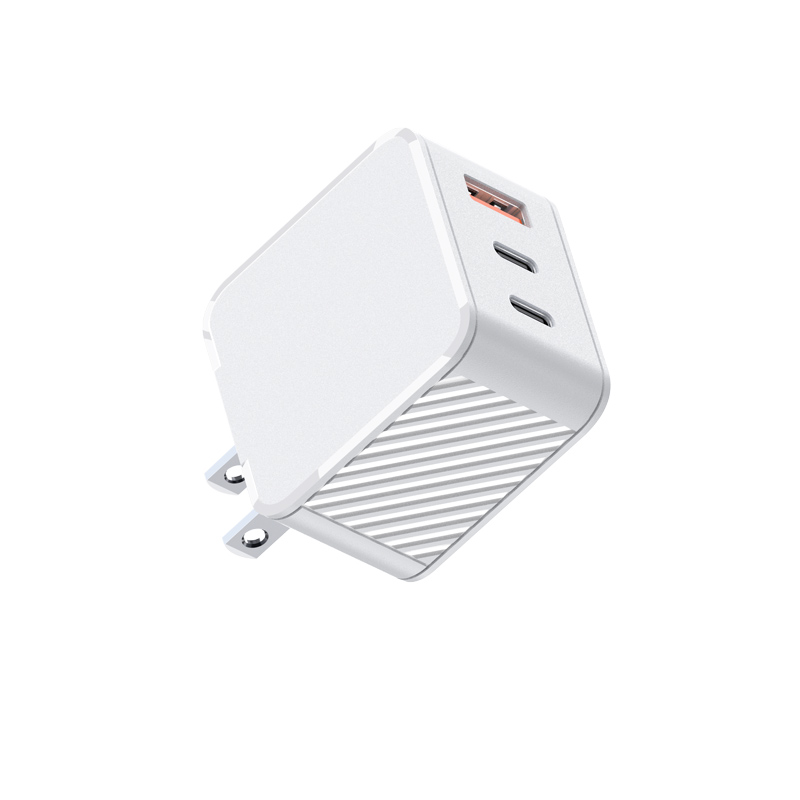
We want to add a small care card to our charger boxes to cut down on support tickets. What should it say?
Short answer: Keep it short and practical: use on a hard surface with air around it, keep away from liquids, clean only when unplugged with a dry cloth, unplug by the plug not the cable, don’t use damaged chargers or cables, stop using it if it gets very hot, smells or makes noise, store dry, recycle as e-waste, and where to get help. Use clear icons. The card supports but doesn’t replace the safety information required in the manual.
Why a care card helps
Most customers don’t read manuals. A small, well-designed card with the key points prevents common issues: chargers covered by bedding, cables pulled from the wall, chargers cleaned while plugged in. It also shows the brand cares about safe use.
Suggested content
- Placement: “Use on a hard surface with space around it. Don’t cover it.”
- Liquids: “Keep away from water and drinks.”
- Cleaning: “Unplug first. Wipe with a dry cloth.”
- Cables: “Unplug by the plug, not the cable. Replace damaged cables.”
- Warning signs: “If it gets very hot, smells, buzzes or is damaged, unplug it and stop using it.”
- Charging behaviour: “Many phones pause around 80% overnight to protect the battery. This is normal.”
- Storage: “Store in a dry place.”
- Disposal: crossed-out bin symbol and “Recycle as electrical waste.”
- Help: website or support contact, with a QR code to the online manual.
Product-specific lines
Add one or two lines specific to the product. For wireless chargers: “Remove thick cases and metal objects.” For plug-head chargers: “Push the head in until it clicks.” For power banks: “Store partly charged; stop using if swollen.”
Design
Use icons with short text. Keep the card small and readable. Avoid technical terms. A clear layout gets read; a dense one doesn’t.
Languages and legal information
Safety information must be provided in the languages required in each market. If the care card contains safety instructions, translate it accordingly or keep it language-neutral with icons and refer to the manual. The care card shouldn’t contradict the manual.
Testing the card
Show the draft to a few people unfamiliar with the product. If they can explain the key points after one read, the card works.
Production
Ask Wecent whether a care card can be printed and inserted in the factory, and the cost. Include the card in the packaging artwork approval.
Where this answer says confirm with Wecent, the detail is not published on the product page and has to come from the datasheet or the factory. General facts come from the standards bodies, regulators or device makers named in the text.
Three more perspectives
Products discussed in this thread

Related articles & topics
Have a sourcing question about your own programme?
Ask our team More Care, cleaning & lifecycle questions