
Talk · Maintenance · Care, cleaning & lifecycle
Do chargers need firmware updates?
Most chargers aren't updated by users. The firmware in their power controllers is set at the factory. Some smart chargers or wireless chargers can be updated, but only through the maker's tools. Users should follow the manual and not install unofficial firmware.
 Wecent Editorial Team
Updated
3 min read
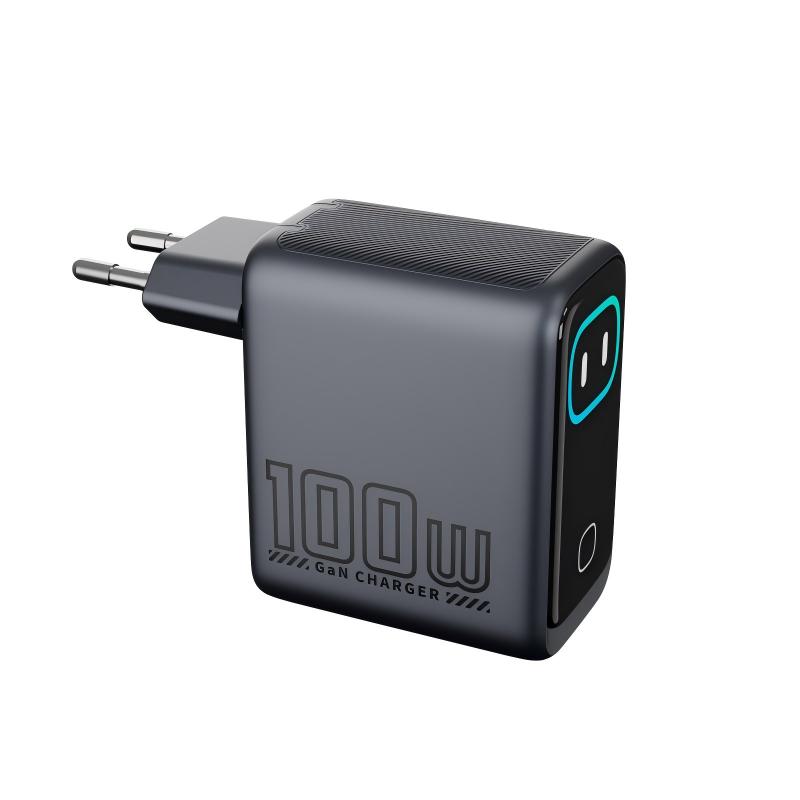
A customer asked how to update the firmware on our smart-screen charger to fix a compatibility issue. Do chargers even get firmware updates?
Short answer: Usually not by the user. Chargers contain controllers with firmware that handles power negotiation and protections; it’s programmed at the factory and most chargers have no user update path. Some products do support updates via an app or tool from the manufacturer. If a compatibility issue appears, the fix is usually a cable, setting or device update, or a replacement from a later production batch. Never install unofficial firmware.
What firmware does in a charger
USB PD controllers negotiate power with devices, manage port allocation on multi-port chargers and handle protections. Smart-screen chargers also run display firmware. Wireless chargers have firmware for coil control and foreign object detection.
Why most chargers aren’t user-updatable
- No data connection: many charger ports carry power only.
- Safety: firmware affects power output and protections, and a failed update could leave a charger unsafe or unusable.
- Cost and simplicity.
When updates exist
Some premium chargers support updates through an app or a connection to a computer, provided by the manufacturer. If a product supports this, the manual explains it. Confirm with Wecent whether any of its models can be updated and how.
Handling compatibility issues
- Check cable and port.
- Update the phone or laptop software; device updates sometimes change charging behaviour.
- Test another charger.
- If the issue is specific to one charger model and device, report it with details. Later production batches may include firmware changes.
Factory firmware changes
When the factory changes firmware in production, it should be treated as a product change: notification, assessment and records. Firmware can affect PD behaviour, efficiency and EMC.
Unofficial firmware
Don’t let users or technicians install firmware from unofficial sources. It can disable protections, invalidate test reports and warranty, and create safety risks.
Wireless chargers and phone updates
Phone software updates sometimes change wireless charging behaviour, for example adding support for new standards or changing charging limits. If many customers report the same issue after a phone update, it is likely device-related. Check phone maker notes and wait for their fix before replacing chargers.
Smart-screen chargers
Display firmware on smart-screen chargers is also set at the factory. Display glitches are usually handled by replacement, not updates.
What to tell customers
“This charger doesn’t need updates. If you see a problem with a specific device, contact us with the device model and we’ll help.” That avoids confusion and keeps support in control.
Where this answer says confirm with Wecent, the detail is not published on the product page and has to come from the datasheet or the factory. General facts come from the standards bodies, regulators or device makers named in the text.
Three more perspectives
Products discussed in this thread
Related articles & topics
Have a sourcing question about your own programme?
Ask our team More Care, cleaning & lifecycle questions