
Talk · Purchasing · Samples, tooling & launch
How do we get EAN or UPC barcodes assigned for a private-label charger?
Barcodes should come from GS1, registered in your brand's name, before the factory prints your packaging. Do not let the factory choose or reuse numbers for you.
 Wecent Editorial Team
Updated
3 min read
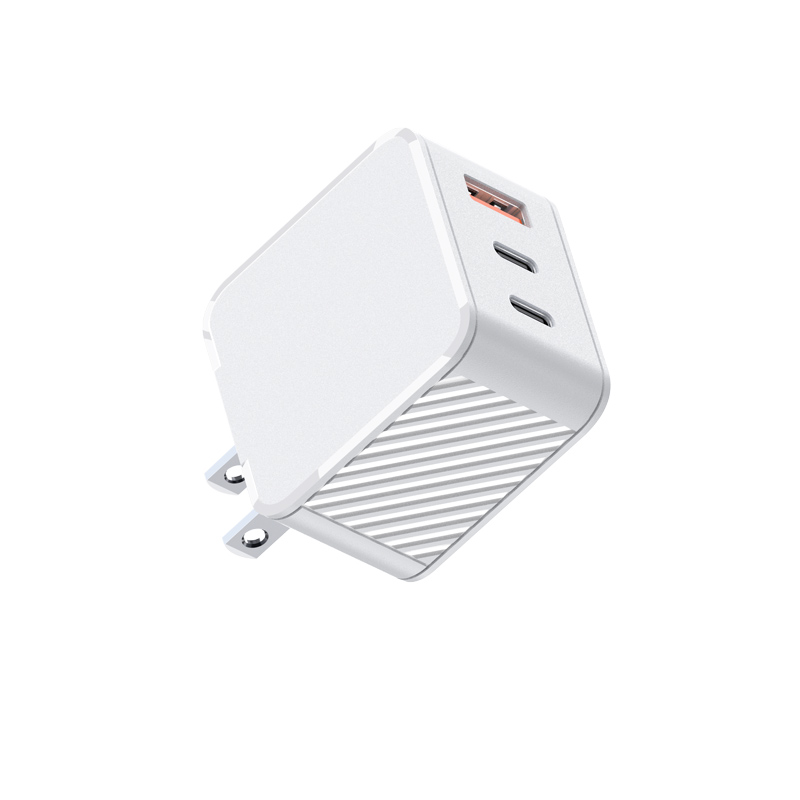
Our retailer needs a barcode on each retail box for our private-label 65W charger. The factory offers to supply numbers from its own list. Is that acceptable, and how should we get proper UPC or EAN codes?
Short answer: Get your own barcodes through GS1 so the numbers are registered to your company, then give the factory the numbers and artwork. A number the factory supplies from its own list may belong to another company, and retailers and marketplaces may reject it or link it to the wrong product.
What UPC and EAN are
GS1 describes EAN/UPC barcodes as the standard barcodes used at the point of sale worldwide. UPC is the 12-digit form used in the United States and Canada, and EAN-13 is the 13-digit form used elsewhere. Both encode a Global Trade Item Number, or GTIN. Retail scanners read either type, and one product usually has one GTIN.
Why the source of the number matters
GS1 is the organisation that manages the system and issues company prefixes through its member organisations, such as GS1 US for US companies. A GTIN built from your company prefix is registered to your company. A number the factory takes from its own list may already belong to the factory or to another brand. That can cause a retailer to link your product to someone else’s listing or to reject it.
How to get your own barcodes
- Join GS1 in your country. For a US company, that is GS1 US.
- Choose how many GTINs you need. Plan one for each sellable variant: a different colour, plug type, pack size or wattage is a different product with its own number.
- Assign GTINs to each variant and keep a table of number, model, colour and pack size.
- Generate barcode images from the numbers, in the size and quiet-zone margins your retailer asks for.
What to give the factory
- A table of GTINs by SKU, and the print-ready barcode artwork.
- The position and size of the barcode on the box and on the carton, if cartons carry one.
- A request for scan-tested proofs before full print.
What to check before the print run
- Scan the proof with a phone and a barcode reader, and check the digits against your table.
- Confirm that every variant has a different number.
- Check that the number on the box matches the one in your retailer and marketplace listing.
Marketplaces and retailers
Retailers and online marketplaces set their own barcode rules, and they change. Ask for the current requirement in writing before you print.
Sources checked on 24 Oct 2026: GS1: EAN/UPC barcodes; GS1 US.
Where this answer says to confirm with Wecent, the detail is not published on the product page and has to come from the datasheet or the factory. General facts come from the regulators, standards bodies or device makers named in the text.
Three more perspectives
Products discussed in this thread


Related articles & topics
Have a sourcing question about your own programme?
Ask our team More Samples, tooling & launch questions