
Talk · Maintenance · Care, cleaning & lifecycle
How should users clean a wireless charger’s charging surface?
Unplug it, wipe with a soft dry or slightly damp cloth, and keep liquids and metal away. Clean surfaces also make foreign object detection more reliable.
 Wecent Editorial Team
Updated
3 min read
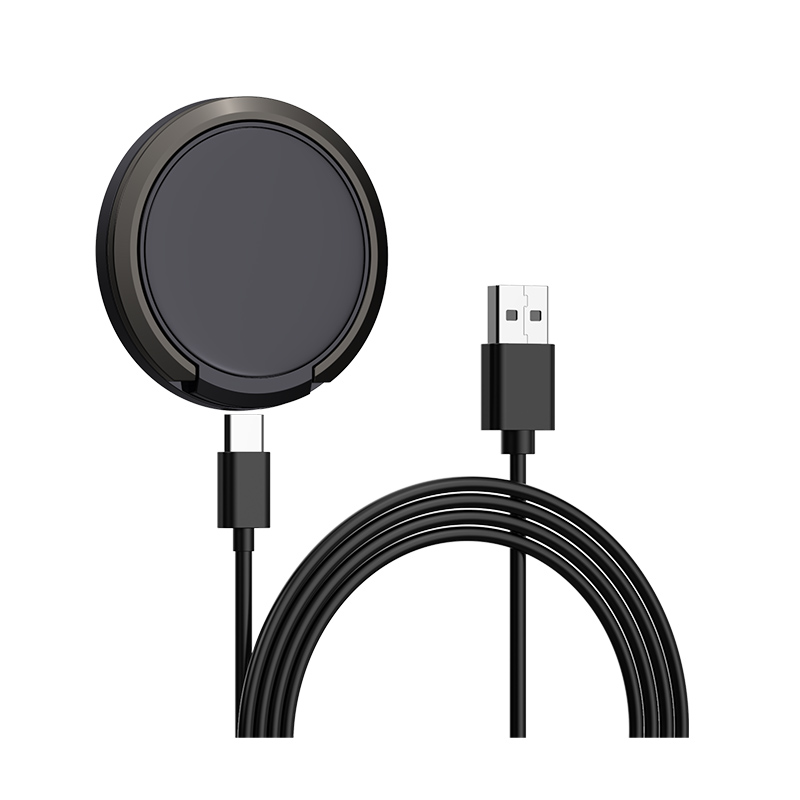
Our hotel and office clients clean surfaces daily. They ask how housekeeping should clean our wireless pads and 3-in-1 stands without damaging them.
Short answer: Unplug the charger first. Wipe with a soft, lint-free cloth that is dry or barely damp with water or mild cleaner, and dry immediately. Don’t spray liquid directly onto the charger, and don’t use abrasive pads or strong solvents. Remove any metal debris such as staples or coins, which can heat up or stop charging.
A safe routine
- Unplug the charger from the adapter or wall.
- Remove objects: coins, keys, paper clips and staples. Magnetic chargers attract small steel items that are easy to miss.
- Wipe with a microfibre cloth. For marks, use a cloth that is barely damp, then dry it.
- Avoid sprays directly on the charger; liquid can get into seams, ports and buttons.
- Let it dry fully before reconnecting.
What to avoid
- Abrasive pads or powders, which scratch the surface and can wear printed logos.
- Strong solvents, which can cloud plastics or damage soft-touch coatings.
- Soaking or immersing any part of the charger.
- Disinfectant wipes that are dripping wet. If disinfection is required, squeeze the wipe out first and check the manual.
Materials differ
Glass tops, soft-touch plastics, fabric, silicone, bamboo and leather-look finishes each tolerate different products. For any finish other than plain plastic, ask the supplier which cleaning products are safe, and put that in the manual. Confirm with Wecent for each model’s finish.
Why cleanliness affects charging
Dust and grime don’t block magnetic induction much, but metal debris does matter. Wireless chargers detect metal objects and stop charging to prevent heating. Small steel particles or a forgotten staple can make a charger appear faulty.
For hotels and offices
- Add the charger to housekeeping checklists with the steps above.
- Include a quick visual check for cracks, loose cables and damaged surfaces.
- Have housekeeping report chargers that blink or don’t charge a test phone, rather than trying to fix them.
How often
Daily wiping in hotels and shared offices is fine with the routine above. At home, cleaning when the surface looks dirty is enough.
Cables and adapters
Cables collect dirt where they’re handled. Wipe them with a dry cloth while unplugged and inspect connectors for damage. A damaged cable should be replaced rather than cleaned.
Where this answer says confirm with Wecent, the detail is not published on the product page and has to come from the datasheet or the factory. General facts come from the standards bodies, regulators or device makers named in the text.
Three more perspectives
Products discussed in this thread
Related articles & topics
Have a sourcing question about your own programme?
Ask our team More Care, cleaning & lifecycle questions