
Talk · Maintenance · Care, cleaning & lifecycle
How do we judge whether a wireless charger’s coil is damaged after a drop?
Check for cracks, a rattle, a loose or tilted surface, burn smell or heat.
 Wecent Editorial Team
Updated
3 min read
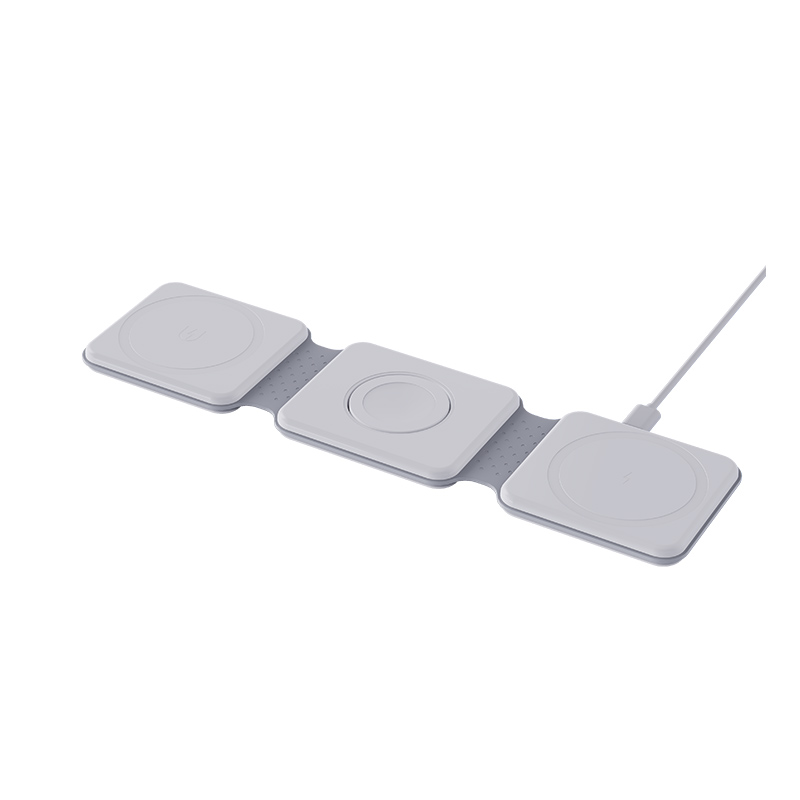
A wireless charger fell on the floor. How can I tell if the coil is damaged?
Short answer: Check for cracks, a rattle, a loose or tilted surface, burn smell or heat. Then test charging with two phones, in the centre and slightly off-centre. A damaged coil often charges poorly, only in some positions, gets unusually hot or stops. If you see damage or heat, stop using it. Do not open it unless you are qualified.
What a drop can do
Inside a wireless charger is a coil, magnets, a circuit board and sometimes a heat spreader. A drop can crack the shell, move the coil, break solder joints or damage the board. Some damage is invisible.
Visual and physical checks
- Unplug it before checking.
- Look at the outside. Cracks, gaps, dents or a lifted surface.
- Shake it gently. A rattle may mean a loose part inside.
- Check the cable and port. Bent pins, a loose connection or a damaged cable.
- Press the surface. If it feels soft, uneven or loose, the parts inside may have moved.
- Smell it. Burnt or electrical smells mean a problem.
Function tests
- Plug it in with a known good adapter and cable.
- Place a phone in the centre. Does charging start straight away and stay on?
- Move the phone slightly off centre. Does it still charge?
- Try two different phones to rule out a phone issue.
- Charge for 20 minutes and feel the pad and phone. Unusual heat is a warning.
- Check the speed. Compare with a similar pad or with the earlier performance.
- Listen for buzzing or whistling.
Signs of a damaged coil or circuit
- Charges only in one spot, or not at all.
- Starts and stops repeatedly.
- Very slow charging compared with before.
- The pad gets hot quickly.
- The indicator light flashes or shows a fault.
What to do
If you see any sign, stop using it. A damaged charger can overheat. Contact the seller for a replacement or repair, and keep the packaging and proof of purchase. Do not open or repair it yourself unless you are qualified.
For sellers
Handle returned units carefully. Record the drop, symptoms and test results, and inspect the interior. Do not resell a unit that has been dropped, unless it has been fully inspected and tested.
Quick summary
Check, test with two phones, watch for heat and stop using it if in doubt.
Where this answer says to confirm with Wecent, the detail is not published on the product page and has to come from the datasheet or the factory. General facts come from the regulators, standards bodies or device makers named in the text.
Three more perspectives
Products discussed in this thread
Related articles & topics
Have a sourcing question about your own programme?
Ask our team More Care, cleaning & lifecycle questions